System requirements
| Mac operating systems supported |
Y |
2000 lpi, 120 rps, ±0.42 mm, 16 Kbps, 0.65 kg
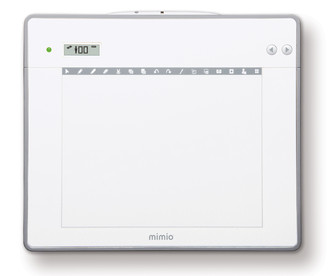
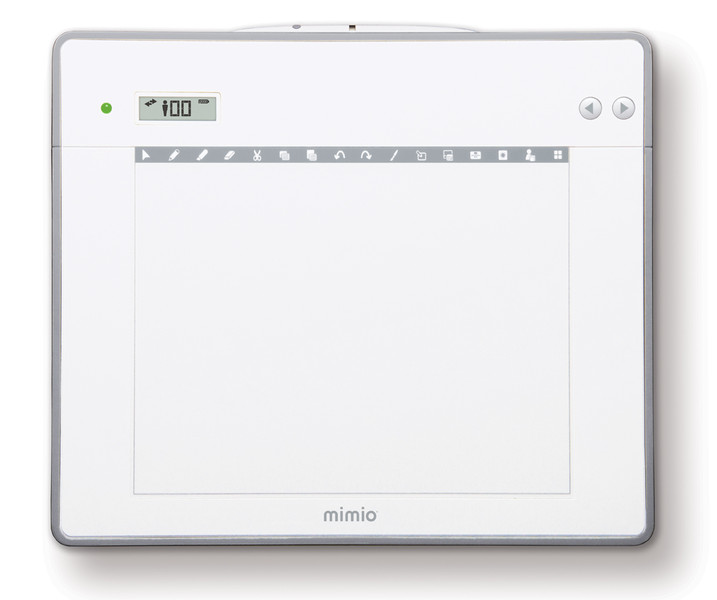
<b>MimioPad Wireless Tablet</b>
Teachers rejoice! With the new MimioPad™ wireless pen tablet you can break free and control your interactive whiteboard from anywhere in the classroom. Up to nine tablets can be simultaneously viewed and controlled on the interactive classroom display at the front of the room. It's collaborative learning, from front row to last.
<b>More collaborative learning. More classroom control.</b>
- Wireless convenience to control any Mimio interactive display from anywhere in the classroom.
- Frees teachers to move about, so they can help individual students and manage the classroom more effectively.
- New MimioStudio™ Collaborate feature allows as many as nine tablets to be controlled by students and viewed on the primary classroom display at the same time.
<b>Features:</b>
- Allows full remote control of the computer desktop and interactive whiteboard.
- Provides 16 shortcut keys to the common functions of MimioStudio classroom software.
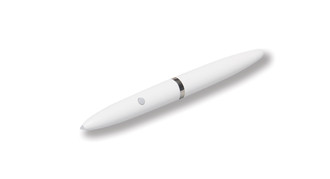
- Convenient, battery-free stylus is tethered to the MimioPad tablet and charges automatically.
- Stylus acts as a mouse, so students can draw or write in MimioStudio software or control the computer desktop.
- The Collaborate feature of MimioStudio software allows teachers to conduct collaborative activities using the MimioPad tablet or mobile devices equipped with the MimioMobile™ app.
- Collaborate group work is automatically saved to a file for future review.
- Teacher Mode allows full control of the computer desktop.
- Two-year warranty on MimioPad tablet from date of purchase, with an additional 3 years with product registration at mimio.com/warranty, for a total of 5 years.
- Student Mode allows participation in collaborative learning, with desktop control at the teacher’s discretion.
- The Control feature allows the teacher to assign control of the displayed lesson to any student’s MimioPad or MimioMobile enabled mobile device, and to take back control as needed.
- MimioStudio classroom software offers comprehensive instruction aids, including Notebook, Gallery, and Gradebook, to easily create and present lessons.
- MimioHub™ receiver automatically pairs the MimioPad tablet to other connected Mimio devices.
- Can be used as a stand-alone interactive device or in tandem with an interactive whiteboard. If used with any of the Mimio interactive whiteboards, MimioPad tablets can be supported with a single activated installation of MimioStudio software.