笔
| 压力敏感度等级 |
1024 |
| 压感传送率(报点率)(笔) |
200 pps |
| 包含笔 |
Y |
平板
| 分辨率 |
1024 lpi |
| 最大读写高度 |
10 mm |
系统要求
| 最低内存 |
32 MB |
| 最低处理器 |
Pentium |
| 可支持的Mac操作系统 |
Y |
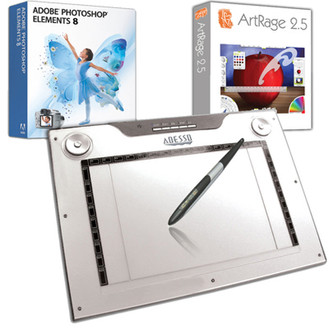
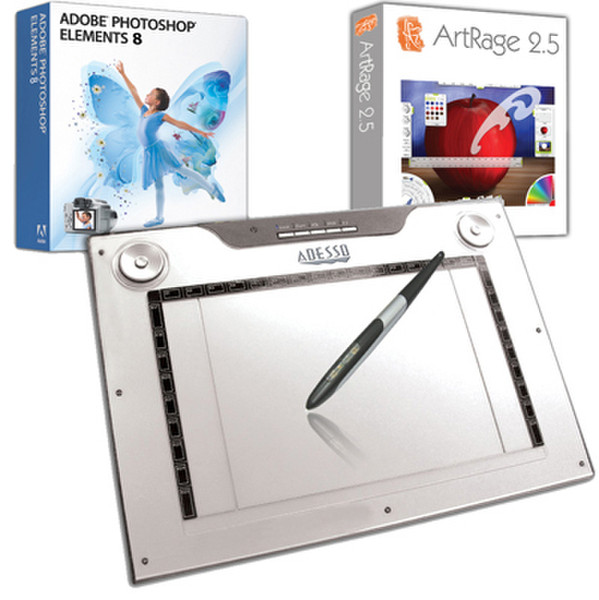
The CyberTablet M14 is one of the most spacious tablets in its class. The tablet is able to support a 12"x 7.25" or 9.5" x 7.25" selectable writing area. The tablet is great for graphic artists and animators, architects and engineers, web designers and people who love to draw. It is ideal also for students and professional who are in to handwriting, sketching, coloring and editing photos. It features a powerful pressure sensitivity to accomplish the most sophisticated computer-aided design task with the aide of 4000 lpi (lines per inch) hardware resolution and 1024 lop (level of pressure) pen sensitivity. It makes easier to use with the aide of an ergonomic pen, tablet and software which is inclusded in the package. It lets you draw naturally and let you write freehand graphics and text, as comfortable as on a real paper. This Media Graphics Tablet provides you with excellent writing and drawing convenience, making it easier for you to use with your PC or Mac.
Enjoy with Vista
Microsoft's brand-new OS Vista, provides many pen functions which are only available in Windows XP Tablet Edition. With Vista, you can achieve a tablet experience which includes note taking, handwriting recognition, and gesture recognitions to get the results you want, quickly and easily. This is a Vista ready Product. Under Vista, you do not need to install any driver. Just plug and play. Under 2000/XP, you only need to install driver once and then you can use this gorgeous device freely.
Handwriting Recognition
This new recognition technology, efficiently and accurately converts a wide variety of handwriting styles into typed text. All you need is Microsoft Windows Vista and the Cybertablet M14, and your handwriting will be instantly converted into typed text with the stroke of your pen.
Mark up, Sign, and More in Microsoft Office 2007
Always wanted to sign your name on e-mails? Or fill out an Excel sheet with your own handwriting? With the CybertabletM14, you can instantly and easily produce inking to your own office documents or handwritten letters directly to MS Outlook.
Presentations, seminars, and panel discussions
With the CybertabletM14 it has never been easier to create, edit, or emphasize your presentations and even the images you want. The CybertabletM14 is compatible with a use of the stylus to write, sketch, circle, or add notes during your presentation to emphasize the important points.
Programmable Macro Keys, Hot Keys and Rolling Pad
Now it is simple to find your favorite programs at a click on your tablet. It has defined hot keys such as cut, copy and paste which curtails a certain task. You can also program 34 hot keys to fit the style of work at hand. Click, program and play. This will simplify your work. It also have 5 hot keys for Scrolling, Zooming, Volume control, 16:9 Widescreen and 4:3 Standard writing area. Two rolling pads for left and right handed.