管理功能
| 支持多重播放 |
Y |
| 支持服务质量(QoS) |
Y |
| 重启按钮 |
Y |
| 网上管理 |
Y |
| 开关类型 |
Managed |
数据传输
| MAC 地址表 |
32000 entries |
| 交换容量 |
52 Gbit/s |
| 巨型帧 (Jumbo frames) |
9216 |
联网
| 私人 VLAN |
Y |
| 端口镜像 |
Y |
| VLAN支持 |
Y |
| IGMP侦听 |
Y |
| 生成树协议 |
Y |
| 基于端口的 VLAN |
Y |
| 基于协议的VLAN |
Y |
| 流量控制支持 |
Y |
| 动态主机配置协议客户 |
Y |
| 动态主机配置协议服务器 |
Y |
| 10G支持 |
N |
安全
| SSH / SSL支持 |
Y |
| 存取控制清单(ACL) |
Y |
端口 & 界面
| 基本交换 RJ-45 以太网端口数量 |
24 |
| 基本交换 RJ-45 以太网端口类型 |
Gigabit Ethernet (10/100/1000) |
| Combo SFP 端口数量 |
2 |
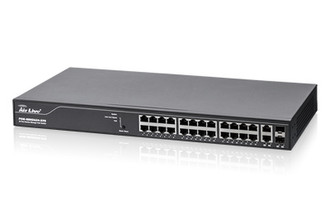
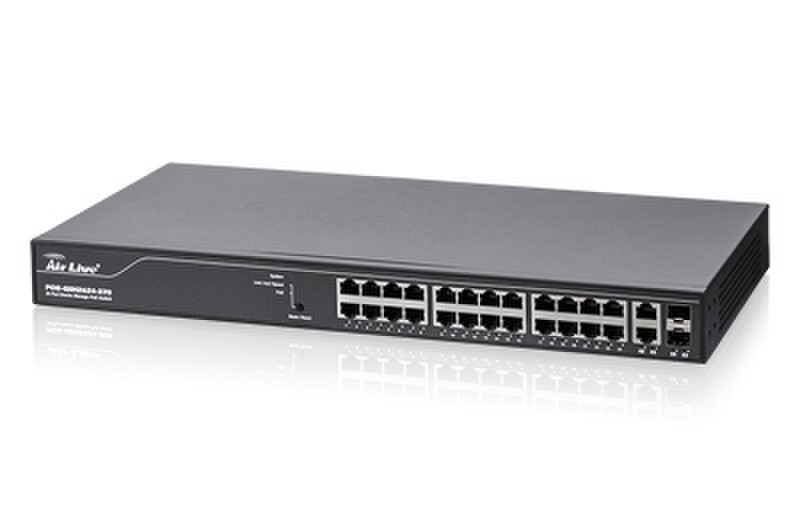
L2+, 24 x 10/100/1000Mbp RJ45, 2 x mini GBIC/UTP, DHCP, QoS, Web/ SSL
- 24 Port 10/100/1000Mbps + 2 Port UTP/SFP combo port
- 24 Port 802.3at/af PoE port
- Power Budget up to 370W
- L2+ Smart manage features
- SNMP v1/2c/3 , Trap , RMON Supported
- Graphic Manage including the Topology View, Floor View and Map View
- Video Streaming for onvif cameras
- AirLive AC.TOP manage including the channel, Tx Power , security.
Auto Topology Diagram
Automatically discover all network devices on your local network and draw out the topology diagram. Let you view and trouble shoot your network instantly.
AP and IPCAM Management
Display the status and perform simple configuration on your wireless AP or IP Cameras Show IP camera's live view video on the E-Map or Google Map
Emap and Google Map
Display the network devices on a floor plan or on the Google Map. You can view the status and manage your device by clicking on the device icons.
Supply Power to your PoE Devices
PoE-GSH2624-370 can power up your PoE devices such as IP cameras or Access Point through the RJ45 cable with the gigabit connection. The total power supply is up to 370W which is enough if you use all of the port…
Device Guard
Monitor your PoE network devices such as IP cameras or wireless Access Point. Reboot the device when it is not responding. This provide self healing network that save you cost from sending technician and fix the problems immediately.