无线局域网的特点
| 无线局域网连接 |
Y |
| 最大户外范围 |
400 m |
| 最大室内范围 |
100 m |
| Wi-Fi标准 |
IEEE 802.11g |
| 无线局域网类型 |
IEEE 802.11g, IEEE 802.11b |
端口 & 界面
| USB 端口数量 |
1 |
| 主机接口 |
USB |
| 內置式 |
N |
另外
| 数据传输率(最大) |
54 Mbit/s |
| 连接方式 |
Wired |
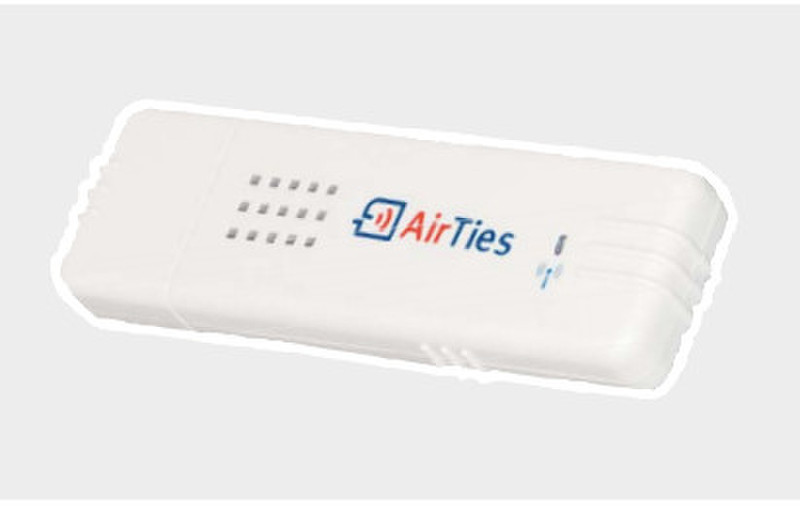
WUS-201 54Mbps Wireless USB, 802.11g, 802.11b
<b>FREE YOUR COMPUTERS FROM CABLES! Smart and compact solution for your big problems.</b>
The AirTies WUS-201 brings wireless freedom to a desktop or laptop that does not have wireless capability. You can get rid of meters of cable clutter that attach to your computer. Just plug the WUS-201 into your computer and connect to the Internet with a wireless network. Installation is quick and easy using the Easy Setup CD. You can add wireless capability to even very old PCs and laptops by plugging the WUS-201 into the USB port. Small enough to fit in your pocket, you can carry the WUS-201 with you anywhere and enjoy wireless connectivity.
The AirTies WUS-201 is compatible with all wireless access point devices that are compliant with the 802.11 b/g standards. At speeds of up to 54 Mbps, it provides fast and reliable data transfer. Supporting the latest encryption standards, the WUS-201 also provides a secure wireless connection for your computer.
<b>Your Wireless Access In Your Pockets</b>
Easy to carry, you can even put the WUS-201 in your pockets to have wireless freedom by plugging it to your computer. The small and practical WUS-201 gives you high speed wireless connectivity anywhere easily.
<b>Highest Level of Secuity with WEP, WPA and WPA2</b>
WUS-201 supports the latest encryption standards and allows your computer to securily connect to wireless networks.
<b>Easy Setup</b>
You can easily install and use the WUS-201 everywhere with its setup application and user manual. The only thing needed is to place the Installation CD into the computer and run the setup application.