读取速度
| DVD+RW 读取速度 |
8 x |
| DVD-RW 读取速度 |
8 x |
| CD-R 读取速度 |
24 x |
| DVD+R双面读取速度 |
8 x |
| DVD+R读取速度 |
8 x |
| DVD-R读取速度 |
8 x |
| CD-RW 读取速度 |
24 x |
| DVD-R 双层读取速度 |
8 x |
| CD读取速度 |
24 x |
写入速度
| DVD-R写入速度 |
8 x |
| DVD+RW烧录速度 |
8 x |
| DVD-RW写入速度 |
6 x |
| DVD-R 双面写入速度 |
6 x |
| CD写入速度 |
24 x |
| CD重写速度 |
16 x |
| DVD+R写入速度 |
8 x |
| DVD+R双面写入速度 |
6 x |
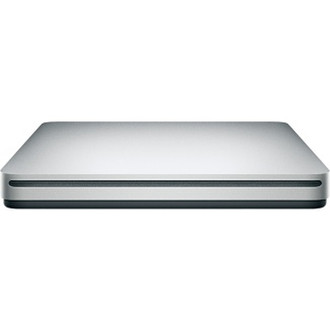
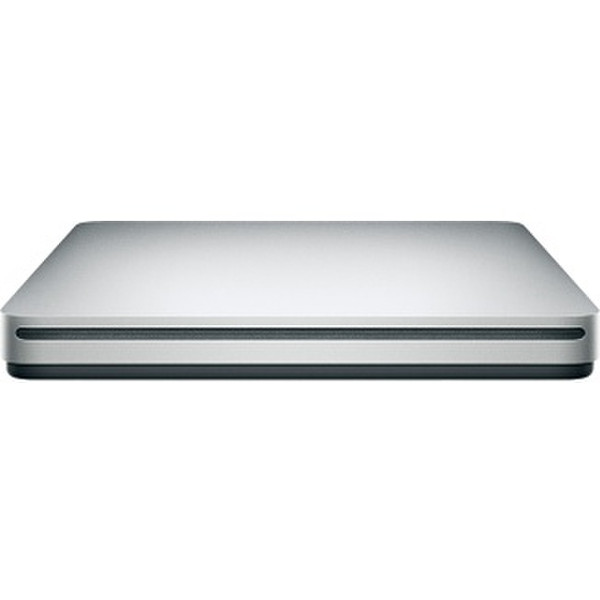
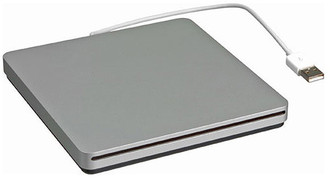
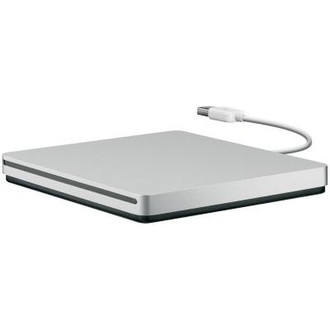
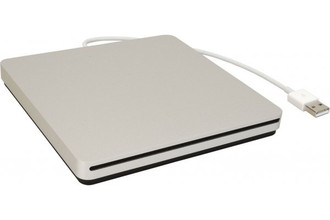
Compact and convenient, the MacBook Air SuperDrive connects to your MacBook Air computer or Mac mini with Snow Leopard Server with a single USB cable and fits easily into a travel bag. It lets you install software and play and burn both CDs and DVDs, including double-layer DVDs.
The sleek, compact SuperDrive for MacBook Air.
Everything you need in an optical drive.
Whether you’re at the office or on the road with your MacBook Air, you can play and burn both CDs and DVDs with the MacBook Air SuperDrive. It’s perfect when you want to watch a DVD movie, install software, create backup discs, and more.
Take it anywhere.
Only slightly bigger than a CD case, the MacBook Air SuperDrive slips easily into your travel bag when you hit the road and takes up little space on your desk or tray table when you’re working.
The essence of simplicity.
You’ll never have to worry about lost cables with the MacBook Air SuperDrive. It connects to your MacBook Air with a single USB cable that’s built into the SuperDrive. There’s no separate power adapter, and it works whether your MacBook Air is plugged in or running on battery power.

