安装
| 屏幕尺寸最小的 兼容性 |
13 " |
| 屏幕尺寸最大的兼容性 |
27 " |
| 安装接口兼容性(最小) |
75 x 75 mm |
| 安装界面相容性(最大) |
100 x 100 mm |
| 支持的显示器数量 |
2 |
| 适用桌子厚度(最小) |
60 mm |
| 最大承重量(最大载重能力) |
16 kg |
| 适用于 |
Computer monitor |
包装数据
| 扳手类型 |
Hexagonal wrench |
| 包括固定夹 |
Y |
| 包括扳手 |
Y |
| 螺丝包括 |
Y |
人体工程学
| 线管理 |
Y |
| 旋转角度 |
180 ° |
| 倾角 |
-15 - 15 ° |
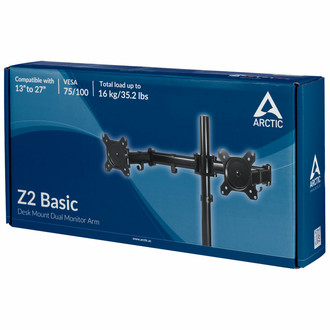
13"-27', 16 kg max, VESA 75/100, 360°
Z2 Basic
- Easy Installation
- Ergonomic Seating Position
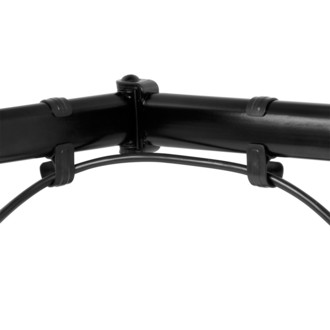
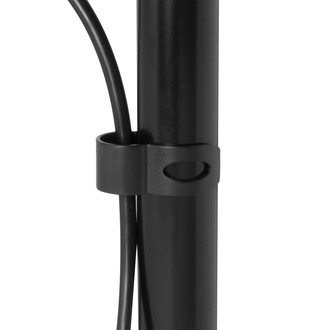
- Cable Management Frees Your Desk
Work Efficiently
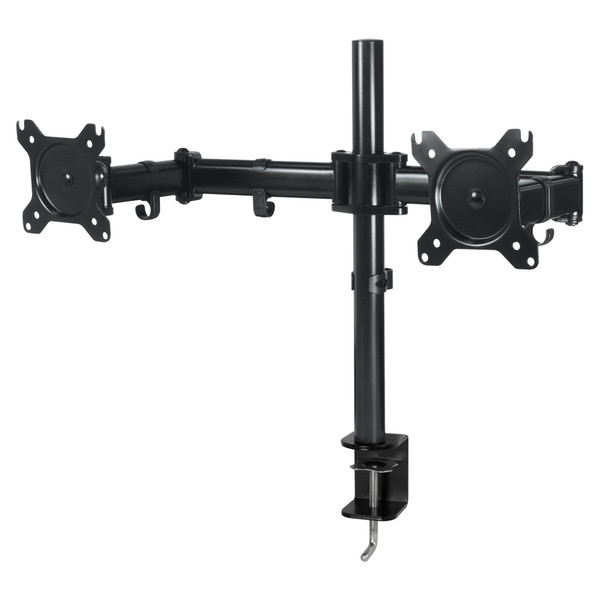
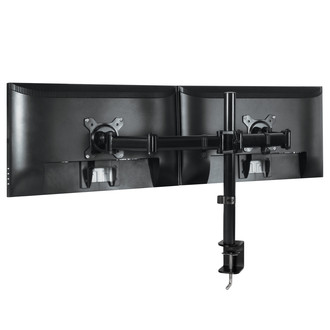
Increase your efficiency with the Z2 Basic dual monitor arm: It is often helpful to work with multiple screens at the same time to keep important applications parallel in view. The Z2 Basic extends your view and thereby simplifies not only your work, but it also allows you to work more efficiently.
More Flexibility
Turn your monitor horizontal in any direction in an easy and convenient way.
Adjustment without Removing the Monitor
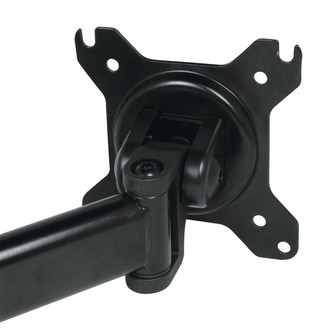
With the Z2 Basic mounting head, tighten or loosen the swivel per your need in just a few seconds. No need to take the monitor down.
Quick and Easy Installation
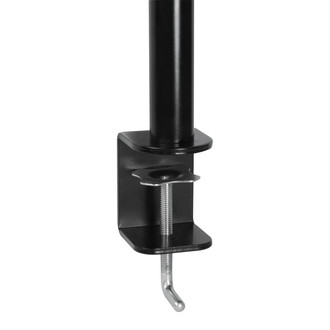
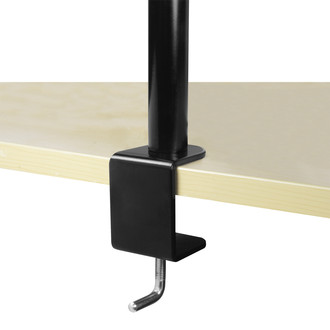
The monitor arm can be mounted on most surfaces with the sturdy and adjustable clamp which fits the edge of your desk in various thicknesses.
Ergonomic Seating Position
Pay attention to your health, also in the office. So the Z2 Basic your ergonomic seating position through ideal alignment according to your individual eye level.

