性能
| 可支持的Linux操作系统 |
Y |
| 支持安全算法 |
128-bit WEP, 64-bit WEP, WPA-PSK, WPA2-PSK, WPS |
无线局域网的特点
| Wi-Fi标准 |
IEEE 802.11n |
| 无线局域网连接 |
Y |
| 无线局域网类型 |
IEEE 802.11b, IEEE 802.11g, IEEE 802.11n |
联网
| 网络标准 |
IEEE 802.11b, IEEE 802.11g, IEEE 802.11n |
| 调制 |
OFDM |
| 频段 |
2.4 GHz |
环境条件
| 运行湿度范围(H-H) |
5 - 95% |
| 储存温度范围 (T-T) |
-20 - 65 °C |
| 储存相对湿度范围(H - H) |
5 - 95% |
重量和尺寸
| 深度 |
21.6 mm |
| 重量 |
62.6 g |
| 宽度 |
120.5 mm |
| 高度 |
22 mm |
另外
| 输出电源 |
b: 15 - 19 dBm, g: 13 - 17 dBm, n: 12 - 16 dBm |
| 数据传输率(最大) |
300 Mbit/s |
| 连接方式 |
Wireless |
| 运行温度范围(T - T) |
0 - 45 °C |
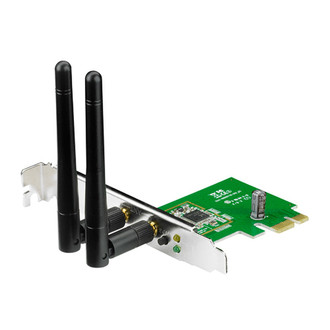
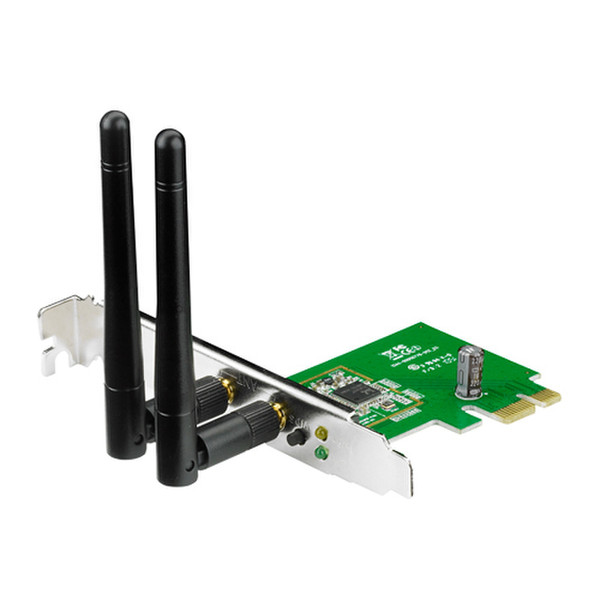
PCE-N15 - 300Mbps 802.11b/g/n Wireless PCI-E Adapter
WPS(Wi-Fi Protected Setup) button
For quickly setting up a secure wireless connection. Press the Hardware WPS button on PCE-N15 about 3 seconds, then press the WPS button on router as well. Either you can choose to use software WPS, enabling the WPS utility in the WPS Wizard interface. And finish the setup with 3 steps
Software AP
Software AP mode allows the WLAN card to act as a virtual access point. The computer needs to be connected to a wired network using an Ethernet connection in order to provide network access to WLAN client.