带宽
| 支持数据传输率 |
1, 2, 5.5, 6, 9, 11,12, 18, 24, 36, 48, 54 Mbps |
其他功能
| 连接/工作 LED |
Y |
| 安全特性 |
64/128-bit WEP, WPA-PSK,WPA2-PSK, IEEE802.1X, WPA, WPA2 |
| 无线技术 |
IEEE 802.11g, IEEE 802.11b |
| 开放空间最大射程 |
300 m. |
性能
| 接收机灵敏度 |
54Mbps: -72dBm @ 10% PER, 11Mbps: -85dBm @ 8% PER |
无线局域网的特点
| 支持无线局域网数据传输率 |
54 Mbit/s |
| 无线局域网连接 |
Y |
另外
| 室内最大射程 |
100 m. |
| 输出电源 |
11b: 15dBm, 11g: 12dBm |
| 数据传输率(最大) |
54 Mbit/s |
| 无线连接 |
Y |
| 连接方式 |
Wireless |
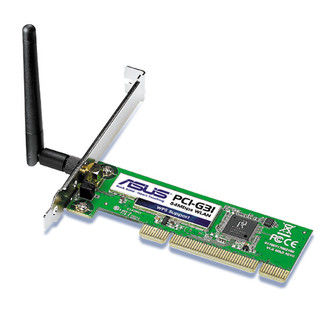
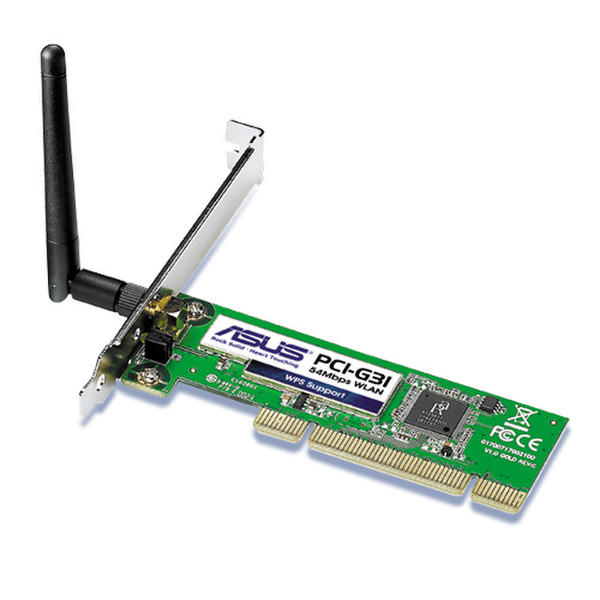
PCI-G31 - 54Mbps 802.11b/g Wireless PCI Adapter
Software WPS button
Just few clicks to setup an secure wireless environment!
Step 1:
Click "WPS" icon on Utility and click "Next"
Step 2:
Push WPS button* on ASUS wireless router
Step 3:
Wireless setting done
You are online!
* Works with ASUS RT-N13U, WL-500GP_V2, WL-520GU, RT-G32 wireless router for WPS function
Software AP
Soft AP mode allows the WLAN card to act as a virtual access point.
The computer needs to be connected to a wired network using an Ethernet connection in order to provide network access to WLAN clients.

