端口 & 界面
| 智能卡插槽 |
N |
| 组合耳机/麦克风接口 |
N |
| Micro-USB 2.0端口数量 |
1 |
| 微型HDMI端口数量 |
1 |
| 耳机输出端口 |
Y |
| 麦克风/音频输入插孔 |
N |
| DC-IN插口 |
N |
处理器的特殊功能
| 英特尔®智能连接技术 |
N |
| 英特尔®中小企业通锐软件(SBA) |
N |
| 英特尔®快速启动技术 |
N |
| 英特尔®智能响应技术 |
N |
| 英特尔® 防盗技术 |
N |
| 英特尔®身份保护技术 |
N |
| 英特尔®超线程技术 |
N |
| 英特尔®Turbo Boost技术 |
N |
| 英特尔® 我的WiFi技术 |
N |
| 英特尔®vPro™ 技术 |
N |
| 增强型英特尔®SpeedStep动态节能技术 |
N |
| 英特尔®无线显示(WiDi)技术 |
N |
照相机
| 第二摄像头分辨率 |
3 MP |
| 第二照相机 |
Y |
| 主摄像头分辨率 |
5 MP |
| 后置摄像头 |
Y |
| 前置摄像头 |
Y |
| 内置摄像头 |
Y |
| 视频录制 |
Y |
性能
| GPS |
Y |
| 陀螺仪 |
Y |
| 支持的视频格式 |
BMP, GIF, JPG, PNG, SVG, TGA, WBMP |
| GPS |
Y |
联网
| 4GWiMAX |
N |
| 数据网络 |
Not supported |
| 蓝牙版本 |
3.1 |
| Wi-Fi标准 |
IEEE 802.11n |
| 3G |
N |
| 4G |
N |
| 无线局域网类型 |
IEEE 802.11a, IEEE 802.11b, IEEE 802.11g, IEEE 802.11n |
| 蓝牙 |
Y |
其他功能
| 对接连接器 |
N |
| Full HD |
N |
| 无线局域网连接 |
Y |
存储介质
| 兼容性内存条 |
Not supported |
| 集成读卡器 |
N |
| 内部存储容量 |
32 GB |
| 儲存裝置 |
Flash |
显示器
| 触控技术 |
Multi-touch |
| LED背光源 |
Y |
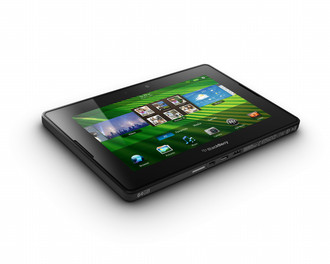
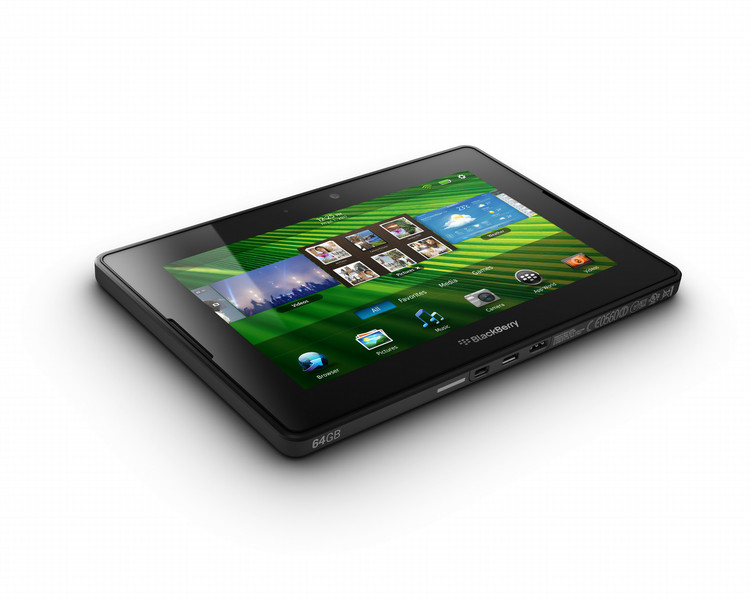
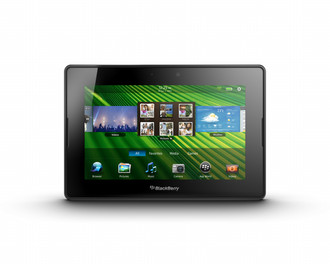
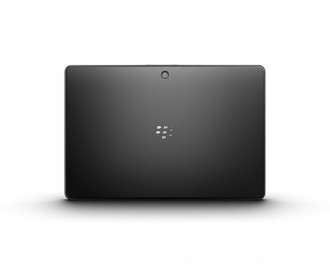
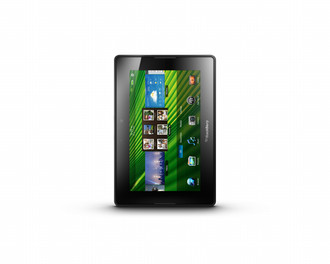
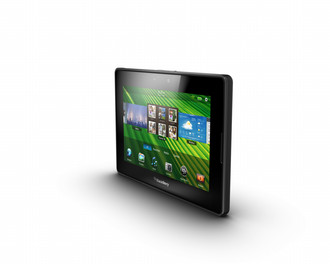
PlayBook EU 32GB - 7" LCD 1024 x 600 Multi-touch, 1 GHz dual-core, 1 GB RAM, Wi-Fi 802.11 a/b/g/n, Bluetooth 3.1, 3 MP/5 MP Camera, Micro USB, Micro HDMI, BlackBerry Tablet OS
3G+ connectivity
With super-fast network connectivity, intelligent messaging, Video Chat and a people-centred Contacts app, the 3G+ BlackBerry PlayBook has everything you need to keep in touch.
The best of BlackBerry communications
Connect with the world around you and get things done with built-in Messages, Calendar, Contacts and Video Chat apps. Easily manage your personal and work accounts with a unified inbox or communicate face-to-face by video chatting between PlayBook tablets via Wi-Fi®.
Ultra powerful. Ultra portable. Ultra fast.
From an unmatched web experience and real-time multitasking to BlackBerry® Bridge™ features that help your smartphone and tablet work together, your PlayBook delivers powerful performance in an ultra-portable design.
Leave the laptop behind
Pack more productivity into your day with access to your business applications and productivity tools. Edit Microsoft® Word, Excel® and PowerPoint® files right from your tablet with Documents To Go®. With an ultra-reliable operating system, the PlayBook is ready to work at a moment’s notice.
Bring your devices together with BlackBerry Bridge
Edit a document or browse a webpage on your BlackBerry smartphone and view it all on a larger display. BlackBerry Bridge lets you switch screens easily by opening that app on your PlayBook. Your smartphone can also act as a keyboard and mouse for your tablet.
Need help with your PlayBook?
Enjoy 90-day Complimentary Technical Support when you purchase a PlayBook and speak to a BlackBerry expert if you need help. Or view online resources like the How To Demo, user guide and Knowledge Base articles.