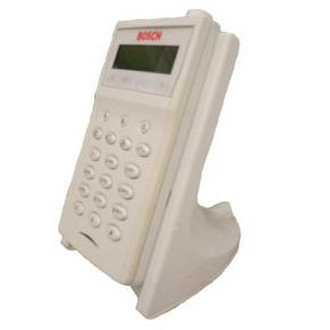
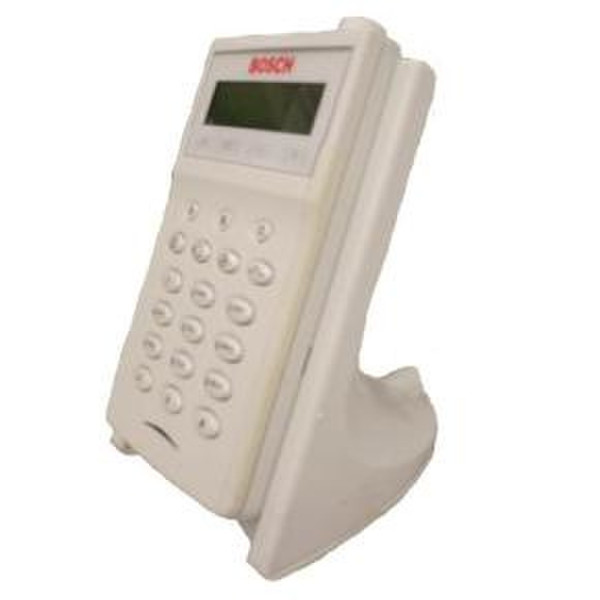
868MHz, LED indicates, 50hr, 6 - 14VDC, cream
The wLSN Installation Tool is an alphanumeric liquid crystal display (LCD) keypad that works with the
wLSN Hub to assist the installer in evaluating the suitability of a particular site for the installation of
wireless devices and for verifying the acceptability of specific locations for the placement of wireless
devices. The installation tool has a two-line, 16-character text display and a sounder. The installation
tool also has a green LED for indicating battery charging status. The installation tool comes with a plug-in transformer and two docking stations: one for wall mounting; the other is a desktop cradle.
<b>Diagnostic Modes</b>
Use the wLSN Installation Tool as a pre-installation tool for determining the suitability of a particular site for wireless applications or to validate individual device RF performance prior to permanent mounting. In other words, the wLSN Installation Tool provides assurance that a device installed at the chosen location can communicate reliably with the wLSN Hub. The wLSN Installation Tool has three user-selectable modes:
- Go/No Go: indicates whether or not the tool is receiving a signal from the wLSN Hub of sufficient strength to ensure reception by a wireless device located at that site.
- Packet Success Rate: indicates signal strength by the number of bars shown and the number of packets received by the tool (three packets are sent from the wLSN Hub every four seconds). The best location for placing a device is the one showing the highest number of bars and packets received.
- Signal-to-Noise Ratio: provides separate readings for received signal strength, ambient noise level, and signal-to-noise ratio. The higher the signal-to-noise-ratio; the better the location.
<b>Fixed Operation</b>
When placed into a docking station, the wLSN Installation Tool is powered from the docking station
through a cable and wall transformer. While the tool is in the docking station, the batteries are automatically recharged. The green status LED on the tool indicates the charging status of the batteries whenever the tool is in the docking station:
- Continuously on indicates fully-charged batteries
- Slow flashing indicates batteries are being recharged
- Off indicates the installation tool is not connected to the recharging circuit
<b>Mobile Operation</b>
When removed from the docking station, the tool automatically switches to mobile operating mode
wherein it is powered by its batteries and goes into a sleep mode after a preset duration of inactivity. The tool automatically wakes up from sleep mode whenever a button is pressed.