联网
| 布线技术 |
10/100 Base-T/TX |
| 支持网络协议 |
IPX/SPX, HTTP, TCP/IP, SNMP |
| 遵守工业标准 |
IEEE 802.3, IEEE 802.3u |
| 网路功能 |
Fast Ethernet |
媒体格式
| 日本JIS B系列尺寸(B0. .. B9) |
B1, B2, B3, B4 |
| 无边距打印纸张尺寸 |
B4 |
| ISO B系列 尺寸(B0…B9) |
B2, B3, B4 |
| ISO C-系列 尺寸(C0…C-9) |
C2, C3, C4 |
| 建筑尺寸 |
9 x 12 ", 12 x 18", 18 x 24 ", 24 x 36" |
| 卷纸最大输出长度 |
18 m |
| ANSI的纸张尺寸 |
8.5 x 11 ", 8.5 x 14", 11 x 17 ", 13 x 19", 17 x 22 ", 22 x 34" |
媒体类型
| 相纸 |
Y |
| 光滑纸 |
Y |
| 高分辨率纸 |
Y |
| 涂层纸 |
Y |
| 校样纸 |
Y |
| 不透明纸 |
Y |
运行声音
| 声功率(待机) |
6.6 B |
| 噪音水平 |
52 dB |
| 待机时声压级别 |
35 dB |
纸张处理
| 卷纸最大外径 |
150 mm |
| 卷纸打印 |
Y |
| 单页纸打印 |
Y |
| 最大纸张宽度 |
610 mm |
| 纸张厚度 |
0.07 - 1.5 mm |
输入容量
| 最大输入容量 |
1 sheets |
| 标准输入能力 |
1 sheets |
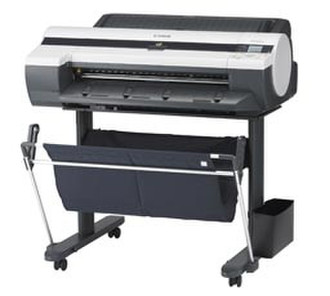
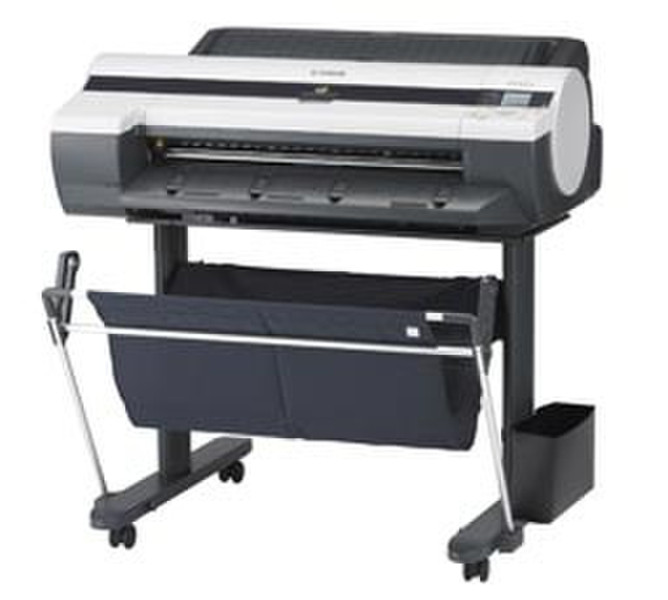
imagePROGRAF iPF605, Inkjet, 5-Color 24" Printer, A1, 2400 x 1200 dpi, 256 MB, 52 dB, IPX/SPX, HTTP, TCP/IP, Fast Ethernet, USB 2.0, 100W, 69000 g
This imagePROGRAF iPF605 is designed to support the printing needs of technical document users working with CAD (Computer-Aided Design), GIS (Geographic Information Systems), and AEC (Architecture, Engineering, and Construction) applications as well as users in general office environments. Aimed to be an affordable solution for personal and small workgroup users producing large format technical drawings, the streamlined iPF605 is offered as a desktop model, without a cassette tray for a minimized footprint. Now with the option to pair the printer with a large format stand, the iPF605 represents a versatile large format printing solution.
The iPF605 printer helps make large format printing easier than ever with included workflow software such as the new PosterArtist Lite- Poster Creation Software, Canon's Printer Driver for Windows and Macintosh, with a Free Layout feature for host-based nesting, Real Preview for real-time viewing to allow users to modify settings before “Print” is selected, and the powerful imageRUNNER Enlargement Copy feature for enlarging documents scanned on a Color imageRUNNER device with Universal Send. The iPF605 printer supports the widely available HP-GL/2 and HP-RTL page description languages and also includes an AutoCAD® HDI Driver, and Digital Photo Front-Access software for easy photo printing from digital cameras.
More Options, Reduced Footprint
Place the imagePROGRAF iPF605 right on your desktop or pair with a printer stand for added versatility. Without a cassette tray, the printer's reduced footprint fits into a smaller work environment. The desktop iPF605 printer uses less than 7.3 ft of space.
PosterArtist Lite
Canon's PosterArtist Lite poster creation software included with the printer, gives users the ability to quickly and easily create professional large format prints. Users simply follow the programs 4 easy steps to create posters that can be used in applications such as Office presentation, Trade shows, Retail Signage and much, much more. The PosterArtist QuickCopy feature provides an easy solution for a CanoScan desktop scanner to be used as copier, making letter-size flyers and documents into full-size posters with a touch of a button. For those with more demanding poster creation needs, Canon's optional PosterArtist 2009 offers advanced features such as Auto Design, Variable Data and in-application image editing features, as well as additional templates, royalty-free photos and clip art. The Built-in weblink feature in PosterArtist Lite links users directly to the PosterArtist website for useful hints and tips, and even more free contents for download.
Printer Driver
This Windows® and Macintosh® driver incorporates simplified page setup options, one-touch borderless printing, expanded color settings, and much more into a printer driver that is intuitive and easy to operate, but still gives even the most advanced users the tools needed to stay productive. The Real Preview feature lets users ensure that the print setting and the layout on the roll paper is correct, by providing real time preview, allowing users to change the print setting even after clicking on ?print?. The Free Layout feature enables nesting and custom layouts of images or files of nearly any type (available for both Windows and Mac driver). And the imageRUNNER Enlargement Copy feature built-in to the printer driver lets users transfer data from their Color imageRUNNER device with Universal Send to the imagePROGRAF printer, all with the touch of a button. This feature allows users to easily create posters from hard copy documents. The Economy Print Mode produces draft prints on plain paper while reducing the total ink consumption. This new feature regulates the use of each ink tank to produce high speed output with significantly less ink usage.
Features:
- Easy-to-use preset document profiles (examples are Poster, CAD, Photo);
- Automatic print quality options dependent on print application and media;
- Real Preview that lets users change document and printer settings after clicking ?print?;
- Page nesting feature with Free Layout for Windows and Mac;
- imageRUNNER Enlargement Copy feature -Scan on an imageRUNNER and print out on an imagePROGRAF;
- New Economy Print Mode;
- Borderless printing;
- Easy setting/Advanced setting.
Reactive Ink Technology
Ideal for technical applications, Canon's breakthrough 5-color dye/pigment Reactive Ink technology utilizes four highly colorfast dye inks for producing bold, expressive color plus two channels of matte black ink for printing precise lines, smooth curves and small text on technical and office documents. These Canon inks provide superior adhesion to media, scratch and marker resistance and ensure minimal "bleeding" between colors and text. Even small text printed on colored backgrounds or on uncoated technical papers is crisp and legible.
High Density Print Head PF-03
Engineered for speed and advanced image production, the iPF605 boasts Canon's latest print-head technology to lay down ink with unprecedented speed and accuracy. The iPF605 uses a high-precision, high-density print head with a total of 15,360 nozzles to lay down 4 picoliter-size ink droplets to produce sharp detail and excellent image quality. The superfine 4 picoliter-size droplets produce delicate color gradations and high-definition. The twin lines of nozzles on the print head enable the iPF605 to minimize the number of printing passes and still maintain print quality. More nozzles mean more ink is ejected with every pass of the print head, no matter what print mode or media.
HDI Driver
With the Canon HDI Driver for AutoCAD application, the driver creates a vector graphical representation of the printed data. Here points are defined and a curved line is calculated mathematically in order to achieve precision. The HDI Driver creates a graphically accurate drawing of the printed data.
Features:
- Exact page size that corresponds with the actual print size;
- Print Type setting;
- Print Quality setting;
- Color Mode setting;
- Brightness slide bar setting;
- Black ink print feature;
- Advanced media settings.
L-COA Processor
Canon's L-COA (Large Format Printer COmmon Architecture) print controller is the "brain" that powers the printers' data. This unique, high-speed processor drives the print engine to lay ink down with high precision and helps ensure optimal image quality and color accuracy. This processor enables the print system to process large volumes of data while optimizing output of complex high-color GIS images and architectural renderings for maximum readability and color accuracy.