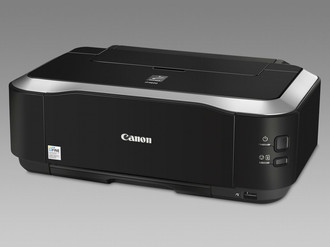
技术细节
| 输入能力(2盘) |
150 sheets |
| 标准纸托盘 |
2 |
| 纸张尺寸(托盘1) |
A4 |
| DVD/CD 印刷 |
Y |
| 接口 |
USB |
| 打印技术 |
Inkjet |
| 电源类型 |
AC |
打印速度
| 打印速度(黑色,一般质量,A4/US Letter) |
7.3 ppm |
输入容量
| 纸张类型和容量(纸盒1) |
A4 |
| 标准输入能力 |
150 sheets |
环境条件
| 推荐操作温度范围 |
5 - 35 °C |
| 推荐的工作湿度范围 |
10 - 90 |
端口 & 界面
| PictBridge(数码相机和打印机直接连接的行业标准) |
Y |
| 直接打印 |
Y |
媒体格式
| 标准纸张尺寸 |
A4, B5, A5, Letter, Legal, 10 x 15cm, 10 x 18cm, 13 x 18cm, 20 x 25cm, 54 x 86mm |
纸张处理
| 双面打印材料 |
A4, B5, A5, Letter & 13 x 18cm |
| ISO A 系列文件最大尺寸 |
A4 |
| 介质重量(托盘1) |
64 - 105 g/m², 300 g/m² |
另外
| 打印速度(彩色,一般品质,A4/US Letter) |
6 ppm |
| 打印噪音水平 |
45.5 dB |
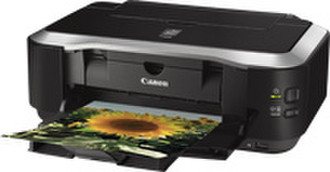
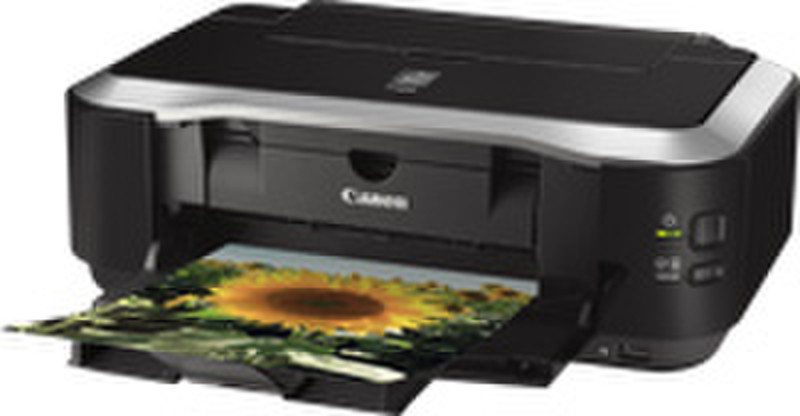
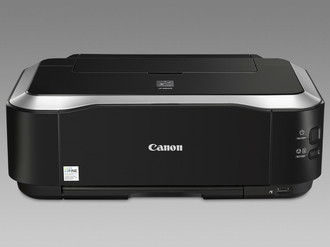
PIXMA IP4600, InkJet, 10X15
Canon’s range-topping A4 PIXMA inkjet printer makes creating beautiful, long-lasting prints quick and easy, with extra media-handling features for added versatility.
Photo printing
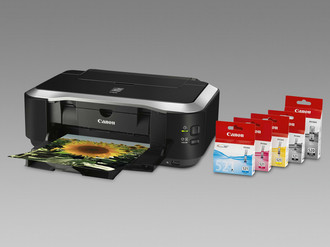
Experience exceptionally high-quality prints with fine detail thanks to a separate dye-based black ink for photos, 1pl ink droplets and a resolution of 9600x2400dpi. A premium print engine makes it possible to create a photolab-quality print in approximately 20 seconds. Quality and efficiency are maintained through the use of 5 Single Inks – simply replace individual ink tanks when they run out.
The ChromaLife100+ system is a combination of the PIXMA iP4600, original inks and selected Canon genuine photo papers. Working together, these three unique components deliver beautiful, long-lasting photo prints.
Easy to use
A range of practical functions makes creating photos and documents even more exciting and productive. With Canon’s Easy-PhotoPrint EX it’s easy to print calendars, albums and photos. Auto Photo Fix automatically corrects photos, including red-eye correction; auto duplex makes double-side printing straightforward – saving on paper and producing professional-looking documents. Two paper trays enable users to have plain and photo paper loaded at once.
Document printing
Print text documents in mono or colour; a pigment black ink delivers crisp, sharp text. Single or double-sided printing is possible with the auto duplex feature – a practical and efficient function.
Print on DVD/CD
Managing your data storage is easy as you can personalise your DVDs and CDs for business, friends and family. Simply print direct onto the surface of the printable DVD or CD. CD-LabelPrint software lets you create layouts by adding your own text and images.
Print direct
There is no need for a PC to be involved in your print process. With PictBridge technology you have a quick and convenient way to print images from compatible digital cameras, camcorders or mobile phones.
Operating system
Windows and Mac OS X compatible