性能
| 数据传输速度 |
60 Mbit/s |
| USB数据传输速率 |
480 Mbit/s |
磁盘驱动器
| 硬盘容量 |
120 GB |
| 硬盘转速 |
5400 RPM |
| 传动装置,缓冲区大小 |
8 MB |
| 硬盘接口 |
Serial ATA |
EBS-120 - 120 GB
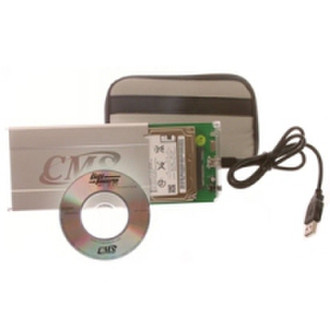
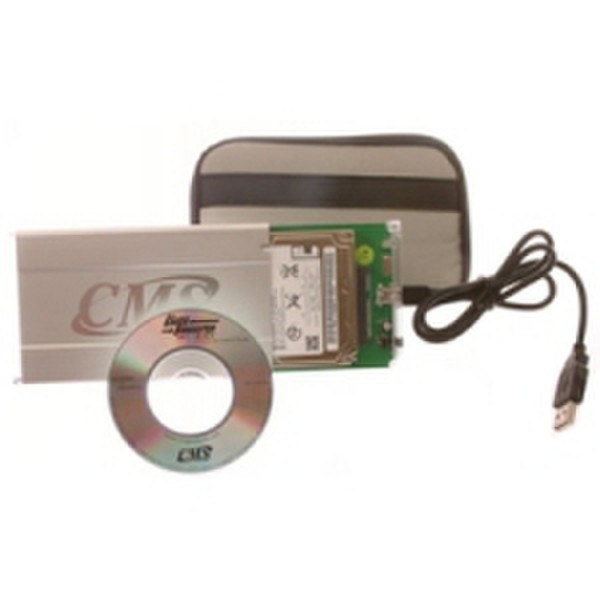
EasyBundle makes upgrading a laptop hard drive very easy. To perform your upgrade, place your new laptop drive into the Data Transfer Kit Enclosure and plug into your laptop's USB port. Install and run the BounceBack Transfer software. BounceBack will transfer your Operating System, Applications, Settings and Files to the new hard drive, and make the drive bootable so it can be installed into the laptop. Once you are finished transferring, simply install the hard drive in your laptop and power-on. You can even make use of your old hard drive by placing it in the data transfer enclosure and using it as a backup drive.

