系统要求
| 最低处理器 |
PowerPC G5 |
| 最低内存 |
512 MB |
| 最小硬盘空间 |
15360 MB |
软件
| 可支持的Mac操作系统 |
Mac OS X 10.5 Leopard, Mac OS X 10.4 Tiger |
技术细节
| 主机接口 |
USB 2.0 |
| 內置式 |
N |
| 视频采集来自 |
VHS |
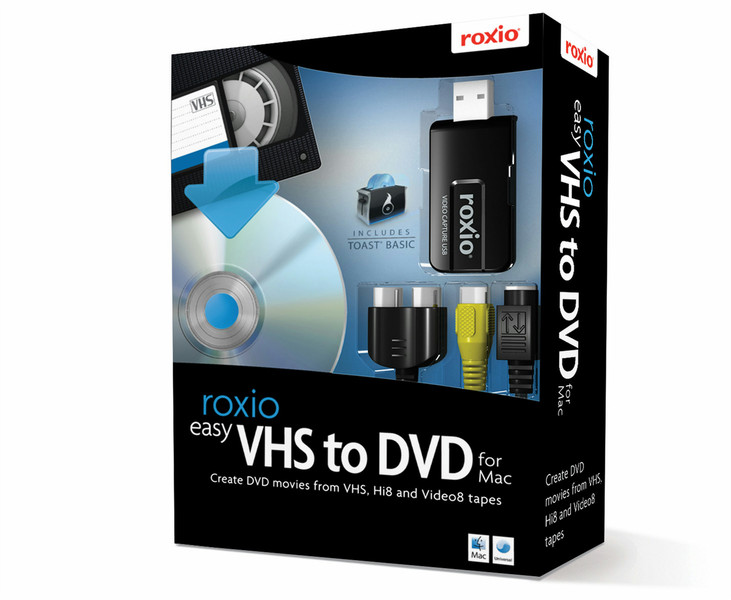
Easy VHS to DVD for Mac, Mini Box, EN
Everything you need to make DVDs from your VHS and camcorder tapes!
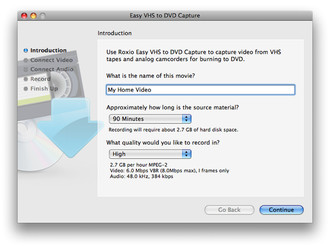
It’s a sad fact that VHS, Hi8 and Video8 tapes will degrade over time, eventually losing their original quality. Don’t let your memories fade away! Now you can digitally preserve your precious memories for generations to come. Roxio Easy VHS to DVD for Mac makes it easy to convert analog video to digital formats for playback on DVD, on your Mac, or on portable devices like iPods and iPhones.
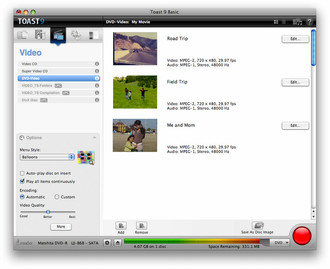
Bonus: Toast Basic
Step 1: Start with your VCR or camcorder
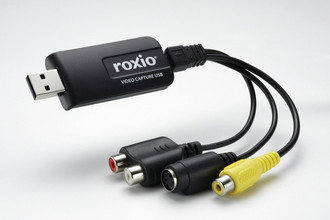
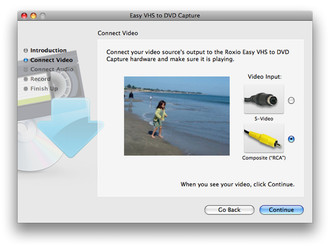
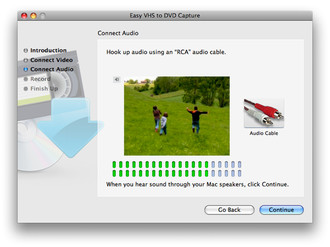
Connect your VHS player or camcorder to the included capture device using RCA cables
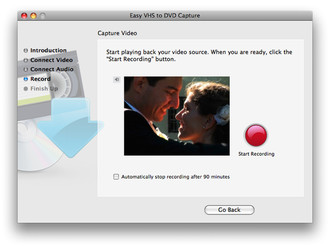
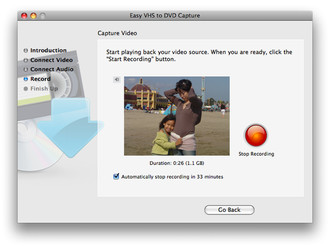
Step 2. Connect your Mac and capture
Connect the capture device to your Mac's USB port
Step 3. Preserve & share your memories
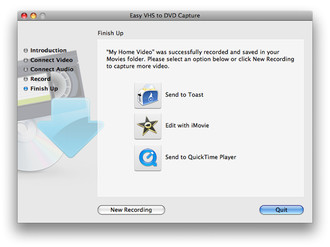
Capture and share on DVD, portable devices or online

