性能
| 处理器频率 |
800 MHz |
| 打印 |
Mono printing |
| 占空比(最高) |
150000 pages per month |
| 双面打印功能 |
Copy, Print, Scan |
| 烤貝/ 影印 |
Mono copying |
| 印刷颜色 |
Black |
| 打印技术 |
Laser |
| 占空比(推荐) |
2500 - 15000 pages per month |
| 传真 |
Mono faxing |
| 扫描 |
Colour scanning |
扫描
| 可支持文件格式 |
PDF |
| 支持的视频格式 |
BMP, JPG, TIF |
| 扫描至 |
E-mail, FTP, USB |
| 光学扫描分辨率 |
1200 x 1200 DPI |
输入容量
| 最大输入容量 |
2300 sheets |
| 纸张输入数量 |
2 |
| 标准输入能力 |
550 sheets |
| 纸张输入类型 |
Paper tray |
| 多功能托盘容量 |
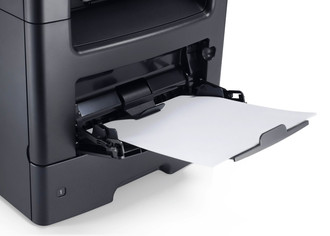
100 sheets |
| 自动进纸槽(ADF)容量 |
50 sheets |
打印速度
| 打印速度(黑色,一般质量,A4/US Letter) |
47 ppm |
| 首页时间(黑白,正常) |
6.5 s |
能量控制
| 功耗(平均打印) |
640 W |
| 功耗(节能) |
0.4 W |
输出容量
| 标准输出容量 |
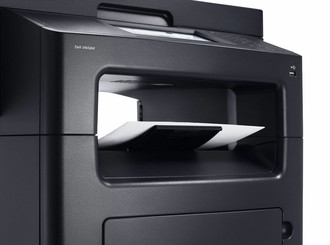
250 sheets |
| 最大输出能力 |
250 sheets |
纸张处理
| 日本JIS B系列尺寸(B0. .. B9) |
B5 |
| ISO B系列 尺寸(B0…B9) |
B5 |
| 非ISO打印介质尺寸 |
Executive, Folio, Legal, Letter, Statement |
| ISO A 系列文件最大尺寸 |
A4 |
| 信封尺寸 |
9, 10, DL, Monarch, 7 3/4 |
复印/影印
| 复印速度(一般质量,黑色,A4) |
50 cpm |
| 复印量(最大) |
999 copies |
| 最大复印分辨率 |
600 x 600 DPI |
| 复印缩小/放大设置 |
-25 - 400% |
传真
| 传真转发 |
Y |
| 调制解调器速度 |
33.6 Kbit/s |
软件
| 可支持的Mac操作系统 |
Mac OS X 10.5 Leopard, Mac OS X 10.6 Snow Leopard, Mac OS X 10.7 Lion, Mac OS X 10.8 Mountain Lion |
另外
| 最大内部存储 |
3072 MB |
| 传真内存 |
12 MB |
| 最大纸张输入数量 |
5 |
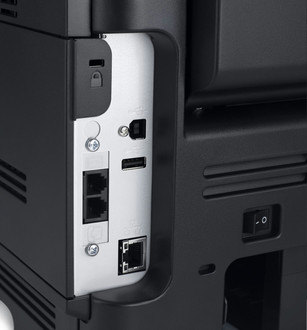
| 以太网连接器 |
Y |
| 打印噪音水平 |
55 dB |
| 扫描类型 |
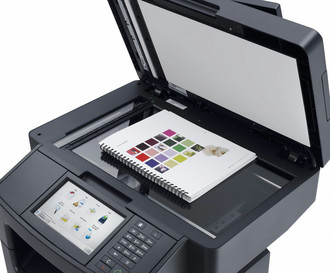
Flatbed & ADF |
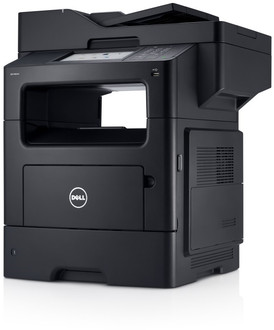
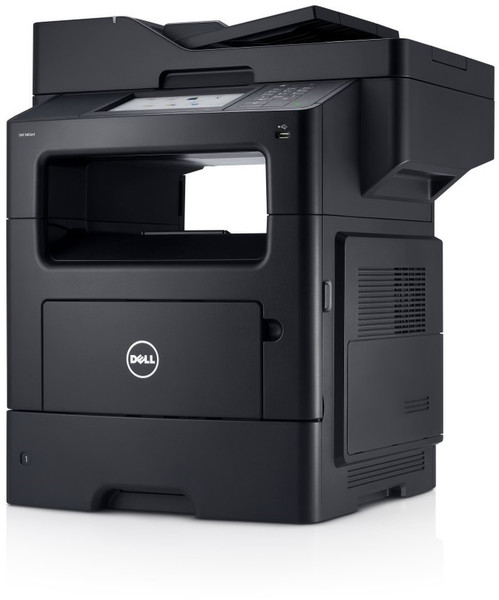
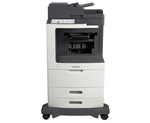
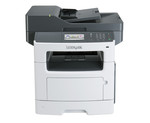
800MHz Dual-Core CPU, 1GB DDR3, 47ppm (A4), 1200dpi, DADF, Hi-Speed USB 2.0, Gigabit LAN, 23.6kg, Black
Your versatile office solutions partner.
Bring productivity to your business with a high-performance multifunction printer offering fast speeds, network capability and document management.
- Scan and save documents to USB, network or directly to e-mail
- Print or copy at speeds of up to 47 ppm1 (A4) with a first-print-out time (FPOT) as fast as 6.5 seconds.
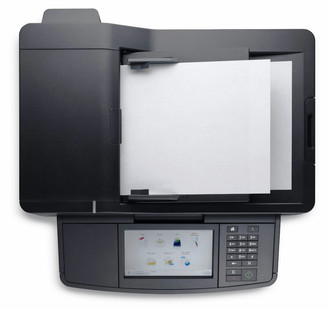
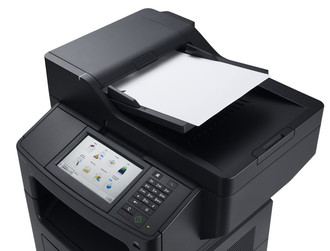
- Boost productivity with intuitive 7 inch colour touchscreen and built-in Duplex Automatic Document Feeder (DADF).
- Windows® 8 and Windows RT compatible
Outstanding multifunction performance and value
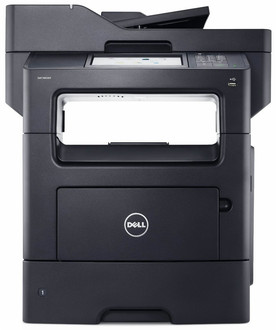
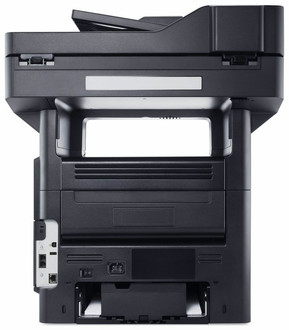
Scan, print, copy or fax with the speed, control and dependable performance of the DellTM B3465dnf multifunction printer.
- Print or copy at speeds of up to 47 ppm (A4) with a first-print-out time (FPOT) as fast as 6.5 seconds.
- Gigabit Ethernet connectivity and the optional External Wireless Adapter help maximize data transmission speeds across your network.
- A powerful 800MHz dual-core processor and 1GB3 of onboard memory enable fast data processing.
- Add the optional 2GB memory upgrade for maximum onboard memory of 3GB.
- Save time and paper with automatic two-sided printing and increase efficiency with built-in Duplex Automatic Document Feeder (DADF) for fast two-sided scanning and copying.
- In addition to a 150,000-page maximum monthly duty cycle, the B3465dnf offers a low cost per page with the optional Extra High Capacity 20,000-page toner cartridge.
Efficient document management with expandable options
The Dell B3465dnf multifunction printer comes with a full menu of features and functions designed to help simplify document storage and sharing.
- Scan and save your documents directly to email or to one of 30 folder destinations.
- Card Copy allows you to scan and print both sides of a card on a single page, saving paper and conveniently displaying information.
- Quickly access and print frequently used forms stored on your network, FTP or website using the Forms and Favorites feature.
- Create up to 25 copy, fax and email shortcuts that are quickly accessible through the control panel.
- Print directly from AndroidTM mobile devices using Dell Mobile Print or from iOS mobile devices with AirPrint.
- Increase your input paper capacity with the optional 550-sheet input paper tray (up to a total paper capacity of 2,300 sheets with 3 optional trays).
- The optional Staple Finisher offers convenient inhouse stapling of print-outs.
Intuitive design and controls
The Dell B3465dnf multifunction printer features a user-friendly design and smart applications that can help you effectively reduce downtime.
- An adjustable 7" colour LCD touchscreen and 19-button keypad enable simple navigation.
- Web-based remote management with the Dell Printer Configurator Web Tool allows you to modify settings, view printer status, release held print jobs, create bookmarks and perform other print-related tasks remotely.
- Monitor the usage, statistics and settings of multiple printers with Dell OpenManage.
Advanced security features
Protect your network and valuable data with robust security features.
- Confidential Print: Send sensitive documents to the print queue, where they’re held until a PIN is entered for secure printing and pickup.
- Network data security: SNMPv3 and IPV6 protocols with IPsec encrypt data while the optional wireless card supports 802.1x wireless security.
- Access control: Enable and disable printer functions and allow remote access via security templates.
- Physical security: Physically secure the printer via a Kensington® lock. You can also use the optional lockable paper tray to protect costly or sensitive media, such as company letterhead (lock, cable and optional tray sold separately).