协议
| 动态主机配置协议服务器 |
Y |
| 动态主机配置协议客户 |
Y |
性能
| 重启按钮 |
Y |
| 用户数量 |
64 user(s) |
| 5 GHz |
Y |
| 以太网的数据传输率 |
10, 100, 1000 Mbit/s |
| 2.4 GHz |
Y |
另外
| 开/关切换钮 |
Y |
| 数据传输率(最大) |
1200 Mbit/s |
IEEE 802.11ac, 1200Mbps, 2.4GHz, 5GHz, DHCP server, DHCP client, PoE
- IEEE 802.11ac wireless Access Point with PoE PD port and ceiling mount housing
- Supports multiple SSID with bandwidth management per SSID
- Equipped with advanced central wireless management (AP Management)
- Up to 1200Mbps Wi-Fi throughput
- 2 years back to base warranty
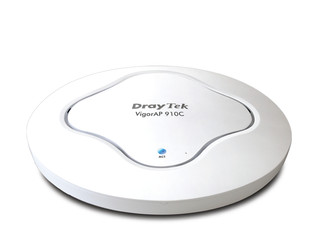
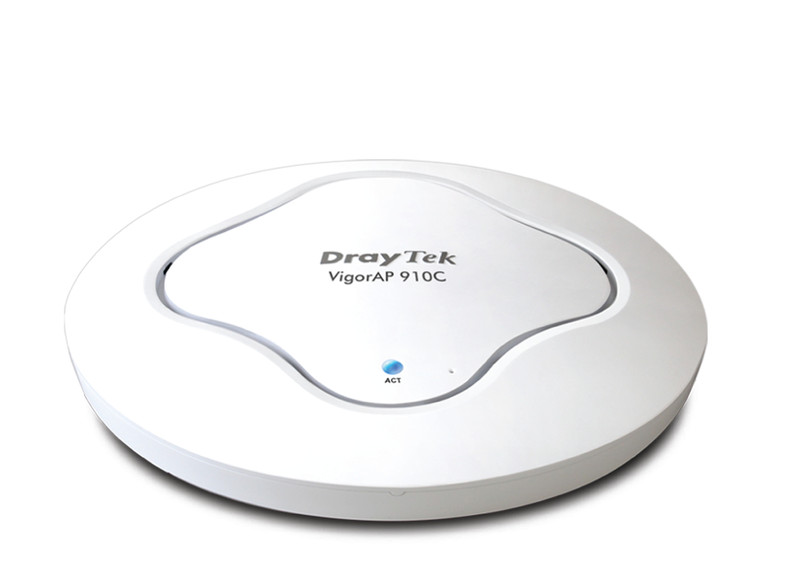
VigorAP 910C is an 802.11ac wireless access point with a PoE PD port and ceiling mount housing. It supports expanded wireless features such as multiple SSID, hidden SSID, Wi-Fi multimedia, wireless isolation, an internal radius server and universal repeater mode.
With the optimized antennas built-in, DrayTek VigorAP 910C ceiling-mount wireless access point is ideal for hospitalities, small offices and small campus. The VigorAP 910C is IEEE 802.11ac compliant and supports multiple operating modes, such as wireless access point, wireless client, wireless distribution system (WDS) and universal repeater. The VigorAP 910C makes high density with quality-performance be feasible for users as it is going to be implemented with DrayTek central wireless management (AP Management) supports configuration, firmware upgrade, status, monitoring, and load-balancing.
<b>The benefits of central wireless management ( AP Management)</b>
The VigorAP 910C can operate in standalone mode for your office network or a classroom; connected to your LAN and offering you with wireless access. If your network requires several VigorAP 910C units, to centrally manage and monitor them individually as a group will be expected. DrayTek central wireless management (AP Management) lets control, efficiency, monitoring and security of your company-wide wireless access easier be managed. Inside the web user interface, we call “central wireless management” as AP Management which supports mobility, client monitoring/reporting and load-balancing to multiple APs. For central wireless management, you will need a Vigor2860 or Vigor2925 series router; there is no per-node licensing or subscription required. With the unified user interface of Vigor2860 Combo WAN series and Vigor2925 Triple WAN series, the multiple deployment of VigorAP 910C can be clear at the first sight. For multiple wireless clients, to apply the AP Load Balancing to the multiple APs will manage wireless traffic with smooth flow and enhanced efficiency.
<b>PoE for easy installation</b>
The Power of Ethernet (PoE) on VigorAP 910C relieves the installation of power plug. The massive deployment of VigorAP 910C for hospitalities and school environment will be much easier.
<b>WMM for Wi-Fi application prioritization</b>
DrayTek implements intelligent wireless prioritization technology on VigorAP 810 for best utilization of wireless coverage. VigorAP 910C supports Wi-Fi Multi Media standard (WMM). It is a standard created to define Quality of Service (QoS) in Wi-Fi networks. It is a precursor to the upcoming IEEE 802.11e WLAN QoS draft standard, which is meant to improve audio, video and voice applications transmitted over Wi-Fi. WMM adds prioritized capabilities to Wi-Fi networks and optimizes their performance when multiple concurring applications, each with different latency and throughput requirements, compete for network resources.
<b>Comprehensive WLAN security control</b>
You can obtain the MAC addresses of each wireless client from its configuration utility or operating system. You then enter these addresses into a configuration page of VigorAP 910C. When MAC address filtering is activated, VigorAP 910C performs additional check for wireless clients to prevent network breaking. Clients within the authenticated list will be able to join with the WLAN. Those who are not on the list will be denied while VigorAP 910C receives their request to join the WLAN.
With industry level security standards for wireless user authentication and data encryption, 802.11i (WPA2) offers strengthened and interoperable wireless networking security. The activation of 802.1x RADIUS (Remote Authentication Dial-in User Service) allows you centrally manage and store user names and passwords either within the VigorAP 910C setup itself (thus not requiring any external server) on an external radius server which can allow continuous, time-limited, or temporary access to your clients as required. You can ensure that only legitimate clients can be associated with corporate RADIUS servers.
<b>WDS for unlimited coverage extendibility</b>
The VigorAP 910C can extend over large areas (alike shopping mall) by its “WDS” (wireless distribution system). WDS takes care of the establishment of WLAN network with “point-to-point” and “point-to-multipoint” bridging and repeater modes. The repeater mode provides extend wireless access to additional clients where there is a relay AP repeats signal from a base AP to distant clients. The bridge-to-bridge mode allows two wired networks to be connected across some distance.
<b>TR-069-supported VigorAP910C can work with TR-069 VigorACS SI Central Management</b>
The VigorAP 910C is TR-069 base. Hence, you can host VigorACS SI Central Management to manage several VigorAP 910C which were deployed remotely.