电池
| 内置电池 |
N |
| 电池类型 |
AA |
| 支持的的电池数量 |
2 |
按钮
| 输入类型 |
Press buttons |
| 背光按钮 |
N |
RC-10, 2 x AA, 112g
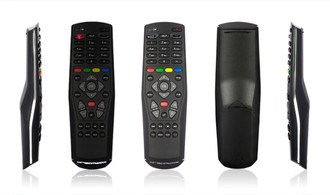
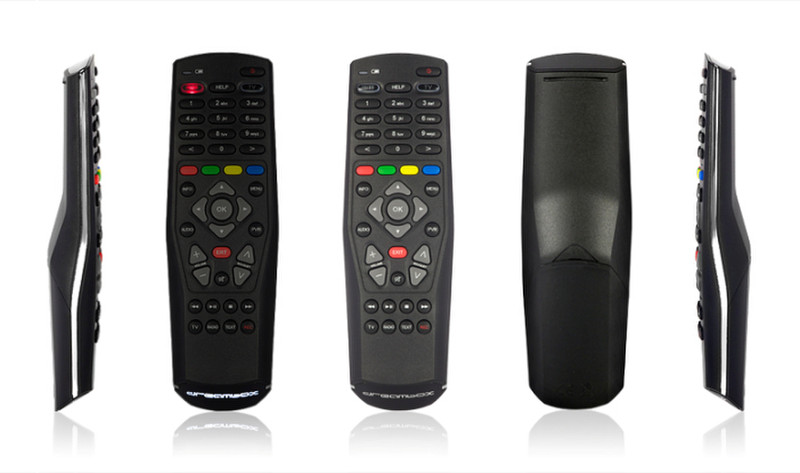
<b>Beautifully shaped remote control</b>
- Huge TV database that includes nearly every TV set available
- Scan function that enables you to control every TV in TV-Mode
- Learning function to integrate additional functionality of the TV
- Quadruple code switching using a DIP-Switch makes it possible to control several Dreamboxes in one room
- Battery status giving you an early warning about low voltage
The RC-10 can be switched to TV mode by pressing a single key. In this mode, the remote control is capable of learning the codes of other remote control units, allowing you to control your entire range of home electronics via the RC-10. A comprehensive database including a code search function is available to facilitate the selection of the TV control.
The Dream RC-10 sets new standards for balanced, ergonomic design. The remote control unit fits your hand perfectly, allowing you to press all the keys with your thumb. In addition, the remote control will indicate when the battery is close to reaching the end of its life. The design is rounded off by the Dream logo near the bottom end of the remote control, this lights up when a key is pressed.
The RC-10 allows you to control up to four separate Dreamboxes located in the same room. You can select the receiver to be controlled via a DIP-switch located in the battery compartment of the remote control unit. Apart from the DM7020 HD, the RC-10 can also be used to control the DM8000 HD PVR, DM800 HD se and also the DM500 HD for series beginning with the serial number XXXXXX52050.