另外
| 数据传输率(最大) |
0.7 Mbit/s |
| 连接方式 |
Wireless |
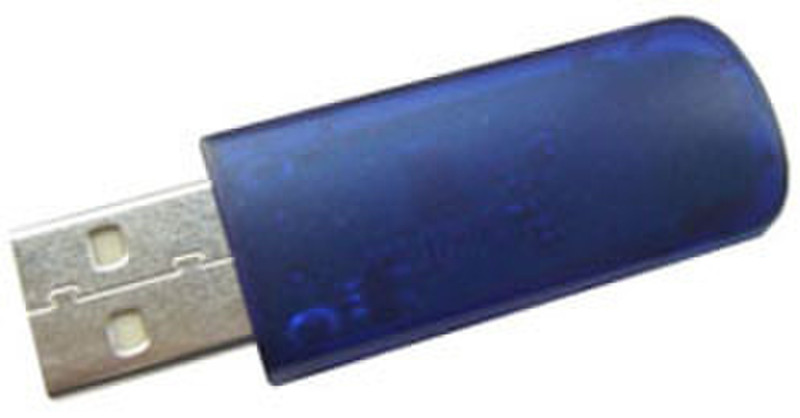
50M Class 2 Bluetooth Dongle
The Bluetooth® wireless technology provides short-range wireless communications that replace the physical cable connections that traditionally link electronic devices such as:
-Network access points.
-Computers (desktop, notebook, PDA, and so on).
-Imaging devices (printer, camera).
-Audio devices (headset, speakers).
The Bluetooth wireless technology also enables communication between the above devices and Bluetooth-enabled phones (cellular, cordless, smart phones, and so on). The Bluetooth for Windows software consists of the following components:
-Microsoft® Windows® Explorer Extensions—Provide access to Bluetooth devices in the immediate vicinity using Windows Explorer.
-My Bluetooth Places—Graphical user interface (GUI) that provides access to Bluetooth devices in the immediate vicinity. Also provides access to configure the local devices and access to perform other Bluetooth tasks.
-BTTray Security Manager—Controls and manages Bluetooth security levels. Also enables you to grant or deny access and to filter what can be accessed on a Bluetooth device.
-Bluetooth for Windows Configuration Panel—Configures your Bluetooth for Windows (BTW) software using the Windows Control Panel.
-Stack Server—Provides an interface for the operating system to control Bluetooth devices and to ensure that Bluetooth connections operate together correctly. The stack server has a built-in Security Manager that protects the Bluetooth device from unauthorized access.
-Bluetooth Setup wizard—Facilitates the configuration and modification of your Bluetooth environment. The wizard can be used to configure or change local services or to establish connections to remote devices based on service type or device type.
-Quick Connect—Facilitates fast connections based on service type. You are able to quickly find devices that support a particular service and establish a connection to that service. During this process, a shortcut to the service is created in My Bluetooth Places, which can be used for subsequent connections.