系统要求
| 最小硬盘空间 |
0.05 GB |
| 最低内存 |
32 MB |
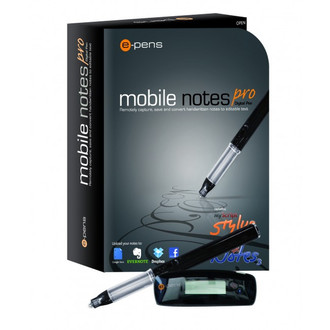
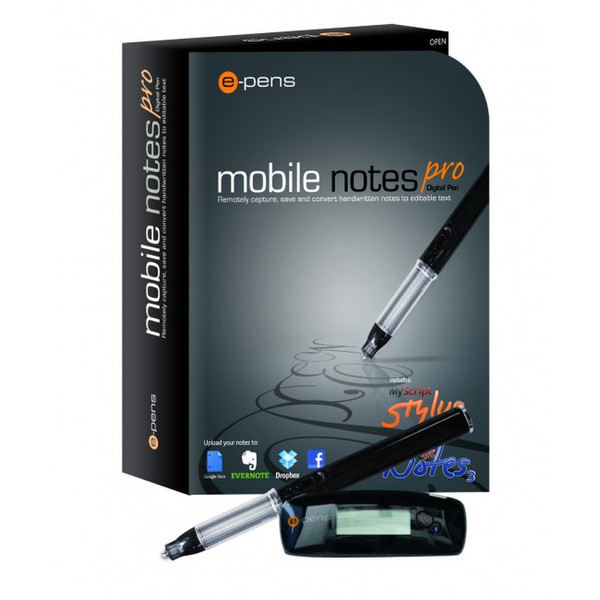
EPN005-EN - mobile notes pro
Handwritten notes and illustrations are captured using an ink filled rechargeable digital pen & base unit attached to normal paper. Your notes can then be uploaded via USB cable to PC or Bluetooth to PC, Blackberry and Android.
Once notes are saved to your PC, they can be converted into typed text (30 languages are supported including English & most European, Arabic, Chinese, Japanese, Hindi, Russian etc) which can then be imported into word processors, such as Microsoft® Word and Open Office. Notes uploaded to your Blackberry or Android device can be exported to Evernote, Google Docs, Facebook, Dropbox etc
While connected to your PC, the pen can be used as a mouse (input device) across all applications, useful when using applications such as Adobe Illustrator, Coral Draw or Inkscape.
The pen can also be used with the 'digital inking' and 'tablet PC' features in Windows® and the 'annotating' features found in Miscroft® Office applications.
<b>The mobile notes has two mode:</b>
<b>Pen Mode</b>
The rechargeable digital pen and base unit capture handwriting, remotely while the base unit is disconnected or in real time while connected to your PC, Blackberry or Android device. You can save your notes to your PC, where they can be stored allowing you to recycle your paper. Notes can then be converted into editable text with the MyScript recognition software included. From there you can export straight into applications such as MS Word® or Outlook®. While you are away from your PC, notes can be uploaded to a Blackberry or Android device and shared via Evernote, Google Docs, Facebook, Dropbox etc.
<b>Mouse Mode</b>
Mouse Mode turns the rechargeable digital pen into a mouse (input device) with hovering and 2 button functionality. Using the included MyScript recognition software, your handwriting can be converted in real time replacing your keyboard in all applications requiring text entry. The MyScript software also allows you to digitise handwritten mathematical formulas. You can write directly into Tablet PC applications such as Windows Journal and MS OneNote® as well as annotating in Microsoft® Office applications, for example: sign a Word® document or scribble notes over a PoerPoint® presentation. You can also use the pen as an input device across all application, for example: sketch on paper while also capturing in Adobe Illustrato, Inkscape or Autodesk Sketchbook.
<b>MyScript Notes Features</b>
- Convert manuscripts, diagrams, tables and freehand drawings
- Full text formatting: highlight, underline, colours, alignment, etc
- Convert all or part of your notes
- Save the original manuscript and converted notes within a single file
- The MyScript Trainer improves the recognition of your writing
- Personalise the dictionary to automatically replace abbreviations and acronyms