软件
| 可支持的Mac操作系统 |
Mac OS X 10.11 El Capitan |
端口 & 界面
| DVI-I接口数量 |
1 |
| VGA(D-SUB)端口数量 |
1 |
| USB 3.0(第 1代3.1)Type-A 端口数量 |
2 |
| 麦克风/音频输入插孔 |
Y |
| 耳机输出端口 |
1 |
| USB 连接器形状 |
USB Type-B, USB Type-A |
| 麦克风输入数量 |
1 |
| 主机接口 |
USB 3.0 (3.1 Gen 1) Type-A |
| DC-IN插口 |
Y |
| HDMI端口数量 |
1 |
联网
| 以太网的数据传输率 |
10, 100, 1000 Mbit/s |
另外
| 以太网路(RJ-45)连接接口数量 |
1 |
| 以太网连接器 |
Y |
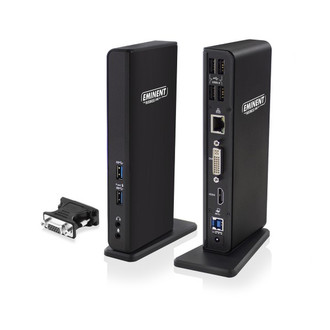
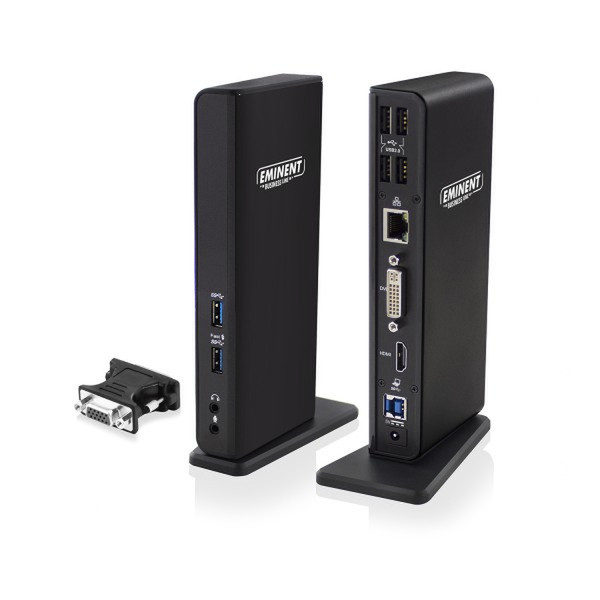
Dual Display Docking Station, USB 3.1 Gen1 (USB 3.0) Type A-B, 4x USB 2.0 Type A, 2x USB 3.1 Gen1 (USB 3.0) Type A, 1x RJ45, 1x HDMI, 1x DVI, 1x DVI-VGA, 2x 3.5mm
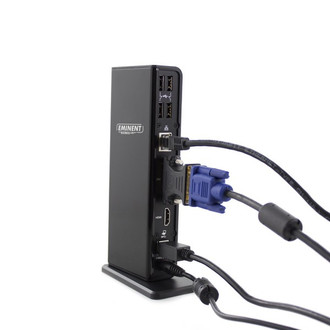
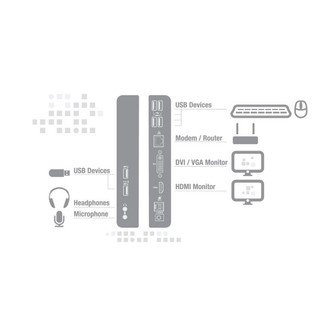
Turn you laptop in a complete working station with help of the EM1500 USB 3.1 Gen1 (USB 3.0) Dual Monitor Laptop Docking Station. Connect easily all peripherals like your screen, mouse, keyboard and networking cable to your laptop by using only one USB cable. You can connect your headphones and microphone to the docking station as well.
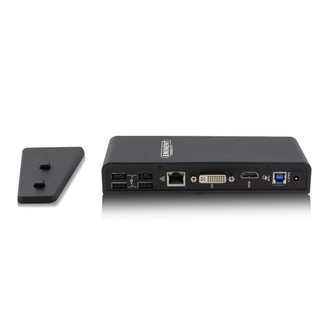
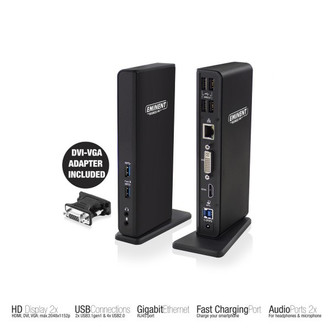
The EM1500 lets you connect up to 2 full HD screens to your laptop via the HDMI or DVI/VGA port. Besides, your laptop will be extended with 6 additional USB ports. These USB ports enable you to connect peripherals or to charge your smartphone and tablet: 4x USB ports 2.0 on the rear and 2x USB 3.1 Gen1 (USB 3.0) ports on the front. The Docking Station is equipped with a Gigabit LAN networking port, microphone and headphones connection. All connections are easily accessible, thanks to the space-saving design.
Enclosed you will find a USB 3.1 Gen1 (USB 3.0) cable, DVI to VGA adapter and power adapter.

