技术细节
| 复印机操作模式 |
Copy |
| 光盘类型支持 |
DVD |
| 同时拷贝数量 |
16 |
PP-100N - 100Base-TX, RJ45, 1000 bps, 25000g, White
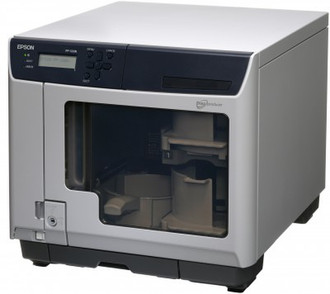
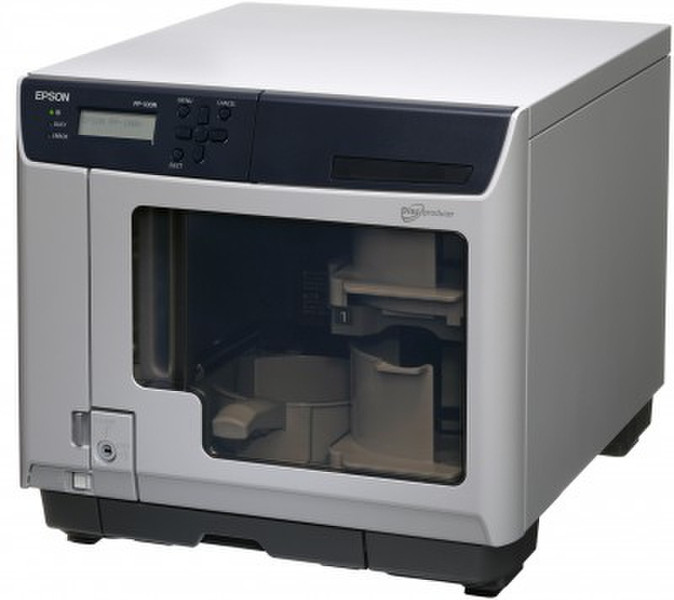
EPSON DISCPRODUCER PP-100N
The Epson Discproducer PP-100N is the ideal solution if you need to burn and print CD/DVD series on a regular basis. It is networkable and specially optimised for working in groups. It can receive up to fi ve jobs at the same time, and will publish them conveniently and reliably.
Besides sharing the high reliability and superb quality of the products in the Epson Discproducer range, the PP-100N also features additional advantages:
More effective workfl ow
The PP-100N’s integrated logic can manage the jobs of several users simultaneously and process
them one after the other. That will cut down on waiting time for your employees and take a signifi cant
load off your network, since the data doesn’t have to be transmitted for each published media.
More concurrent users
Several users can be registered on the systems “Total Disc Net Administration” Software. The system can store up to 80 jobs on its internal hard drive. The latest jobs can be retrieved
in the form of a template and be reproduced at any time.
Data protection and security
Disable the local CD/DVD burners on local workstations. The network publisher lets you control your
valuable data and media. A door lock prevents opening the door during operation and ensures safe
production. The ergonomic display unit supports eight different languages.
Deactivate local CD/DVD burners
Since your data can be sent via your network to the Epson Discproducer PP-100N, you can deactivate the CD/DVD burners on local workstations. That gives you, as the administrator,
full control over the burning of data onto optical media.
Set up the job
Users run the “Total Disc Maker” software to create a layout, and launch their burn and print job.
Production
Your blank CD/DVD discs will then be burned and printed individually to the desired number of copies and in accordance with the custom parameters that you specifi ed. Using Epson recommended media you will get a high-gloss printout that is both smudge-proof and water-resistant.
Allocation of the media
On completion of the burn and print job, the fi nished CDs and DVDs are deposited in the output compartment.
Output of the media
A status report informs the user as soon as the burn and print job has been completed. Users can remove their CDs and DVDs by either opening the safety door or by using the output drawer.