其他功能
| 接口数量 |
1 |
| 遵守工业标准 |
IEEE 802.3, IEEE 802.3u |
协议
| 数据链路协议 |
Ethernet, Fast Ethernet |
另外
| 数据传输率(最大) |
100 Mbit/s |
| 以太网连接器 |
Y |
| 连接方式 |
Wired |
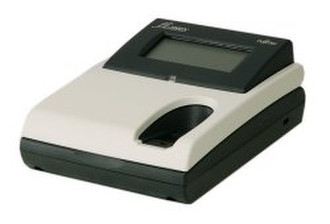
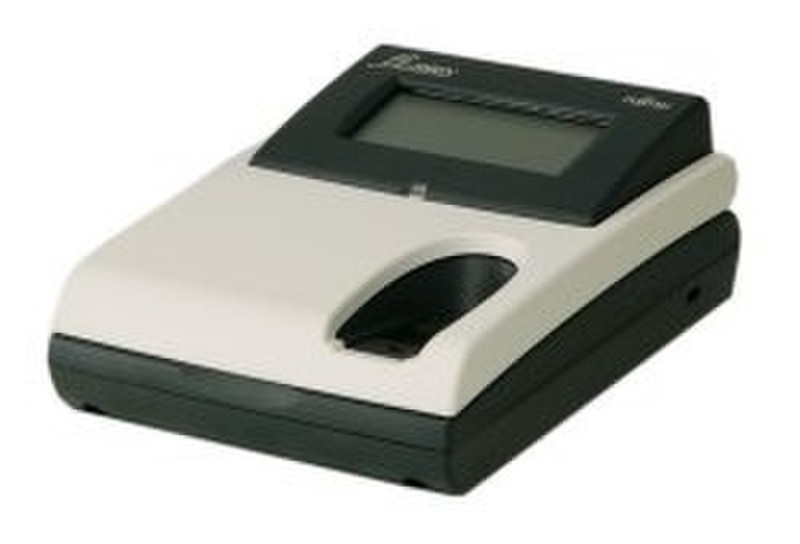
fi-5000N Network Adapter
fi-5000N The easy and secure way to network your Fujitsu scanner.
-Push or Pull operation.
-Secure and simple.
-Up to 32 users.
-Fingerprint authentication or User PIN.
-Interface : USB2.0 & 10/100BaseTX.
-LCD display.
The fi-5000N allows the scanner to be placed anywhere on your local area network as a common shared resource by up to 32 users.
The fi-5000N offers two modes of working :
'Pull'
Users may 'pull' images from the networked scanner in a similar way to a locally connected scanner i.e. from any TWAIN enabled application, select the scanner and scanning parameters within the TWAIN driver, place documents on scanner, identify themselves to the fi-5000N either by fingerprint or PIN number, the scanned image will then be delivered back into their chosen application.
'Push'
Users identify themselves to the fi-5000N at the networked scanner location, using either fingerprint or PIN number, this information is used by the system to indicate the target PC, pressing the scan button will cause the target applictation to open on the users PC and the image be delivered to it.
Using the fi-5000N in conjuction with ScandAll21 allows users to automate many office processes. such as sending a document as an email attachment. i.e. place document on scanner, identify themselves to the fi-5000N using either fingerprint or PIN number, on the target PC the email client will be opened with a new mail item with the scanned image document already attached, it only remains to select the receipients from the PCs email clients address book, enter the message text and send it.
All of the connected scanners native features, such as deskew. multiple feed detection, image processing etc are available to all users of the networked scanner.
The following scanners are currently supported by the fi-5000N
fi-4120C/fi-4220C, fi-4120C2/fi-4220C2 , fi-4530C, fi-5110C
The fi-5000N is compatible with Windows 98, ME, 2000, XP Home, XP Professional.