软件
| 可支持的Mac操作系统 |
Mac OS 9.2, Mac OS 8.6, Mac OS 9.0, Mac OS 9.1 |
联网
| 以太网铜缆技术 |
100BASE-TX, 10BASE-T |
| 以太网的数据传输率 |
100, 10 Mbit/s |
| 网络连接类型 |
Ethernet LAN |
技术细节
| 固件可升级 |
Y |
| 內置式 |
Y |
| 支持EPP and ECP |
Y |
协议
| 支持网络协议 |
TCP/IP, IPX/SPX, DLC/LLC, AppleTalk, Telnet, BOOTP/DHCP, WINS, HTTP, SLP, IGMP |
| 管理协议 |
SNMP v1/v2c/v3 |
Ethernet/Fast Ethernet, Internal, SNMP v3, SSL/TLS (HTTPS), Grey
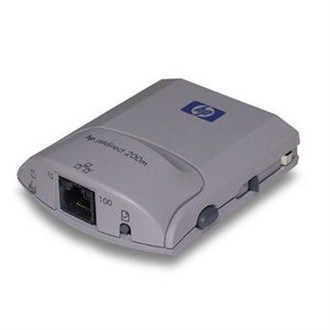
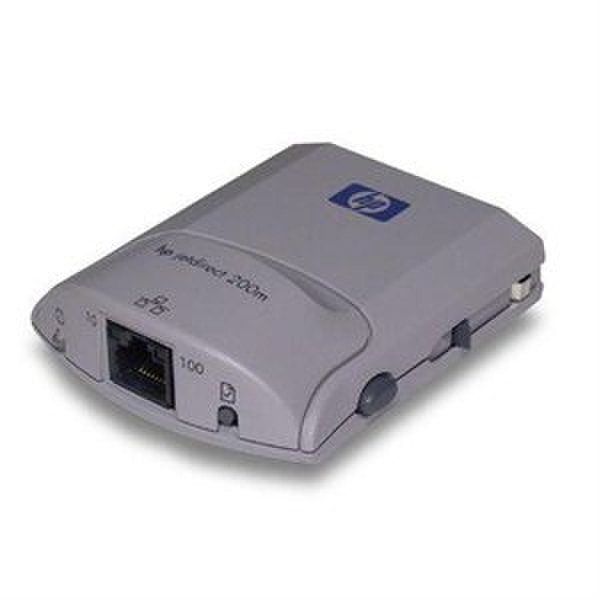
The easy-to-manage HP Jetdirect 200m print server/Internet connector help small businesses and small workgroups save money, flexibly place their printers, link to Internet printing e-services, and improve printing performance. Compatible with the newest HP printers, including the new HP color inkjet printers, HP Jetdirect 200m provides a simple and affordable method of printer sharing.
- Maximize your investment - cost effectively share your HP LIO-compatible printers with multiple users over your network
- Bottlenecks of parallel and USB printing are eliminated and printing performance is increased - users are linked to printers across the fast 10/100base T Ethernet/Fast Ethernet network with standard RJ-45 connectors
- Efficiently manage your business printing process - get timely printer diagnostics and supply levels information over the Internet through HP Web Jetadmin and the embedded Web server
- Quickly and easily add network capabilities and reconfigure office stations - gain the flexibility to place HP network printers with an LIO connectivity slot anywhere in the office and eliminate the need to have the printer directly connected to a powered-on PC
- Experience versatile connectivity - utilize the HP Jetdirect 200m with an Apple or Microsoft 10/100Base-TX network
- Extend your use of the Internet - turn your printer into an Internet communication device and receive a direct printing path for e-services and other distributed-printing services
- Installation is simple - the modular design and intuitive installation software (HP install network printer wizard plus) make the HP Jetdirect 200m easy to install and use across a variety of network operating systems, including both Windows® and Apple® networks
- Installation can be completely automated or advanced users can exercise total control over the installation and configuration process
- Work with confidence - two indicator lights and test button assist users in setup, provide status information, and reflect the operation of the print server/Internet connector