端口 & 界面
| 遥控器(IR)输出 |
1 |
| PC音频 |
Y |
| DVI端口 |
Y |
| 遥控器(IR)输入 |
1 |
| DVI-D接口数量 |
1 |
| 扬声器输出 |
1 |
| DVI-I接口数量 |
1 |
| 音频(左、右声道)输出 |
1 |
| RS-232C |
Y |
| USB版本 |
2.0 |
| HDMI端口数量 |
2 |
| 分量视频(YPbPr/YCbCr)输入 |
1 |
| DisplayPort 数量 |
2 |
其他功能
| 独立h/v同步 |
Y |
| 可视尺寸,横向 |
521.96 mm |
| 可视尺寸,纵向 |
927.94 mm |
| 功耗(节能) |
0.5 W |
| 数字垂直频率 |
50 - 76 Hz |
| 数字水平频率 |
30 - 83 kHz |
| 内置摄像头 |
N |
| 输入电流 |
2.5 A |
| 全年能源消耗 |
163 kWh |
显示器
| 垂直扫描范围 |
50 - 76 Hz |
| 有效显示区域(宽×高) |
927.94 x 521.96 mm |
| HD 类型 |
Full HD |
| 原机长宽比 |
16:9 |
| 显示类型 |
LED |
另外
| 水平扫描范围 |
30 - 83 kHz |
| 开/关切换钮 |
Y |
| 包括 AC 适配器 |
Y |
| 以太网路(RJ-45)连接接口数量 |
1 |
| 以太网连接器 |
Y |
| 能源效率等级 |
C |
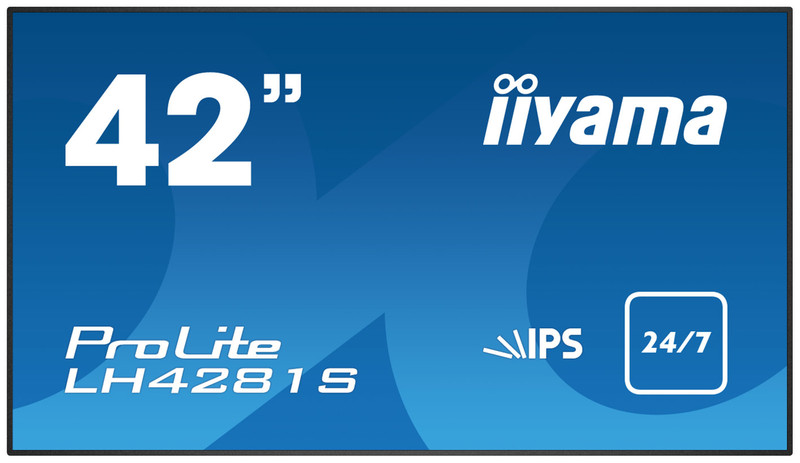
106.426 cm (41.9 ") (106.5 cm) LED, 1920 x 1080, 8ms, 500cd/m2, 1300:1, DVI-D, HDMI, LAN
ProLite LH4281S-B1
42” large format display, 24/7 operation and OPS PC slot
The professional appearance of the ProLite LH4281S incorporates a slim design featuring a sleek bezel. Featuring IPS panel technology this elegant display ensures exceptional colour accuracy and vivid, life-like quality from all angles. The LED-backlit technology guarantees low power consumption and reliable long-term operation. Built in expansion slot supports the Open Pluggable Specification (OPS) standard; it simplifies the installation of a plug-in PC for digital signage applications. Landscape and Portrait friendly, ProLite LH4281S is designed for a continues operation. Perfect for true impact in Digital Signage and an ideal solution for a video wall set-up.
IPS
IPS technology offers higher contrast, darker blacks and much better viewing angles than standard TN technology. The screen will look good no matter what angle you look at it.
OPS PC SLOT
Build in expansion slot supports the Open Pluggable Specification (OPS) standard; it simplifies the installation of a plug-in PC for digital signage applications.
Ultra Slim Line
USB Playback
The monitor supports playback of presentations, video and almost any type of content stored on the USB device or internal memory.
LAN Control
LAN control enables making adjustments in the display OSD menu through a web interface (64 series) or threads (64 and 80 series).