联网
| 全双工传输 |
Y |
| 以太网的数据传输率 |
1000 Mbit/s |
端口 & 界面
| SFP模块插槽数量 |
2 |
| SFP +模块插槽数量 |
2 |
另外
| 巨型帧 |
Y |
| 以太网路(RJ-45)连接接口数量 |
4 |
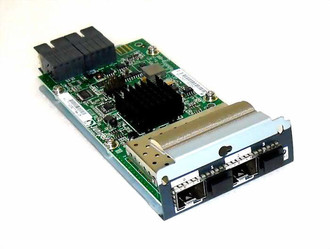
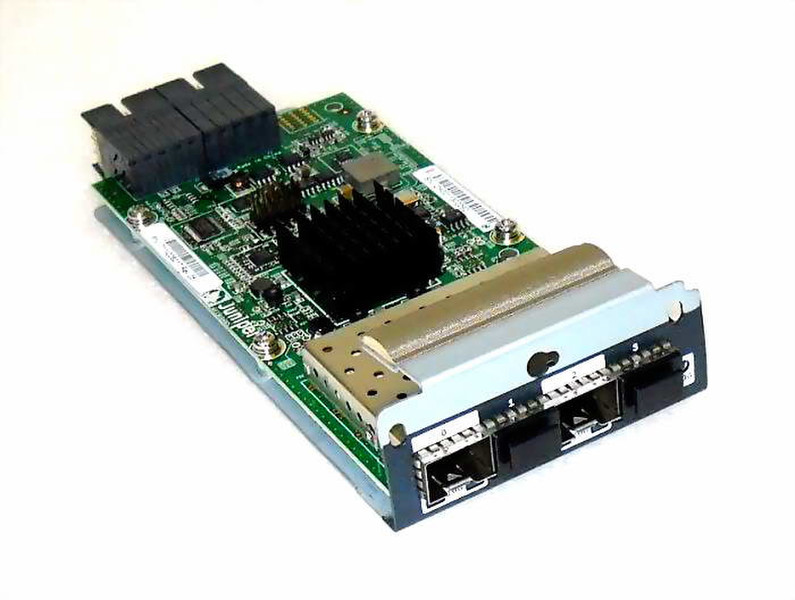
EX-UM-2X4SFP 2-port 10G SFP+ / 4-port 1G SFP Uplink Module
New EXUM2X4SFP 2-Port 10G SFP+ / 4-port 1GP SFP UPLINK MODULE EX4200/3200
EX 3200 and EX 4200 switches support three types of uplink modules:
SFP uplink module—Provides four ports for 1-gigabit small form-factor pluggable (SFP) transceivers.
SFP+ uplink module—Provides two ports for 10-gigabit small form-factor pluggable (SFP+) transceivers when configured to operate in 10-gigabit mode or four ports for 1-gigabit small form-factor pluggable (SFP) transceivers when configured to operate in 1-gigabit model.
XFP uplink module—Provides two ports for 10-gigabit small form-factor pluggable (XFP) transceivers.
You can use the optional uplink module ports to connect an access switch to a distribution switch. You can also use these ports to connect members of a virtual chassis across multiple wiring closets.
When connecting uplink module ports, you can install an SFP uplink module at one end and install an SFP + uplink module configured to operate in the 1-gigabit mode at the other end. Likewise, you can install an XFP uplink module at one end and install an SFP + uplink module configured to operate in the 10-gigabit mode at the other end.
Note: On an EX 3200 switch, if you install a transceiver in an SFP uplink module, a corresponding network port from the last four built-in ports is disabled. For example, if you install an SFP transceiver in port 2 on the uplink module (ge-0/1/3), then ge-0/0/23 is disabled. The disabled port is not listed in the output of show interface commands.