其他功能
| 数据传输速度 |
1000 Mbit/s |
| 液晶显示器功率 |
Y |
联网
| 网路功能 |
Gigabit Ethernet |
| 无线局域网连接 |
Y |
系统要求
| Mac兼容性 |
Y |
| 最小硬盘空间 |
600 MB |
| PC网络要求 |
Y |
| 需要CD-ROM 驱动器 |
Y |
| 需要互联网连接 |
Y |
存储介质
| 内置存储媒介 |
N |
| 支持文档系统 |
NTFS, HFS+, HFS, FAT32 |
另外
| 包括 AC 适配器 |
Y |
| 连接方式 |
Wireless |
| 开/关切换钮 |
Y |
| 以太网连接器 |
Y |
| 以太网路(RJ-45)连接接口数量 |
1 |
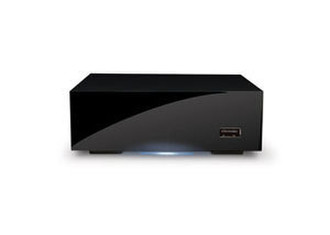
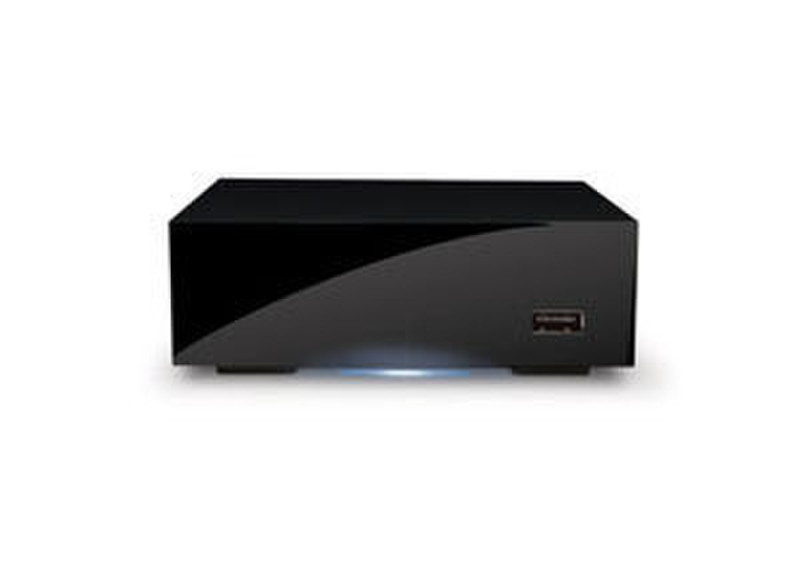
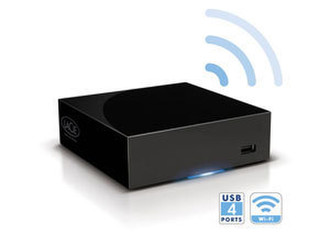
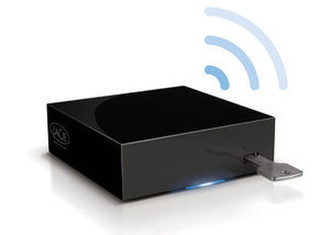
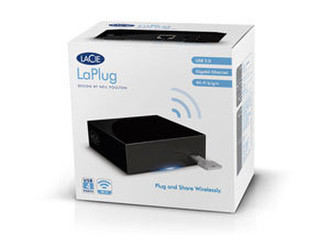
LaPlug - USB 2.0, Gigabit Ethernet, 802.11 b/g/n, FAT32, NTFS, HFS, HFS+, 300g, Black
<b>LaCie LaPlug</b>
- Plug and share USB disks or printers on your network;
- Access your files from any computer, even remotely;
- Stream your media wirelessly on your gaming console;
- Easy automatic backup; Time Machine® compatible.
<b>Share USB Disks on your Network-Wirelessly</b>
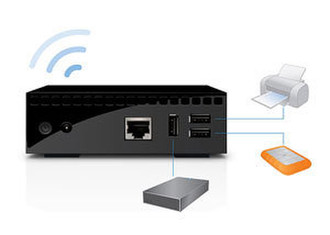
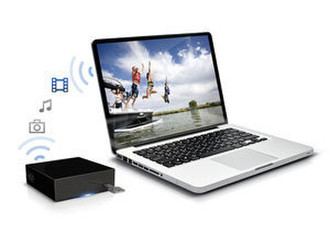
The LaPlug lets you turn any USB hard drive into a network storage device, sharing its files wireless throughout your home. Simply connect the LaPlug to your network, then connect the drive to the LaPlug. Instantly you have a low-cost way to make files stored on your USB hard drives more accessible than ever. For ultimate convenience, you can even connect a USB printer* to the LaPlug, making it wirelessly available to all computers on your network.
<b>Accessibility at Home and on the Road</b>
Not only does the LaPlug make your USB hard drives accessible throughout your home, it even supports remote access. Instead of emailing large files between friends, just give them access to the LaPlug-all they need is Internet access. You can even set up a custom web address, so accessing your LaPlug is as easy as typing in a URL.
<b>Multimedia Streaming</b>
It's easy to access USB drives connected to the LaPlug from any networked equipment that's UPnP™/DLNA® certified (like your PlayStation®3, LaCinema Classic HD, or Xbox 360®). If you have movies on a USB key, just connect it to the LaPlug, then play the movie using the multimedia device on your network. Instantly you're watching your movie from the comfort of the living room, even if the LaPlug is located in another part of the house. Put music files on the USB drive, and you also stream music to computers running iTunes® on your network.
<b>Centralize Backup for Convenience and Security</b>
The LaPlug offers a convenient way to automatically back up all your family's computers onto a central location. You can use the intuitive bundled backup software or Time Machine. Either way, simply configure automatic backups once, then rest easy knowing your precious data is secure. Since the LaPlug supports Wi-Fi, you don't even need to connect the computer to the LaPlug in order to initiate backups.