
技术细节
| 内置显示器 |
N |
| 动态主机配置协议客户 |
Y |
| 重启按钮 |
Y |
| 內置式 |
N |
| 因特网打印协议支持 |
Y |
联网
| 以太网的数据传输率 |
100, 10 Mbit/s |
| 网络连接类型 |
Ethernet LAN |
| 以太网铜缆技术 |
100BASE-TX, 10BASE-T |
协议
| 支持网络协议 |
JetDirect / AppSocket, LPD, IPP |
1 x 10/100Mbps RJ-45, 1 x USB 2.0, 5VDC, 100-240VAC International Power Supply, EU
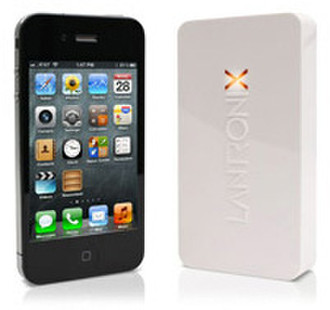
Have you ever wanted to print a recipe, homework or a boarding pass from your iPad or iPhone - and couldn't? Now you can, directly from the print menu!
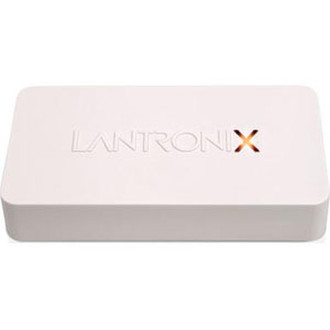
xPrintServer Home Edition is designed and optimized for home users.
- Easy to use / automatic set-up of your printers
- No need to buy and set-up new printers
- No apps, no software to install
- Print directly from your favorite apps (Safari, email, photos…)
- One xPrintServer enables all your iPhones & iPads to print to the printers in your home
<b>Set-Up is Automatic & Quick!</b>
Simply plug the xPrintServer into your network (router or switch with wireless access point), then plug your USB printer(s) into the xPrintServer. Within seconds the xPrintServer will auto - discover your printer(s) to enable printing from iPads and iPhones.
<b>xPrintServer Is Compatible with Leading Printer Brands</b>
The xPrintServer is compatible with thousands of printer models from leading printer manufacturers.
<b>xPrintServer Firmware Update for iOS 7</b>
If you are running iOS 7 on your iOS devices, please update your xPrintServer firmware to version 3.2.0.

