安全
| 防火墙 |
NAT, DoS |
| MAC(媒体存储控制)地址过滤 |
Y |
其他功能
| 最大数据传输率 |
0.3 Gbit/s |
| xDSL connection |
N |
| 网路功能 |
Fast Ethernet |
| 输入电压 |
5 V |
| 输入电流 |
1.2 A |
| 电源类型 |
DC |
| 频率范围 |
2.4 - 2.4835 GHz |
管理功能
| 通用即插即用(UPnP) |
Y |
| 支持服务质量(QoS) |
Y |
| 重启按钮 |
Y |
协议
| DMZ支持 |
Y |
| 动态主机配置协议客户 |
Y |
| 支持网络协议 |
PPPoE, PPTP, L2TP, HTTP |
另外
| 以太网连接器 |
Y |
| 过滤 |
URL |
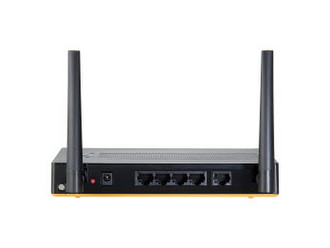
| 以太网路(RJ-45)连接接口数量 |
4 |
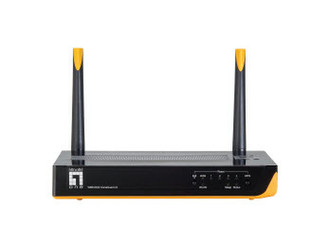
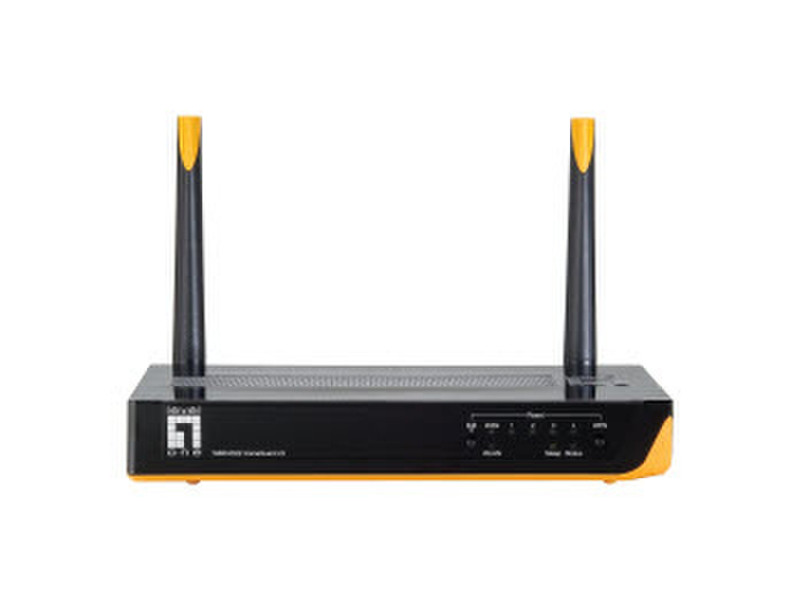
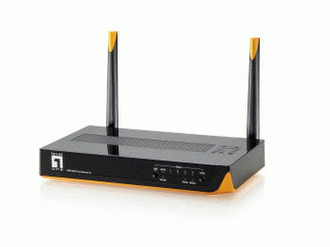
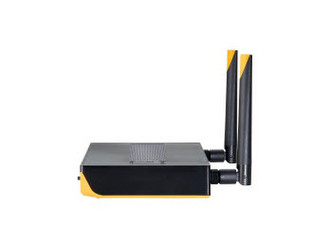
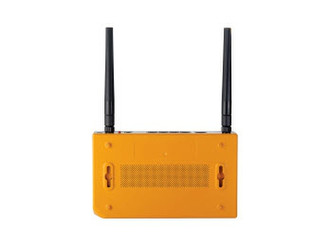
WBR-6022, 2.4GHz, 2x2dBi, WEP, WPA/WPA2, 128-bit TKIP/AES, Fast Ethernet, IEEE 802.11b/g/n, black/yellow
Surveillance simplicity at its finest
It used to be that if you wanted to set up a surveillance system you needed deep networking knowledge or had to call a professional installer to get the job done. But now the new LevelOne HomeGuard22 (WBR-6020 H/W: V2.0) lets you build and customize a system on your own: quickly and effortlessly.
How does it work?
All of the technical details (IP address assignment, port-forwarding, etc) takes place within the router. Just plug the camera(s) into the back of the HomeGuard22 and it will discover and configure each device for optimal compatibility.
Access, view, and store
With your new security system up and running, users can view their cameras to check in on their family or pets while they’re away. The Level1DNS™ service points directly to your cameras for fast and easy viewing. Just open up any browser and type in your device address and you can see your cameras no matter where you are in the world.
The HomeGuard22 system is also compatible with LevelOne’s NAS series to record video for an extra level of security.