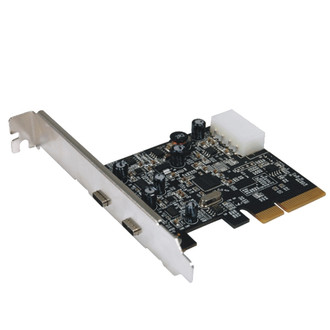
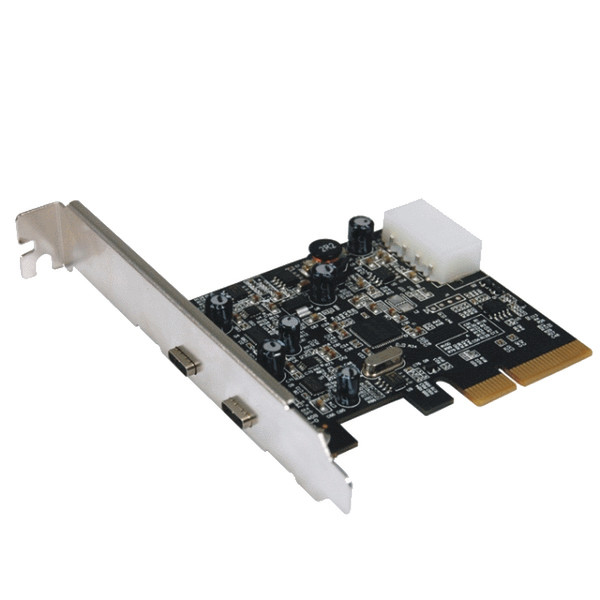
端口 & 界面
| PCIe版本 |
3.0 |
| USB3.1(第 2 代3.1)Type-C 端口数量 |
2 |
| 內置式 |
Y |
| 主机接口 |
PCIe |
| PCIe卡的外形因素 |
Full-height |
| 输出接口 |
USB 3.1 |
性能
| 热插拔 |
Y |
| 数据传输率(最大) |
10 Gbit/s |
系统要求
| 可支持的Windows操作系统 |
Windows 10 Education, Windows 10 Education x64, Windows 10 Enterprise, Windows 10 Enterprise x64, Windows 10 Home, Windows 10 Home x64, Windows 10 Pro, Windows 10 Pro x64, Windows 7 Enterprise, Windows 7 Enterprise x64, Windows 7 Home Basic, Windows 7 Home Basic x64, Windows 7 Home Premium, Windows 7 Home Premium x64, Windows 7 Professional, Windows 7 Professional x64, Windows 7 Starter, Windows 7 Starter x64, Windows 7 Ultimate, Windows 7 Ultimate x64, Windows 8, Windows 8.1 |
PCIe USB 3.1 - 2x TypeC
It doubles the bandwidth of USB 3.0 to a stunning 10Gbps. It comes with a USB-A and a new generation USB-C connector. USB-C is reversible and so no need to worry which direction to plug in. USB-C is also better than USB-A that it increases the current from 900mA to 3A.
More devices will be supported in bus-powered mode and charging will be much faster. For new MacBook and the new Chromebook Pixel user, your USB-C accessories will also work in your PC.

