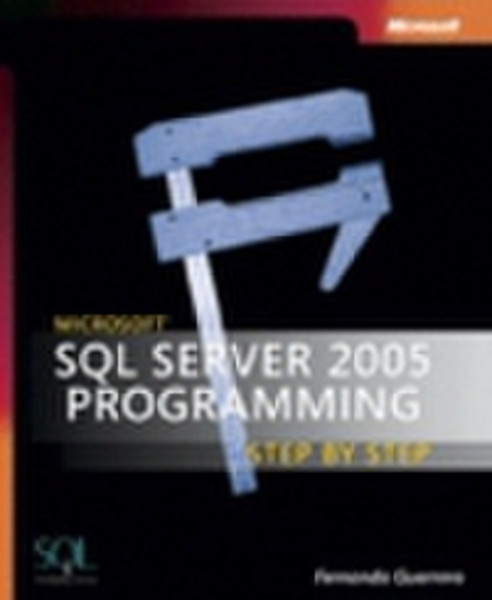
SQL Server 2005: Database Essentials Step-by-Step
Get the guidance you need to start designing databases - one step at a time. With this practical tutorial, you’ll teach yourself the core skills for building and managing databases with the next generation of SQL Server.
Discover how to:
- Install and configure SQL Server 2005
- Design database components with SQL Server Management Studio
- Apply a three-step modeling approach to design databases that meet business requirements
- Create, modify, and manage views
- Write user-defined functions and stored procedures using T-SQL
- Add, delete, and update information in your databases
- Work with data from custom applications and legacy systems
- Troubleshoot error messages and handle exceptions
CD features:
- All practice exercises
- Code samples
CONTENTS:
Introduction Acknowledgments Part I: Introduction to Database Development with Microsoft SQL Server 2005
- Chapter 1: Introducing Database Development with Microsoft SQL Server 2005
- Chapter 2: Installing and Setting Up Your Microsoft SQL Server 2005 Development Environment
- Chapter 3: Reviewing Microsoft SQL Server 2005 Management ToolsPart II: How to Create a Microsoft SQL Server 2005 Database
- Chapter 4: Gathering and Understanding Business Requirements before Creating Database Objects
- Chapter 5: Designing a Database to Solve Business NeedsPart III: How to Query Data from Microsoft SQL Server 2005
- Chapter 6: Reading Microsoft SQL Server 2005 Data from Client Applications
- Chapter 7: Selecting the Data You Need
- Chapter 8: Creating Views to Encapsulate Queries
- Chapter 9: Retrieving Data Using Programmable ObjectsPart IV: How to Modify Data in Microsoft SQL Server 2005
- Chapter 10: Inserting Data in Microsoft SQL Server 2005
- Chapter 11: Deleting Data from Microsoft SQL Server 2005
- Chapter 12: Updating Data from Microsoft SQL Server 2005