磁盘驱动器
| 硬盘尺寸 |
3.5 " |
| 传动装置,缓冲区大小 |
64 MB |
| 硬盘容量 |
3000 GB |
| 硬盘转速 |
7200 RPM |
| 硬盘接口 |
Serial ATA II |
性能
| 可支持的Linux操作系统 |
Y |
| USB数据传输速率 |
480, 5000 Mbit/s |
| FireWire数据传输速率 |
400, 800 Mbit/s |
| eSATA数据传输速率 |
3 Gbit/s |
| 兼容性内存条 |
SD, SDXC |
| 集成读卡器 |
Y |
| 可支持的Mac操作系统 |
Y |
| 数据传输速度 |
5000 Mbit/s |
能量控制
| 输入电压 |
100-240 V |
| USB供电 |
N |
| 外接电源转接器 |
Y |
| 接受频率 |
50/60 Hz |
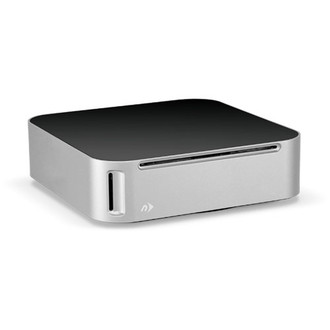
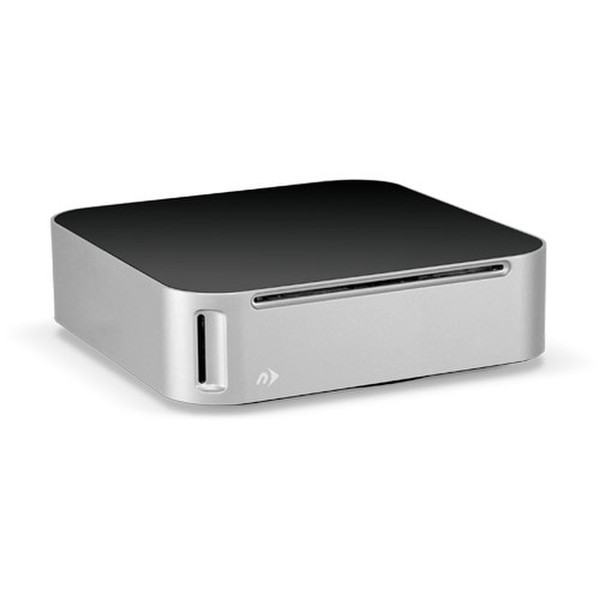
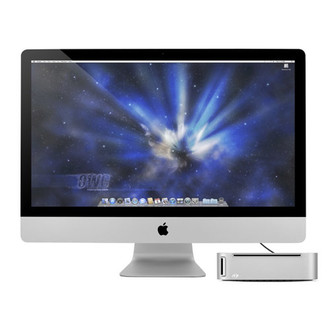
miniStack MAX, 3TB, DVD/CD read/write optical drive, SD/SDXC, USB 3.0, eSATA, 2x FireWire 800
Professional Level Storage Made Plug and Play Simple
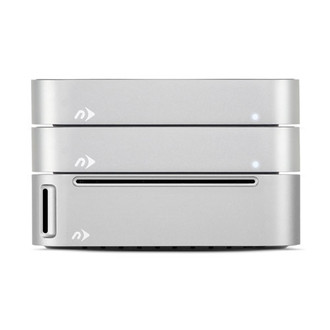
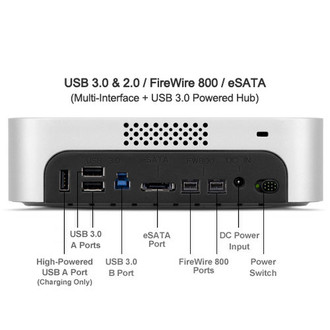
With up to 4TB of capacity, the miniStack Max is ready to handle the demands of extended storage or backup. It's also great for intensive data access such as professional audio and video editing. A multi-interface allows you to choose the data connection that suits your workflow–USB 3.0/2.0, FireWire® 800/400 or eSATA–with data transfer speeds up to 300MB/s. It's the perfect solution for storing your entire music, photo and video libraries, and even burning backups via the internal optical drive.
Restores Optical Drive Convenience
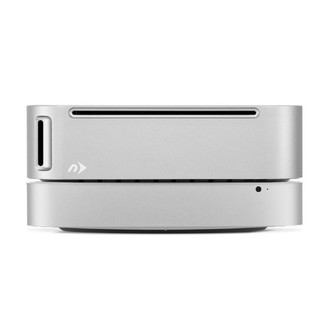
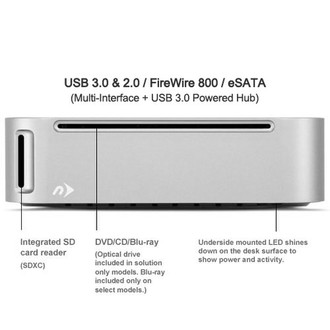
Whether you have a new Mac mini that no longer includes an optical drive, or have a legacy model with an inoperative drive, the miniStack Max fills the gap when you need to install software from CD or DVD, load music into iTunes, access archived photos, or watch Blu-ray and DVD movies on your computer.
Reads SD Memory Cards in a Flash
The integrated SD card reader (SDXC) on the front of the miniStack Max makes transferring photos and video super-simple–no more fumbling around the back for the SD slot. Plus, it helps keep your desktop clean by eliminating the need for an external card reader and yet another cable.
Connect and Charge Digital Devices
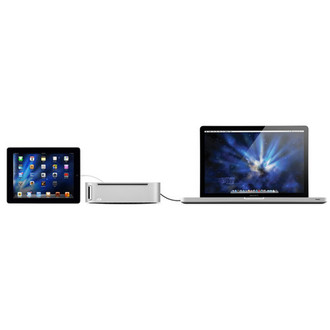
Three powered USB ports on the back make the miniStack Max a convenient digital hub for connecting external devices like iPhones, mice, or keyboards. One of the USB ports is a high-powered 2.1Amp slot, making it ideal for charging an iPad or other devices that require more power than provided by standard USB connections.