系统要求
| 最小硬盘空间 |
0.7 GB |
| 最低系统要求 |
1024x768\nDVD-ROM\nIE7+ |
| 最低内存 |
1024 MB |
| 最低处理器 |
Intel Pentium+ |
许可证
| 软件版本 |
14 |
| 许可类型 |
Education (EDU) |
软件
| 兼容性操作系统 |
Windows XP 32-bit SP3, Vista 32-bit, 64-bit SP2, 7 32-bit, 64-bit |
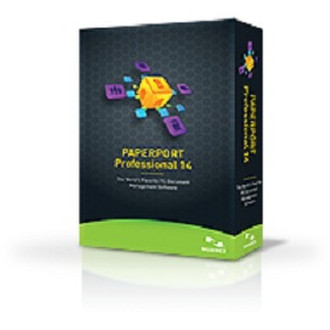
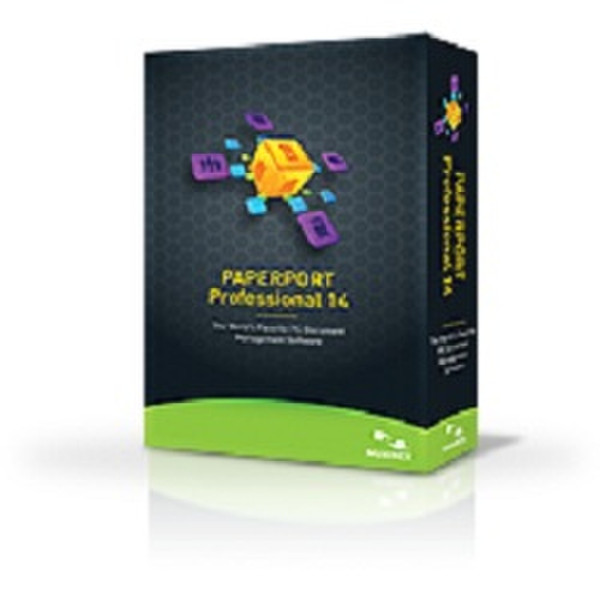
PaperPort Professional 14, Win, EDU, FR
Document management your way
PaperPort provides a single way to scan paper, create PDF files, and access, view, edit, and convert your files on your PC. PaperPort Anywhere, included free, extends this power to any device with a browser plus apps for iPhone, iPad, and Android devices, giving you the ultimate document access solution.
Reduce waste, conserve energy
PaperPort is a green solution. Use it to scan, convert, organize, repurpose, and share PDF documents across the enterprise. End your reliance on printing, faxing, and mailing practices that have harmful effects on the environment—and your bottom line.
Create and combine PDF Files
Use PDF Create to easily turn any application file into 100% industry-standard PDF files or merge multiple files and formats into a single PDF file.
View, edit, and share PDFs faster
Includes a powerful PDF Viewer with more features than the free Adobe® Reader®, so you can view, edit, and share PDF documents on your PC like never before.
Protect sensitive documents
Safeguard confidential information and ensure compliance with government regulations regarding document security. PaperPort’s advanced PDF security features, like PDF passwords and encryption, let you control who can access specific documents and who can make changes.
Fill out forms quickly, neatly
PaperPort’s FormTyper feature accurately and automatically converts scanned paper forms into professional-looking electronic forms you can fill out online, save as PDF documents, and send via email. It automatically recognizes check boxes and lets you control detailed form attributes. And transparent stamps are ideal for adding scanned signatures.
Find information instantly
Now you can create searchable PDFs from digital files and scanned paper documents. Just enter keywords or phrases into Windows® or Google® Desktop Search and quickly locate a specific file.
Works with any scanner
Any all-in-one printer, mobile scanner, or desktop scanner will work faster, easier, and better using PaperPort.
Capture information on the go
No scanner nearby? No problem. Just take a picture of the document with your digital camera and upload it to PaperPort Anywhere or your favorite cloud service. Plus, you can easily convert pictures of documents to usable text.
Easily route documents from digital copiers and MFPs
Get the most out of your investment in networked multifunction printers/ copiers. Move mountains of paper to any desktop PC using PaperPort’s advanced DesktopDelivery feature.
Convert paper into text
Turn your scanned document images into editable text for popular word processing or spreadsheet software with a simple drag-and-drop.
Manage Documents Across the Network
Send and receive documents to and from a shared network folder or Microsoft SharePoint.
Superior Access to PaperPort and Microsoft Windows Features
Performing key file and folder tasks is fast and easy in PaperPort. Simply right-click on any file or folder to get access to features that allow you to create, convert, edit, and manage everything on your computer including add-ins to Microsoft Windows such as ZIP file compression/decompression.