显示器
| 绿色同步 |
Y |
| 独立h/v同步 |
Y |
| sRGB的显示 |
Y |
| 复合同步 |
Y |
| 原机长宽比 |
16:10 |
| HDCP |
Y |
端口 & 界面
| DVI-D接口数量 |
1 |
| VGA(D-SUB)端口数量 |
1 |
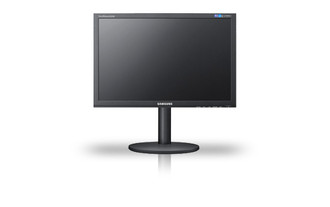
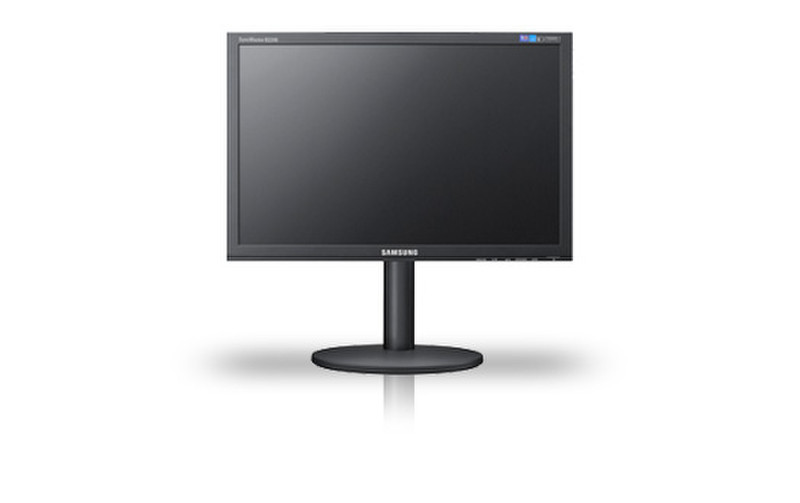
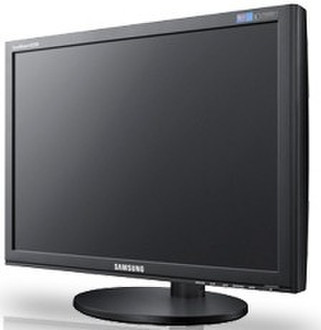
B2240W, 22"LCD, 1680 x 1050 , 300cd/m2, 70000:1, 5ms, 16.7M, 5.20kg, Black
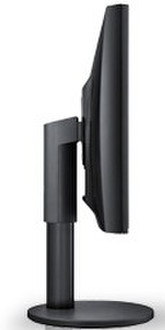
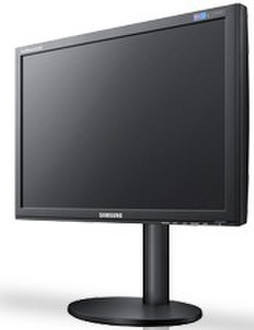
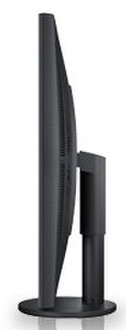
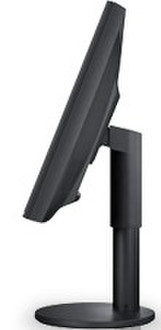
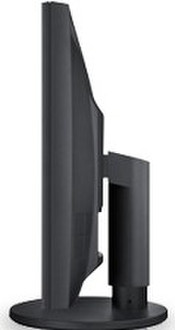
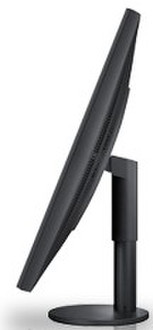
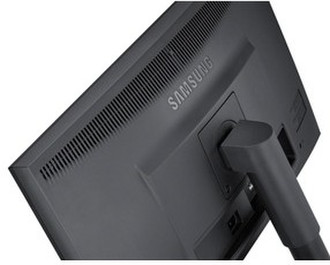
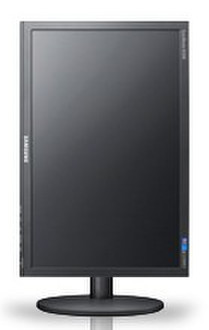
Presenting high performance monitors that suit your vision and your budget. The B2240W is stylishly designed with ultra narrow bezels and a height adjustable stand for improved viewing comfort. A high dynamic contrast ratio and fast response time ensure vividly clear images and motion graphics. Exclusive Magic technologies enhance productivity: MagicReturn saves dual-monitor users time by shifting content from one screen to the other when one's turned off. MagicEco reduces energy consumption by auto-adjusting brightness and MagicAngle delivers crisp, bold images from every angle. No matter how you look at it, your outlook is bright with the Samsung B2240W LCD display.
High Dynamic Contrast Ratio
The high dynamic contrast ratio of the B2240W creates deeper, more dramatic dark tones and brighter more striking light tones. Now you can enjoy images that echo reality with rich, vivid colour and brilliant natural intensity. When it comes down to the details, conventional monitors simply pale in comparison.
Fast Response Time
With a response time of 5 ms, you can be sure that your monitor will perform perfectly, even in the fastest moving scenes. This stunning, seamless motion imaging presents movies, games, and internet streamed content with precision and without the motion judder, blurring, and ghosting that can occur on a slower monitor, allowing you to enjoy a completely immersive viewing experience.
MagicAngle Feature
Samsung's MagicReturn feature makes your life easier by automatically managing your dual-monitor content. When you turn off one monitor to save energy, or if the cable disconnects and you lose the signal, MagicReturn make sure that all content is automatically shifted to the monitor that remains on.
Picture Perfection
HDCP, or High-bandwidth Digital Content Protection, is Samsung’s innovative way of protecting the integrity of the content that’s being transmitted to your monitor through the DVI interface. This naturally delivers the highest resolution images, allowing you to enjoy 100% pure digital content, all the time.
The Smart Size
Why should seeing the whole picture be a stretch, or for that matter, a distorted facsimile of the original? With Samsung’s intelligent adjustable image size function, you’ll be able to enjoy images exactly as they were intended, by portraying standard sized content in its original format, on a wider screen.
Goes Off by Itself
Samsung Monitors aren’t just high performers. They’re eco-friendly, efficiency experts as well. The automatic off timer allows users to save energy by setting the monitor to turn itself off at a specified time. As an added benefit, this ensures optimal performance for lasting reliability and extended life.
MagicAngle Technology
Love to watch movies lying down or while you’re cooking dinner? The Samsung's MagicAngle uses 5-step angle management to deliver crisp images and bold colour from every direction. So whether your view is from above, below or from the side, images stay the same.
MagicEco Feature
MagicEco allows you to work at 100 %, 75 % or 50 % brightness, to reduce energy usage. Low power consumption technology reduces energy use and energy bills even further. Take the effort out of saving energy and take control with MagicEco.
ColourEffect feature
Enhance images your way using Samsung’s advanced ColourEffect feature. Open your eyes to a completely customised viewing experience as you play with photographic effects that match your mood. Choose from Aqua, Sepia, Green and Grayscale to interact with your display in a whole new way - namely, yours.
Customise Your Control
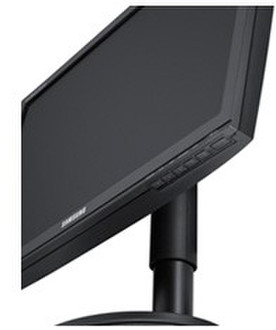
Samsung’s innovative custom key feature puts enhanced entertainment at your fingertips, literally. By allowing you to assign your favourite function to the customised key, your favourite features are accessed in a flash. Will your customised key bring you Magic Bright, Magic Colour, Colour Effect, or the Image Size function? The beauty is, you decide.