性能
| 模拟信号系统 |
NTSC 3.58, NTSC 4.43, PAL, PAL 60, SECAM |
| 多显示器支持 |
Y |
| 插槽数量 |
3 |
| 集成电视调谐器 |
Y |
| HDCP |
Y |
| 无线局域网连接 |
Y |
技术细节
| PC机(D型接口) |
Y |
| 颜色数量 |
1.073 billion colours |
| 面板类型 |
LCD |
| 数字调谐器 |
Y |
| USB需求 |
Y |
| LED背光类型 |
Edge-Lit LED |
| 最小硬盘空间 |
200 MB |
| 最低内存 |
2000 MB |
| 最低处理器 |
Intel Celeron 1.6 GHz, or AMD Sempron 1.6 GHz or higher (Intel Core™ 2 Duo 2.8 GHz, or AMD Athlon II x 2 2.8 GHz or higher |
| USB 连接器形状 |
USB Type-A |
端口 & 界面
| DVI端口 |
N |
| S-Video输入 |
N |
| 以太网的数据传输率 |
10, 100 Mbit/s |
| RS-232C |
Y |
| 分量视频(YPbPr/YCbCr)输入 |
1 |
| VGA(D-SUB)输入端口 |
2 |
| DisplayPort 数量 |
1 |
| USB 端口数量 |
3 |
| USB版本 |
2.0 |
| HDMI端口数量 |
3 |
显示器
| 有效显示区域(宽×高) |
60 x 34 mm |
| 降噪设备 |
Y |
| 触控技术 |
Multi-touch |
| HD 类型 |
Full HD |
| 显示类型 |
LED |
另外
| 以太网连接器 |
Y |
| 以太网路(RJ-45)连接接口数量 |
1 |
1920 x 1080, 300 cd/m2, 160°/160°, 177.8 cm (70 ")
PNL703W
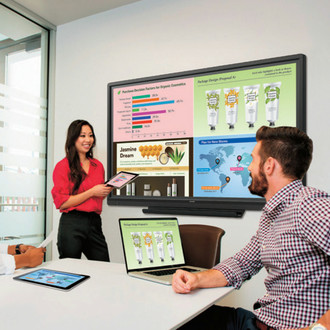
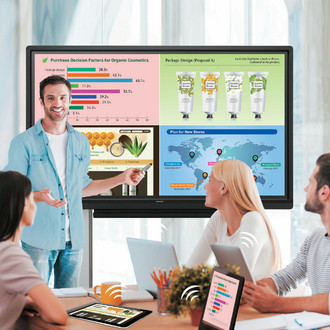
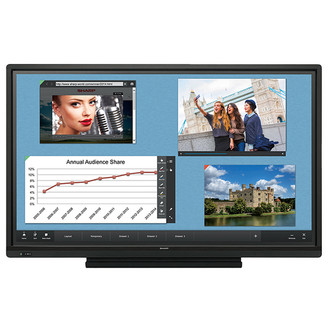
Sharp's AQUOS BOARD™ PNL703W is designed for smooth and effortless communication in a wide range of contexts. The PNL703W includes built-in wireless connectivity that enables different devices to connect easily. Information from those devices can be displayed in a 2 x 2 split screen, allowing for highly productive interactions. Using SHARP Touch Viewer™ software, you can manipulate various file types in the same work area. The pen digitizer function, meanwhile, distinguishes between pen and finger input and supports natural and seamless operation. These and other superb AQUOS BOARD™ features are sure to boost creativity and participation levels in presentations and small-scale meetings, while fulfilling the growing demand for cable-free collaboration.
Built-In Wireless Presentation Ability
- Allows users to wirelessly present content on the AQUOS BOARD™ interactive display directly from their devices without the need to pre-load files or data.
Promotes Security
- Confidential information from a meeting cannot be leaked, as data is not stored during wireless connection. And, since there is no need to connect into a main network, your own wireless hot spot is created for a more secure environment.
2 x 2 Split-Screen Display
- Display the onscreen contents of wireless devices in a 2 x 2 split screen. Any one of the individual screens can be enlarged to full-screen size.
New Annotation Tools
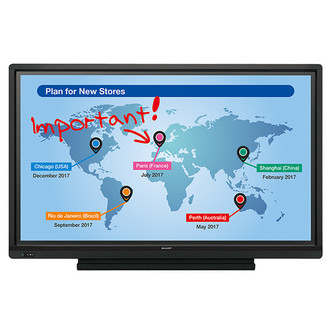
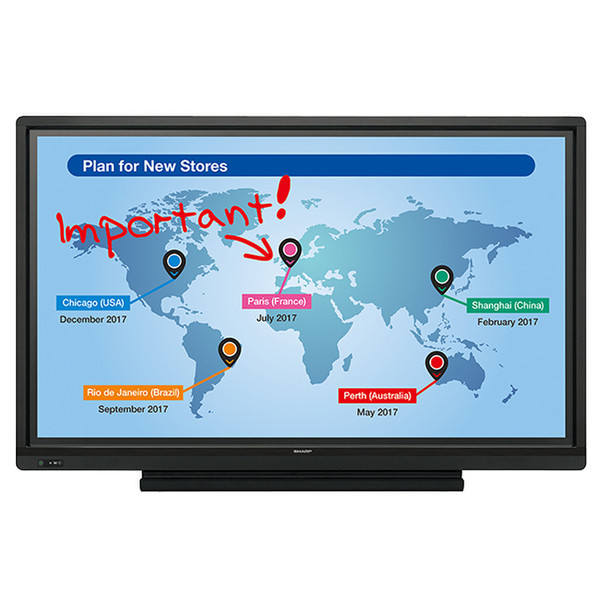
- The Direct Drawing function, combined with the new Overlay tool, allows users to capture meeting notes faster and easier than ever. Create notes on the fly or annotate over existing content whether it's a document, webpage, or even a video. Capture your annotations quickly as a JPEG file on a USB media stick or to a wirelessly connected Mac® or Windows® computer.
SHARP Touch Viewer™ Software
- This touch-operated onscreen user interface lets you easily view, manipulate and write annotations on different types of files, videos and Web pages.
Pen Digitizer Function
- This feature automatically distinguishes pen and finger input, allowing you to perform pen and touch operations without having to switch modes.