端口 & 界面
| 串口数量 |
1 |
| 耳机输出端口 |
1 |
| 麦克风/音频输入插孔 |
Y |
| VGA(D-SUB)端口数量 |
1 |
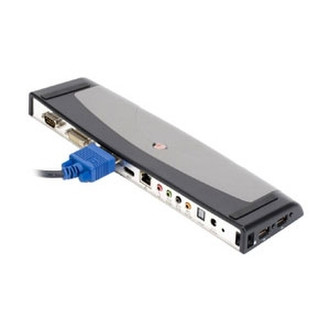
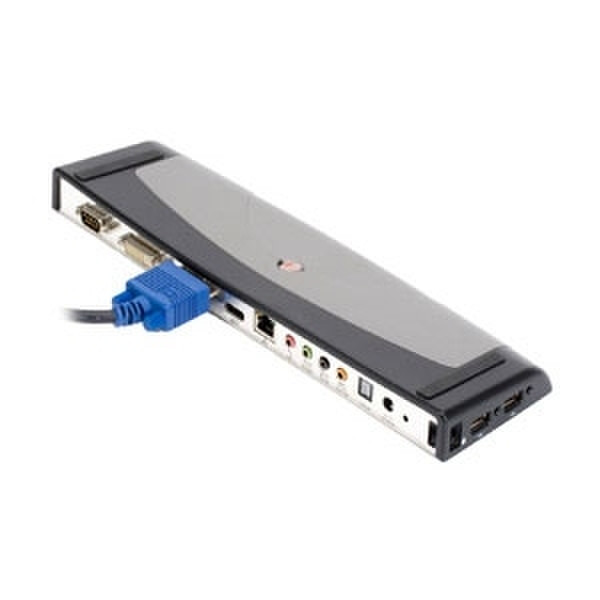
The Targus ExpressCard Notebook Docking Station with Digital Video and Audio has a number of features to maximize the capabilities of your workstation. The new ExpressCard technology provides a high-speed interface and has the capability to transfer data up to 5 gigabits a second (Five times faster than typical USB 2.0 docking stations). It also includes digital video and audio connections. Two high-speed, “Always On” USB power ports remain powered when the notebook is OFF or disconnected making this function ideal for recharging mice, phones and other devices. Featuring three video modes, this docking station enables the user to set their external monitor as their primary display, simultaneously use both the notebook screen and external monitor for combined viewing or replicate the notebook screen onto their external monitor. Connecting monitors to the docking station is easy, simply plug the monitor directly into the device; no other cables are needed. The ExpressCard docking station provides advantages over proprietary OEM ones by offering universal compatibility with a variety of notebooks with an ExpressCard slot.
Security
Two lock slots allows you to secure docking station to your desk.
Digital Technology
Supports digital audio, video and multiple modes display.
Always on USB Ports
USB power ports remain powered even when the notebook is OFF or disconnected; ideal for recharging mice, phones and other devices.
Direct video support
Directly connect monitor or LCD to the docking station; no additional connection cable required.
Video Modes
Features several video modes for added functionality; Primary Video Mode: Use external monitor as primary display; Extended video mode: Simultaneously use both notebook screen and external monitor for combined viewing; Mirror Video Mode: Replicate notebook screen onto external monitor.
One-touch notebook connection
Simply plug in an ExpressCard TM slot to connect all your external devices to your notebook.