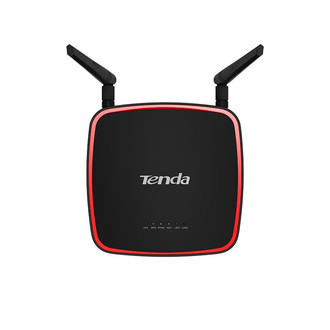
性能
| 类型 |
Network repeater |
| 最大传输距离 |
150 m |
| 固件可升级 |
Y |
| 支持以太网(PoE) |
Y |
| VLAN Tag 标记 |
Y |
| 可支持的电缆类型 |
Cat5e, Cat6a, Cat6e, Cat7, Cat6 |
| 数据传输速度 |
300 Mbit/s |
| 用户数量 |
20 user(s) |
联网
| 无线局域网类型 |
IEEE 802.11n, IEEE 802.11g, IEEE 802.11b, IEEE 802.11a |
| 无线局域网连接 |
Y |
| 带宽 |
2.4 GHz |
端口 & 界面
| 通过以太网(PoE)供电端口数量 |
2 |
| RJ-45 端口数量(接收器) |
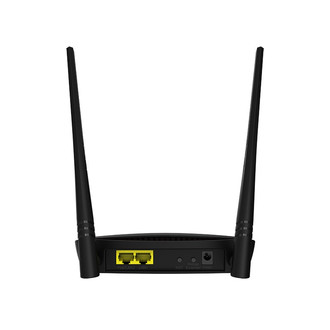
2 |
天线
| 天线数量 |
2 |
| 天线增益水平(最大值) |
10 dBi |
9V, 0.6 A, AC500, LED, 2.4 GHz-2.483 GHz, 300 Mbps, 54 MBps, 11 Mbps, FCC, CE, Roh, VoC
<b>What It Does</b>
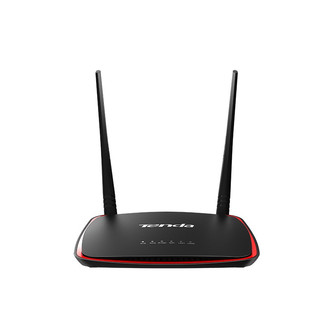
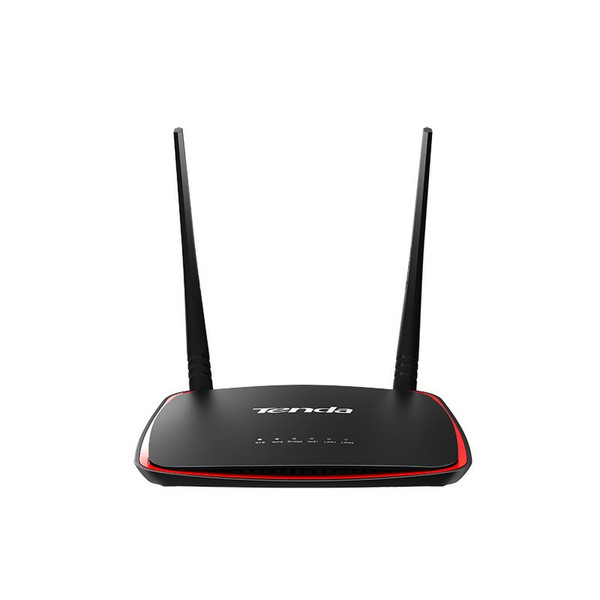
AP4 is designed to boost the range of your existing WiFi and creates a stronger signals in a hard to reach areas for game consoles, printers, smart phone, tablet. Power over ethernet supported and wall-mount design make it flexible to deploy in any location. The AP features with multi operation modes like Universal Repeater, Client(Station), WISP to adapt various application scenarios. It is a ideal Wi-Fi booster for large houses, villas,eatery, large stores etc.
<b>Main Features</b>
- One Button to boost Wi-Fi coverage of ADSL modem or router.
- 300Mbps wireless transmission rate brings smooth wireless experience.
- Multiple operating modes include AP/Univesal Repeater/WISP/Client/Client+AP.
- Power over Ethernet with included Injector make it flexible to deploy.
<b>One Button to boost Wi-Fi Range</b>
AP4 features Range Extender Button that allows users to boost existing Wi-Fi Range simply by pressing the "Range Extender" button.
<b>Flexible deployment</b>
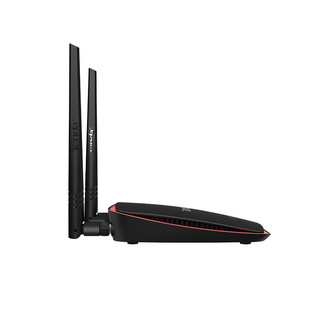
Wall-Mount design and power over ethernet cable supported make it flexible to deploy in place without power outlet such as garage,warehouse etc.
<b>Multi Operating Modes for Various Scenarios</b>
Multi operating modes including AP,Universal Repeater,WISP(Client+Router), Station(client) help you to boost WiFi range in various scenarios such as large house,villa, eatery,stores, community network.
<b>Universal Repeater</b>
Extending your existing wireless coverage by relaying the wireless signal.
<b>WISP (Client+Router)</b>
Wireless connect to ISP hotspot to share Internet for local wireless and wired devices.
<b>Station (client)</b>
Working as a wireless adater to connect to your wired device.
<b>Easy to Manage With AP Controller</b>
AP4 can be managed by the AP controller AC500 from Tenda. When you deploy multi APs in networks, you can configure SSID(Wireless network name), Channel, Security Key, Output power etc option through AC500 in a single location.