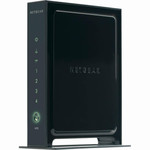
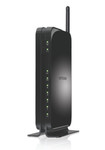
以太网LAN特性
| 以太网LAN接口类型 |
Fast Ethernet |
| 全双工传输 |
Y |
| 以太网的数据传输率 |
10, 100 Mbit/s |
安全
| 系统事件日志 |
Y |
| MAC(媒体存储控制)地址过滤 |
Y |
无线局域网的特点
| WLAN的数据传输率(最大值) |
300 Mbit/s |
| 调制 |
16-QAM, 64-QAM, OFDM |
其他功能
| xDSL connection |
N |
| 运行温度范围(T - T) |
32 - 104 °F |
| 频率范围 |
2.4 - 2.4835 GHz |
天线
| 天线增益水平(最大值) |
3 dBi |
| 天线接口类型 |
RP-SMA |
| 天线数量 |
2 |
另外
| 以太网连接器 |
Y |
| 以太网路(RJ-45)连接接口数量 |
4 |
802.11b/g/n, 300Mb/s, 20dBm, Fast Ethernet
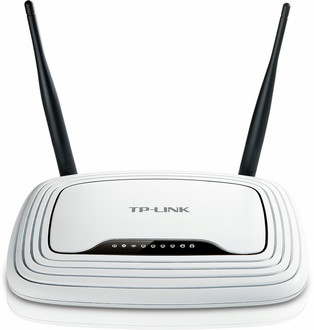
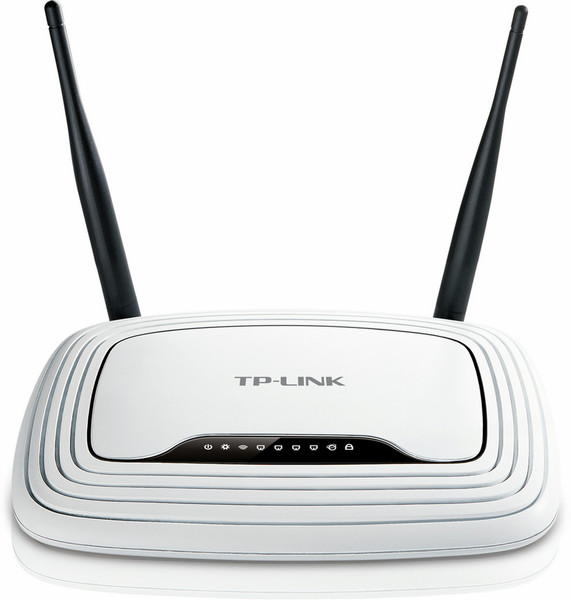
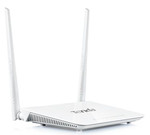
The TL-WR841ND Wireless N Router is a combined wired/wireless network connection device designed specifically for small business, office, and home office networking requirements. It complies with the IEEE 802.11n(Draft 2.0)standard with wireless transmission speeds of up to 300M. The router adopts 2*2 MIMO technology and has two external Antennas providing even better wireless performance, transmission rates, stability and coverage. At the same time, CCA technology automatically avoids channel conflicts using its channel selection feature. It also works well with other 11g and 11n protocol wireless products.
The TL-WR841ND provides multiple security measures; supporting SSID broadcast control, MAC address access control, WEP encryption, WPA/WPA2, and WPA-PSK/WPA2-PSK authentication. At the same time QSS(Quick Secure Setup)complies with WPS allowing for worry-free wireless security configuration. These combined security features will guard against intruders using stronger, safer protection.
The TL-WR841ND allows companies, offices, and homes to share one Internet connection with more computers. Apart from this product’s simple setup and more common broadband router functions, it also supports priority of service where applications using a lot of bandwidth that are sensitive to interruptions such as voice and video are given priority in order to assure quality. The router also supports on-demand dialing, online access management, Automatic virus isolation, UPnP, DDNS, advanced system security record, friendly user interface, and simple, easy configuration allowing all users to comfortably configure the router. This is a fashionable product with superior performance and should be your first choice when setting up a network.