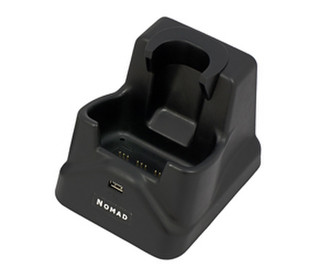
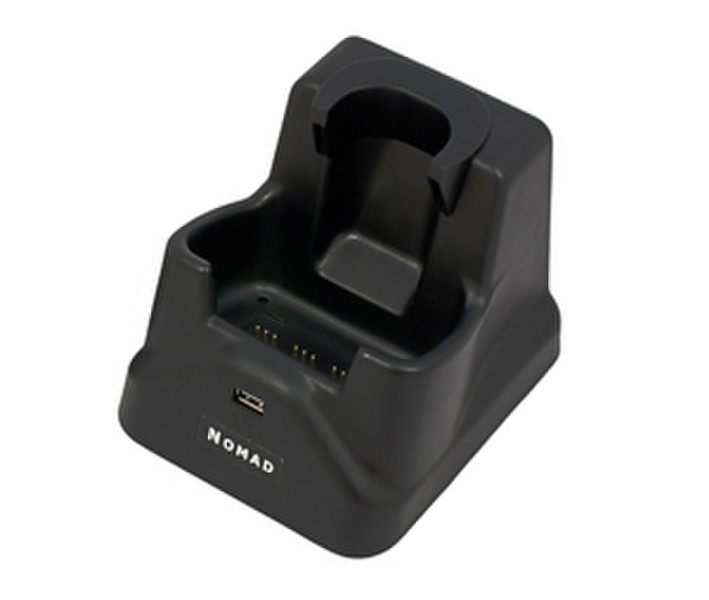
Nomad Office Docking Station, black
The new Nomad Office Docking Station provides an easy way to ensure your Nomad computer is automatically recharged and ready for each work day. Featuring a fast and highly secure physical Ethernet connection, the Office Docking Station allows mobile workers to quickly synchronize field data with central office data servers. This capability is particularly useful in industries such as utilities, agriculture, materials handling and field service where large data sets are common.
The Nomad Office Docking Station recharges the battery when a Nomad handheld is placed correctly in the unit. Also, in addition to an Ethernet port, the Docking Station supports USB host, USB client and DC power input.
Compatibility Generally
The Office Docking Station is compatible with all Nomad models and is compatible with, and requires, the power cord that ships with each Nomad computer. However, the Docking Station is only compatible with the new USB Docking Boot, part number ACCAA-156.
Compatibility with Nomad 900 Series
Nomad 900 series computers with Firmware 1.2.2 (released May 23, 2012) already have the hardware driver that is required for use with the dock. However, the Wi-Fi CCX Supplicant installed on all Nomad 900 series computers (starting with Firmware version 1.1.0) interferes with the operation of the SMSC LAN 9500 driver used for the Ethernet controller in the Office Docking Station, causing interruptions in LAN operation. Nomad 900 series computers with firmware 1.1.0 must update to firmware 1.2.2, and apply the CCX patch.
Compatibility with Nomad 800 Series
Nomad 800 series computers should be updated to run the latest Windows Mobile 6.0 firmware and then install the Docking Station driver.