触控输入
| 触摸精确度 |
2.0 mm |
| 分辨率触摸输入 |
101.6 DPI |
笔
| 分辨率笔输入 |
2540 DPI |
| 压感传送率(报点率)(笔) |
133 pps |
| 精度笔 |
0.25 mm |
| 包含笔 |
Y |
重量和尺寸
| 笔的尺寸(长度 x 直径) |
154 x 11.8 mm |
| 笔重 |
15 g |
平板
| Working area |
124 x 86 mm |
| 分辨率 |
2540 lpi |
| 最大读写高度 |
16 mm |
CTH460, 12.446 cm (4.9 ") x 3.4", 2540 lpi, USB, black
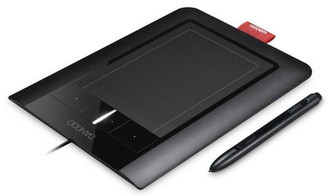
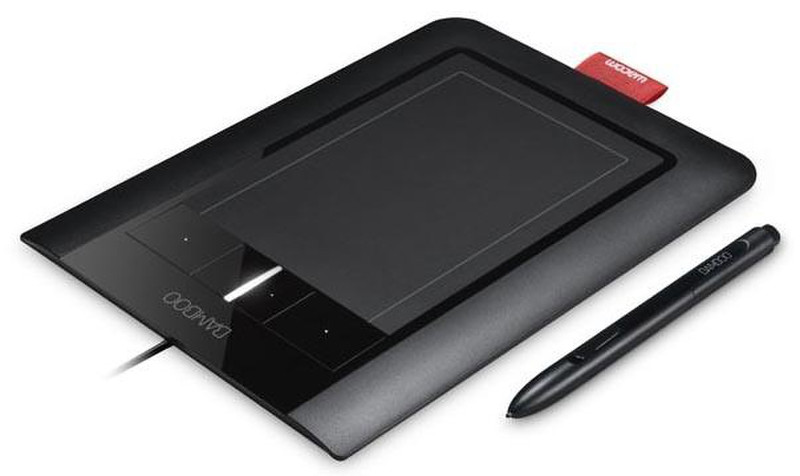
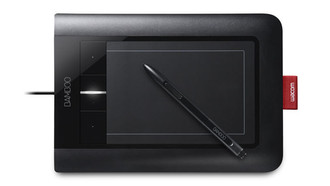
Bamboo Pen & Touch combines the benefits of Multi-Touch with the comfort and precision of Wacom's ergonomically-designed pen. The result: a powerful new way to work with your computer.
With Multi-Touch, you use simple hand gestures and finger taps on the tablet's surface. And because the active area is larger than traditional mobile devices and laptop trackpads, it's comfortable and natural to use. Easily move around your desktop, scroll through documents, navigate the web, zoom in and out of photos, and rotate images.
Need precision? Pick up the pressure-sensitive pen to edit photos, create personal greetings, make sketches, and mark up documents in your own handwriting.
Using Bamboo is easy—even if you're new to the touch experience. The included tutorial will teach you how to use simple hand gestures to move around your desktop, make selections, and complete other tasks on your computer. You can even customize your Bamboo experience by assigning your own shortcuts to the four ExpressKeys™.
Bamboo works with your existing computer: desktop or laptop, PC or Mac. And it's an incredible value with the included software: Adobe® Photoshop® Elements and Nik® Color Efex Pro™. Sleek and black, the tablet makes for a stylish addition to your workspace. Attach Bamboo to a standard USB port, set it comfortably by your keyboard, and let your intuition guide you.