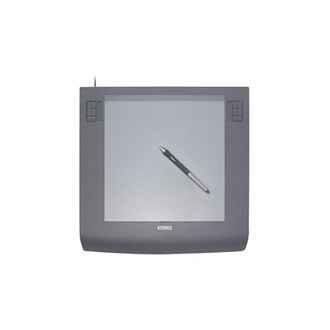
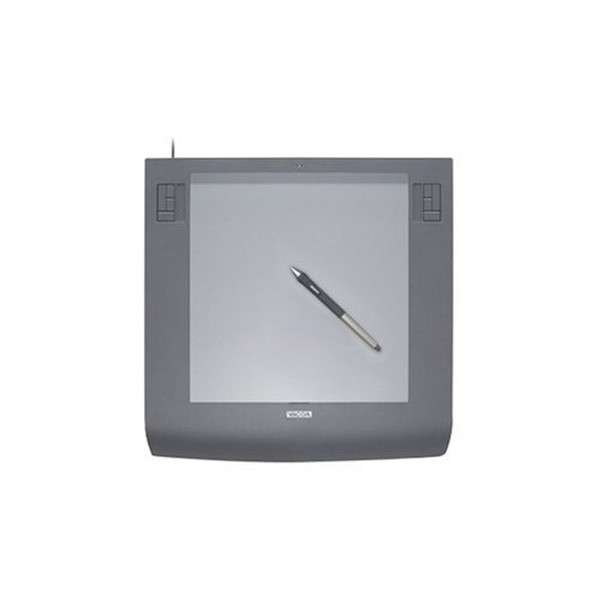
平板
| Working area |
305 x 231 mm |
| 分辨率 |
5080 lpi |
笔
| 压感传送率(报点率)(笔) |
200 pps |
| 包含笔 |
Y |
Intuos3 A4
Pressure-sensitivity with 1,024 levels
Create natural-looking pen, brush, and eraser strokes.
Tilt Sensitivity
Tilt your input device in either direction and create natural-looking pen, brush, and eraser strokes.
Tool ID
With Tool ID each Intuos3 input device can be individually programmed and configured for each application. And these functions are automatically activated as soon as the application starts.
ExpressKeys
The ExpressKeys are a set of buttons located on both sides of the tablet. Assign your favourite keys or macros to these buttons and start to forget your keyboard.
Touch Strip<>
The Touch Strip allows you to use your finger directly on the tablet – similar to notebooks' touchpad. Zoom in and out within your image with a single sweep of your finger – and if you prefer to stick to the pen, then use it on the Touch Strip too.

