磁盘驱动器
| 可支持的存储驱动器数量 |
2.5, 3.5 " |
| 可支持的存储驱动器数量 |
1 |
| 存储驱动器接口 |
Serial ATA |
| 存储介质类型 |
HDD |
技术细节
| 最大数据传输率 |
3 Gbit/s |
| 材料 |
Aluminium |
| 输入输出端口 |
IDE Port |
软件
| 可支持的Linux操作系统 |
Y |
| 可支持的Mac操作系统 |
Y |
| 可支持的Windows操作系统 |
Windows 7 Home Premium, Windows 7 Home Premium x64, Windows 7 Professional, Windows 7 Professional x64, Windows 7 Starter, Windows 7 Starter x64, Windows 7 Ultimate, Windows 7 Ultimate x64, Windows Vista Business, Windows Vista Business x64, Windows Vista Home Basic, Windows Vista Home Basic x64, Windows Vista Home Premium, Windows Vista Home Premium x64, Windows Vista Ultimate, Windows Vista Ultimate x64, Windows XP Home, Windows XP Home x64, Windows XP Professional, Windows XP Professional x64 |
其他功能
| 标准接口 |
eSATA, FireWire 400, FireWire 800, USB 3.0 |
能量控制
| 输出电压 |
12 V |
| 交流电(AC)输入电压 |
100-240 V |
| 输出电流 |
3.5 A |
重量和尺寸
| 深度 |
75 mm |
| 宽度 |
110 mm |
| 高度 |
27 mm |
端口 & 界面
| eSATA端口数量 |
1 |
| USB 3.0(第 1代3.1)端口数量 |
1 |
| DC-IN插口 |
Y |
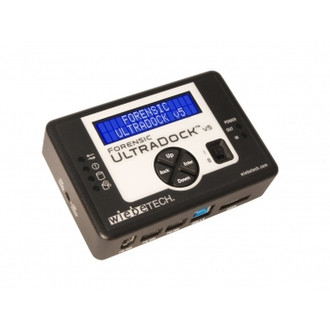
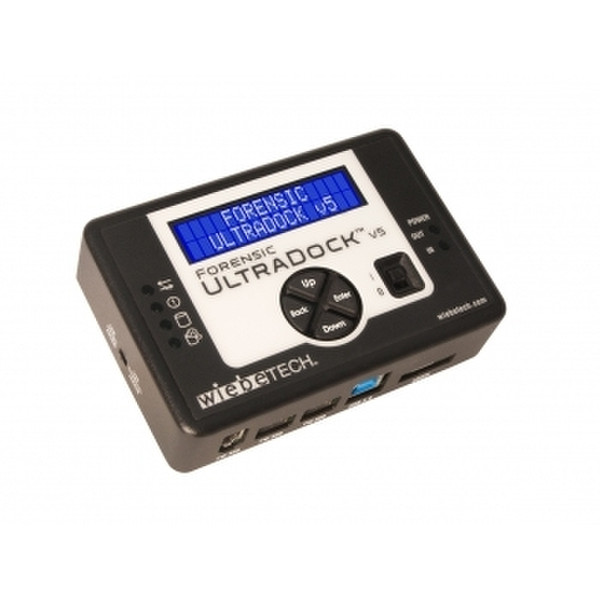
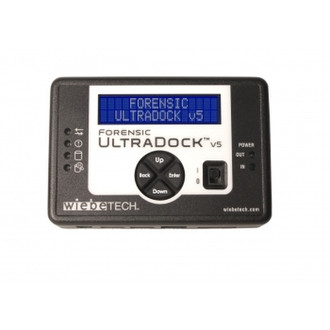
Forensic UltraDock v5, SATA/IDE, FW800/FW400/eSATA/USB3, US plug
Professional Hard Drive Imager
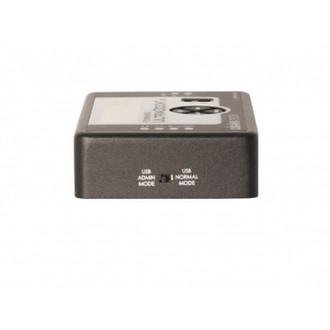
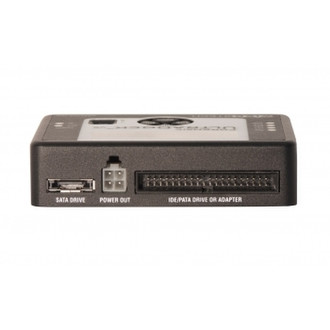
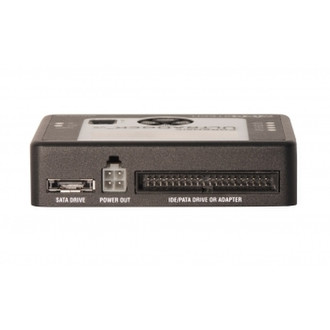
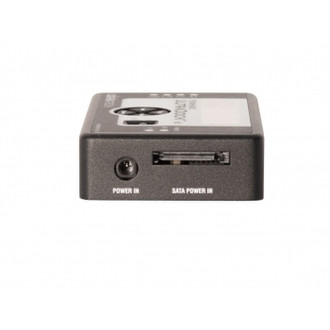
Forensic UltraDock is WiebeTech's premium Forensic Dock. With five ports on the host side, native PATA and SATA drive connections, two power options, a recessed on/off switch guard, 6 status LEDs and an LCD in a strong and rugged aluminum enclosure, Forensic UltraDock is the leading forensic field imager.
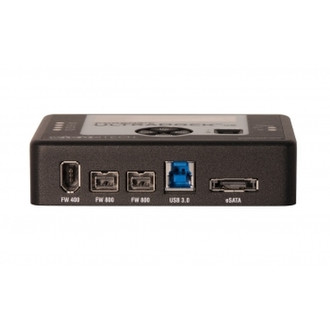
Write-block access through eSATA, USB or FireWire
Now WiebeTech's proprietary write-blocked technology offers easy read-only access to suspect hard drives through eSATA as well as USB 3.0 and FireWire 800/400 for maximum versatility. Download and image contents of a suspect drive without risk of data being written back to the drive. And it's compatible with forensic acquisition and analysis software.
HPA/DCO detection included
Various software applications exist which allow a user to create or modify a Host Protected Area (HPA) or Device Configuration Overlay (DCO) table on a hard drive... read more.
Easy to use!
Snap the suspect drive onto the Dock, plug in power and attach a cable to a host computer. Then download and image the entire contents to your computer. That's all it takes. The drive connector allows for automatic alignment and easy insertion. For more protection to the drive, a mounting plate can be screwed onto the bottom of the drive to protect the drive's circuitry.
One Dock to Connect Them All
On the host side, you've got quad connectivity. Connect to your computer via FireWire 800 (two ports), FireWire 400, USB 3.0, or eSATA.