无线局域网的特点
| 无线局域网连接 |
Y |
| Wi-Fi标准 |
IEEE 802.11n |
| 无线局域网类型 |
IEEE 802.11n, IEEE 802.11g, IEEE 802.11b |
天线
| 天线接口类型 |
RP-SMA |
| 天线类型 |
directional |
另外
| 数据传输率(最大) |
300 Mbit/s |
| 连接方式 |
Wired |
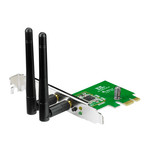
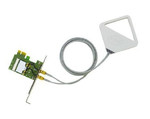
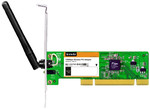
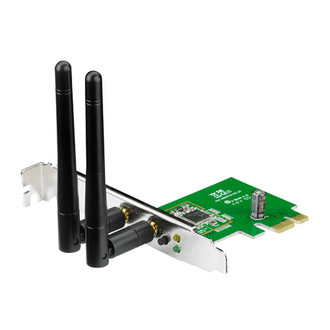
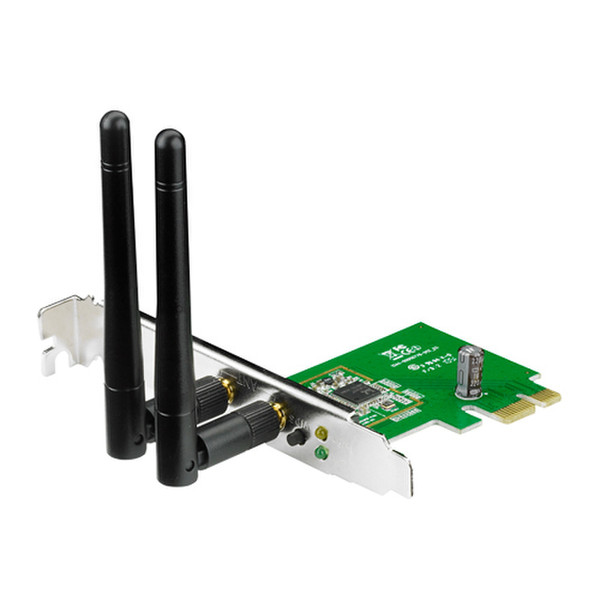
PCE-N15 - 802.11 b/g/n 300Mbps, 2.4GHz, PCI-E, 62g, Green
<b>PCE-N15</b>
<b>300Mbps 802.11b/g/n Wireless PCI-E Adapter</b>
- WPS(Wi-Fi Protected Setup) button - Quickly set up a secure wireless connection;
- Software AP - Connect your notebook and game consoles to the Internet;
- Supports WEP, WPA-PSK, and WPA2-PSK methods for enhanced security.
<b>WPS(Wi-Fi Protected Setup) button</b>
For quickly setting up a secure wireless connection. Press the Hardware WPS button on PCE-N15 about 3 seconds, then press the WPS button on router as well. Either you can choose to use software WPS, enabling the WPS utility in the WPS Wizard interface. And finish the setup with 3 steps
<b>Software AP</b>
Software AP mode allows the WLAN card to act as a virtual access point. The computer needs to be connected to a wired network using an Ethernet connection in order to provide network access to WLAN client.