Data transmission
| MAC address table |
1 entries |
Power
| Number of power supply units |
1 |
Ports & interfaces
| Basic switching RJ-45 Ethernet ports quantity |
2 |
| Copper ethernet cabling technology |
100BASE-TX, 1000BASE-T, 100BASE-T, 10BASE-T |
Design
| Ventilation fan(s) |
2 |
| Rack mounting |
Y |
Management features
| Quality of Service (QoS) support |
Y |
| Web-based management |
Y |
Networking
| DHCP client |
Y |
| 10G support |
N |
Other features
| Ethernet LAN data rates |
10, 100, 1000 Mbit/s |
| Power supply type |
AC/DC |
Power over Ethernet (PoE)
| Power over Ethernet (PoE) |
Y |
Additionally
| Ethernet LAN connection |
Y |
| Wireless technologies |
Wired |
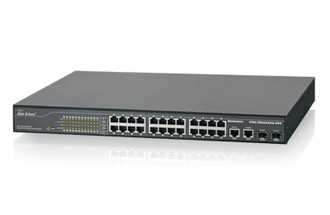
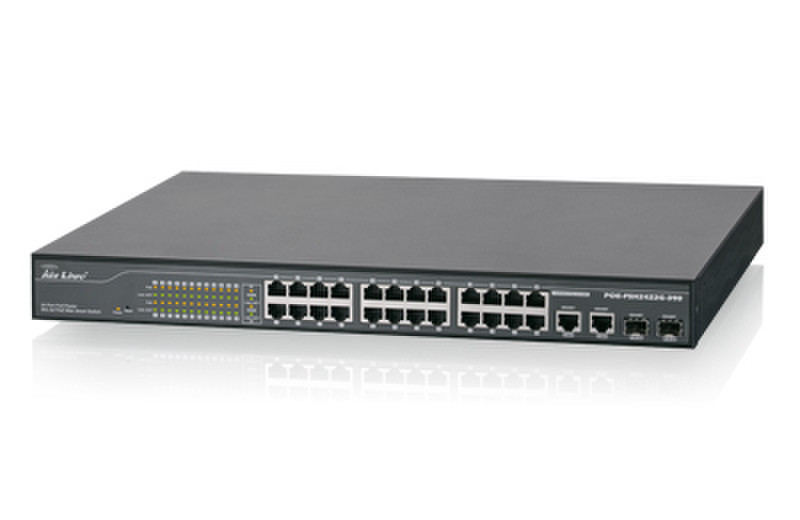
24-Port Full Power Websmart 802.3af PoE Switch
The POE-FSH2422G-390 is a 24+2-Port Mixed Gigabit Ethernet Web Smart PoE Switch. Port 1 ~ 24 support Power over Ethernet (PoE). It can automatically detect the presence of an IEEE802.3af compliant powered device (PD) and provide power through the port. The switch provides up 15.4W per PoE port and can be used to power AP, IP phone, IP Cam and other PD devices. With additional two Mini-GBIC slots, you can extend link distance more than 200m for optional Mini-GBIC modules. It is an ideal solution for enterprise or WISP to deploy PoE network environment.
Note: This switch works with 48V 802.3af PoE devices. It does not work with passive PoE. The PoE ports are from Port 1 ~24. Port 25 and 26 are not PoE ports.
PoE Function
With PoE function, POE-FSH2422G-390 will provide power to PoE compatible device, such as IP phone, wireless LAN access point, and IP camera. POE-FSH2422G-390 has 24 PoE ports, and supports up to 15.4W for each PoE Port, total PoE power is Maximum 390W.
Web management
Through the Web browser, you can configure POE-FSH2422G-390 such as Tag VLAN, Port Trunking, Priority Queues, Port Mirroring and Broadcast Storm. We also provide another way to control your POE-FSH2422G-390. With the attached Web management Utility, you can easily discover all the Web Management Switch, assigning the IP address, changing the password and upgrading the new firmware.
Furthermore, with displaying PoE Status via WebUI, you can easily monitor power consumption of Switch, control power limitation of port to the powered devices, and enable or disable the PoE function of the selected port.