Storage
| Card reader integrated |
N |
| Built-in hard drive |
N |
Other features
| Number of batteries supported |
2 |
Ports & interfaces
| DC-in jack |
Y |
| Host interface |
USB 2.0 |
Additionally
| Ethernet LAN connection |
N |
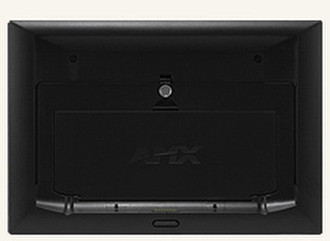
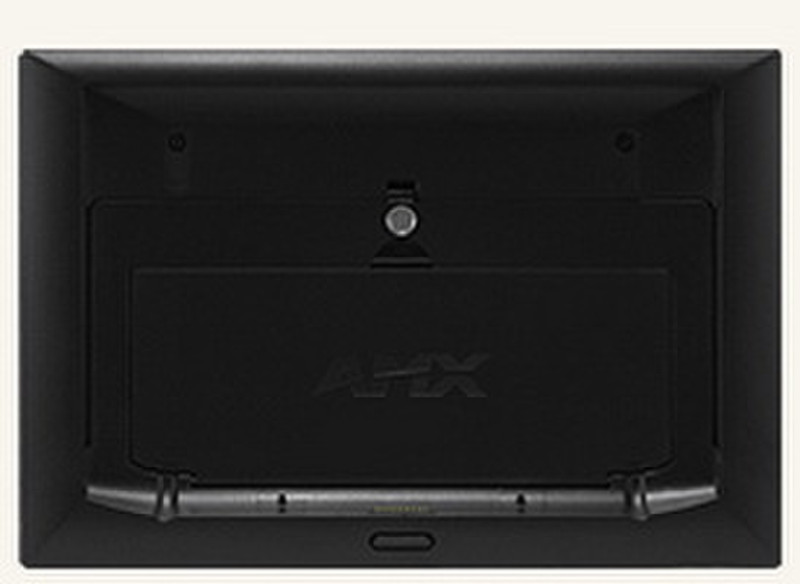
MVP-WDS, Wall/Flush Mount Docking Station for 8.4" and 7.5" Modero® Touch Panels
Place the wireless Modero® ViewPoint® into the Wall/Flush Mount Docking Station and re-charge its batteries while remaining in continuous control. Attach a keyboard and mouse using the docking station’s USB ports - a great feature for surfing the Web with G4 Computer Control. The MVP-WDS comes with a unique anti-theft locking mechanism. Keep the MVP safe and secure by using the MVP-WDS security latch to maintain a tight grip on the panel. Removing the panel is easy. With a push of the button, the MVP glides forward for removal and transport. If security is enabled, a user must enter a valid security code before the MVP is released.
- Rare earth magnet and security latch to secure the MVP to the MVP-WDS.
- Release pushbutton to remove the MVP from the MVP-WDS.
- Two LEDs (through pushbutton) to indicate battery-charging status and MVP communications.
- Two Type A USB ports for keyboard and mouse.
- Power supply jack, 13.5 VDC, 3.5 mm Phoenix.

