Ports & interfaces
| Host interface |
USB 2.0 |
| Microphone in |
N |
| Headphone outputs |
1 |
Additionally
| Ethernet LAN connection |
N |
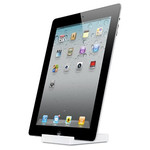
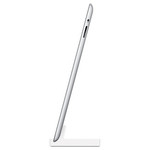
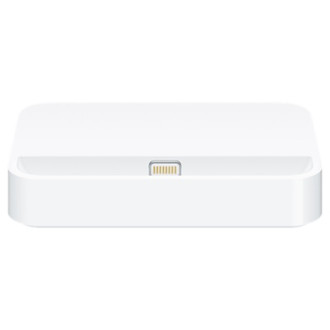
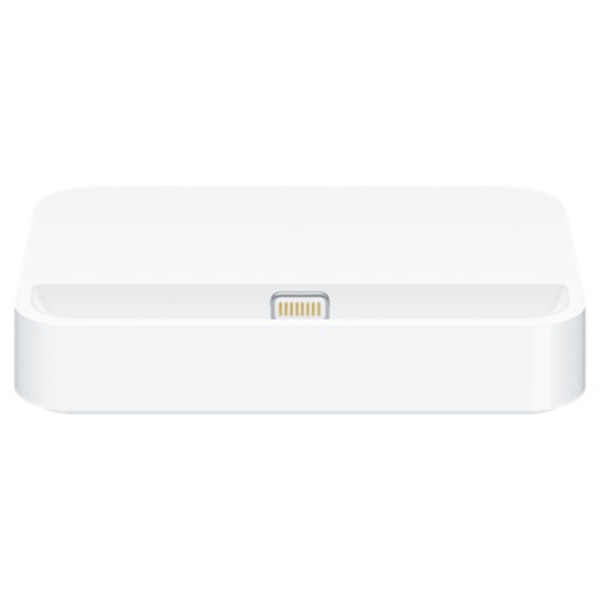
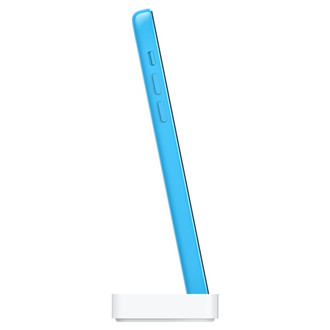
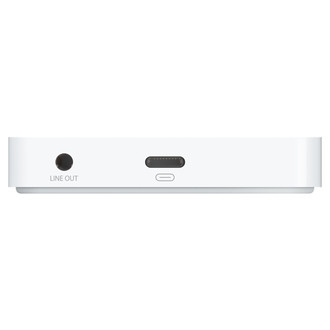
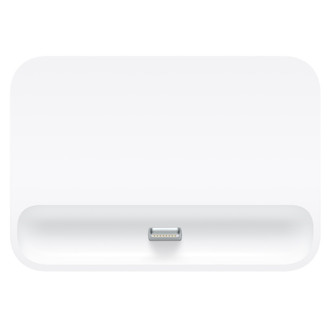
Charge and sync your iPhone 5c with the iPhone 5c Dock. Your iPhone sits upright in the dock as it syncs or charges, so it’s perfect for a desk or countertop. It features a convenient audio line-out port that connects to powered speakers. You can even conduct speakerphone calls with your iPhone in its dock.
<b>Here are some ways you can use the iPhone 5c Dock:</b>
- Connect the dock to your computer with the USB cable (sold separately) to sync iPhone and charge its battery.
- Connect the dock to a power point using the Apple USB Power Adapter (included with your iPhone) to charge the battery.
- Place your iPhone in the dock and enjoy clear audio during speakerphone calls thanks to special audio porting.
- Connect the dock to powered speakers or a stereo using a 3.5 mm cable (sold separately) to play music and podcasts through your iPhone.