Performance
| DirectX version |
12.0 |
| OpenGL version |
4.5 |
| HDCP |
Y |
| NVIDIA G-SYNC |
Y |
Ports & interfaces
| Interface type |
PCI Express 3.0 |
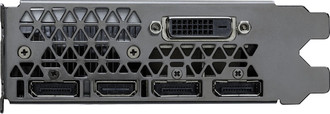
| HDMI ports quantity |
1 |
| DVI-D ports quantity |
1 |
| DisplayPorts quantity |
3 |
Memory
| Discrete graphics adapter memory |
8 GB |
| Memory bus |
256 bit |
Processor
| Graphics processor family |
NVIDIA |
| Processor frequency |
1607 MHz |
| Processor boost clock speed |
1733 MHz |
| Maximum digital resolution |
7680 x 4320 pixels |
| CUDA |
Y |
Design
| Cooling type |
Active |
| Number of slots |
2 |
Power
| Supplementary power connectors |
1x 8-pin |
Additionally
| Graphics controller |
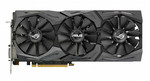
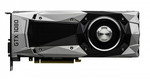
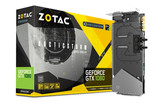
GeForce GTX 1080 |
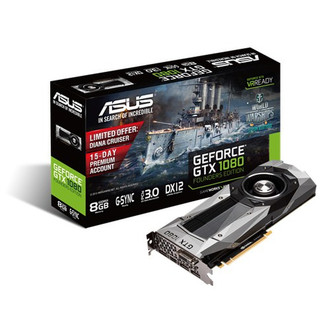
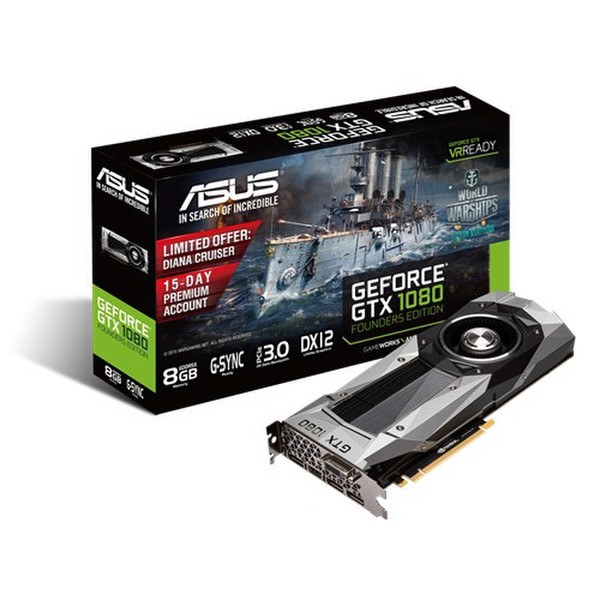
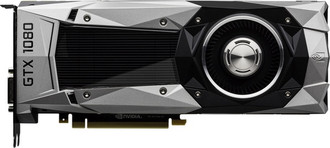
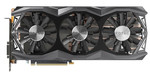
NVIDIA GeForce GTX 1080, PCI Express 3.0, GDDR5X 8GB, 7680x4320, DVI, HDMI, Display Port, HDCP
<b>The Most Advanced Gaming Graphics Card Ever Created</b>
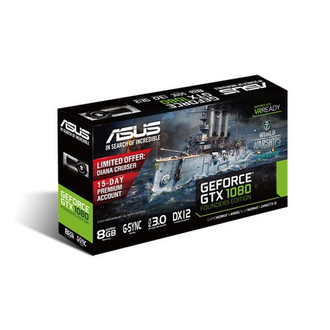
ASUS GeForce® GTX 1080 Founders Edition is powered by the new NVIDIA Pascal™ architecture and bundled with a free 1-year premium license of customized ASUS GPU Tweak II and XSplit Gamecaster for intuitive performance tweaking and instant gameplay streaming. It enables truly game-changing performance with captivating sights and sounds, as well as next-generation VR performance that offers the lowest latency and plug-and-play compatibility with leading headsets.
<b>Ultimate Gaming Platform</b>
NVIDIA’s new flagship GeForce® GTX 1080 is the most advanced gaming GPU on the planet. Driven by the new NVIDIA Pascal™ architecture, the GeForce® GTX 1080 delivers the amazing performance, innovative new gaming technologies, and immersive, next-gen VR.
<b>GPU Tweak II with XSplit Gamecaster</b>
GPU Tweak II:
Intuitive performance tweaking
Adjust clock speeds, voltages and fan speeds to tune your graphics card(s) exactly how you want to. Select between GPU Tweak’s Standard or Advanced modes depending on your level of experience.
Choose Standard Mode to access Intuitive options for easy tweaking. This is great for those learning how to tune graphics cards. Alternatively try out the Advanced Mode for sophisticated and extensive tuning options that enable complete control for experienced overclockers.
<b>XSplitGamecaster:
Instant gameplay streaming</b>
Now, you can also launch XSplit Gamecaster to bring up the in-game overlay and start streaming or recording your gameplay with the click of a button. You can also try the in-game annotations and video editor features to enhance your game stream experience.