Storage
| Storage media |
Flash |
| Total storage capacity |
0.5 GB |
Ports & interfaces
| Headphone outputs |
1 |
| DC-in jack |
Y |
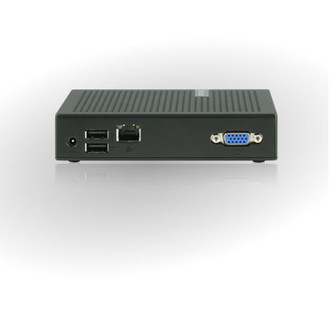
| VGA (D-Sub) ports quantity |
1 |
| Microphone in |
Y |
Processor
| Processor frequency |
1 GHz |
Networking
| Supported protocols |
Citrix ICA/HDX, Microsoft RDP 7.1 with RemoteFX, VMware View |
Additionally
| Ethernet LAN (RJ-45) ports quantity |
1 |
| Ethernet LAN connection |
Y |
TI ARM 1.0GHz, 1GB, VESA, 7.95W, black
<b>t60</b>
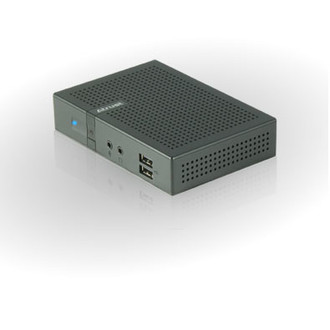
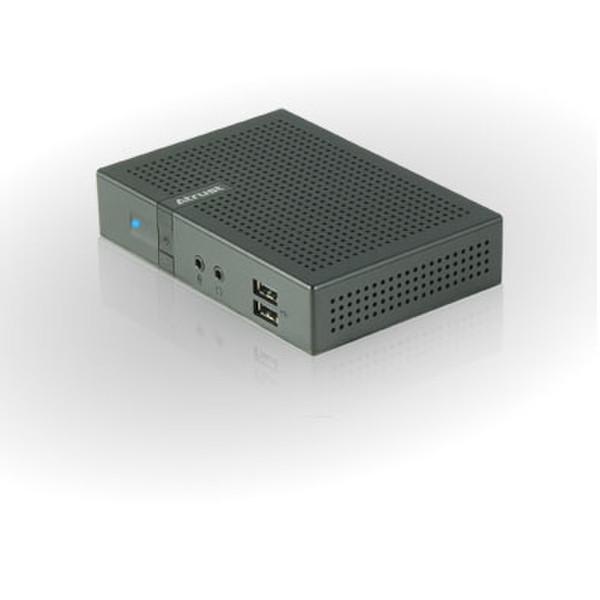
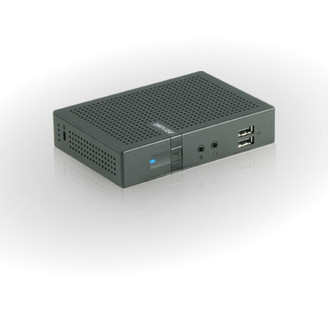
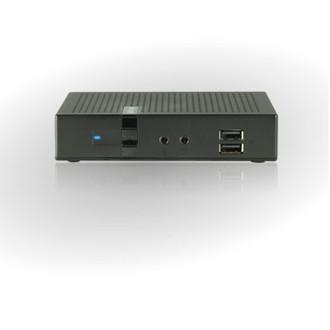
Atrust t60 is a Linux-based thin client device especially designed for a client/server computing environment. Developed by Atrust, the built-in ACS(Atrust Client Setup) application helps user to manage t60 easily and efficiently. With the support of Citrix ICA/HDX, Microsoft RDP and VMware View, t60 can be used to create virtual and session-based desktop experiences from many remote desktop capable operating systems. t60 offers a rich computing experience where applications look, feel, and behave as local devices, including high-definition multimedia content.
<b>Low total cost of ownership</b>
Additional computing access is as simple as adding more I/O devices. The total cost of ownership is then drastically reduced.
<b>Slim and quiet design</b>
t60 weighing only 276g (approximate). The slim design allows it to be mounted to the back of a monitor with a VESA mount. Together with its fanless design, t60 helps create a simple and noiseless workplace environment.
<b>Simple click and play</b>
Simple click and play t60 connects to the host server with a Remote Desktop connection. Just click the shortcut for a Remote Desktop session, you can immediately start a session and enjoy the computing resources.
<b>Rich remote user experience</b>
With Citrix ICA/HDX, Microsoft RDP and VMware View, t60 can provide a rich, efficient, and “local” computing experience for remote users.
<b>Easy management and maintenance</b>
Since all computing tasks are mainly performed on a server, all hardware and software issues are significantly reduced on the client side. All user management, software installations, system management, and upgrades are done on a single server.