Lens system
| Digital zoom |
8 x |
| Shooting area (WxD) |
330 x 248 mm |
Camera
| Effective sensor resolution |
3 MP |
| Sensor type |
CMOS |
| Maximum frame rate |
30 fps |
| Light exposure modes |
Manual, Auto |
| Light source |
LED |
| Image freeze |
Y |
Ports & interfaces
| USB connector type |
Mini-USB, USB Type-B |
| DVI output ports |
1 |
| VGA (D-Sub) output ports |
1 |
| Composite video out |
1 |
| VGA (D-Sub) input ports |
1 |
Technical details
| Photo effects |
Mirror, Negative film |
| Lamp type |
LED |
Power
| Operating voltage |
12 V |
| Power consumption |
6600 mA |
Weight & dimensions
| Dimensions folded (WxDxH) |
114 x 275 x 71 mm |
3MP, 1/2” CMOS, 1920 x 1080, 30 fps, 16x total Zoom, 8x Digital Zoom, LED light, 802.11n, SDHC, DVI-I, USB, VGA, RS-232, Composite, 6600 mAh, Black
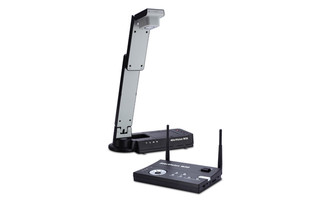
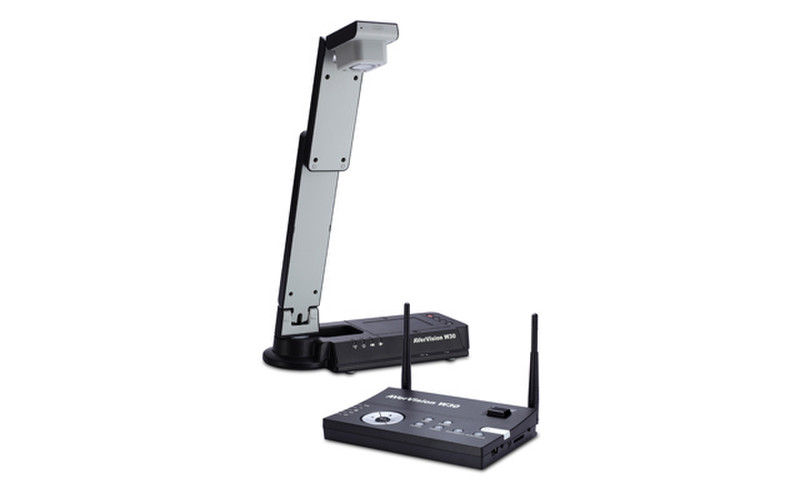
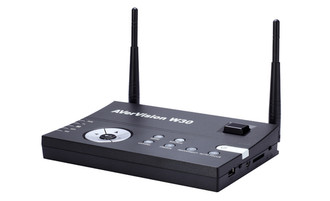
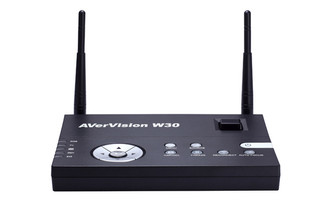
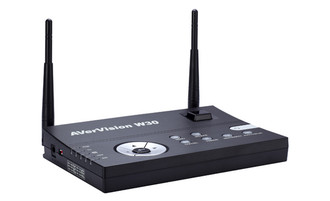
Combining the best of technology and innovation, the AVerVision W30 wireless Visualiser offers students an immersive learning experience like nothing before. As the world’s first standalone wireless Visualiser, the W30 does not have to sit quietly at the teacher’s desk, rather it can move across the classroom without the hindrance of unwieldy cables. The W30 has the flexibility to simultaneously display imagery from both its high-resolution camera and a computer or, it can be combined with a second visualizer to present live images from two locations to compare and contrast materials. Truly, classroom learning will never be the same again.
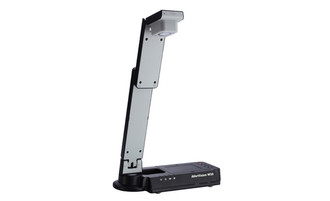
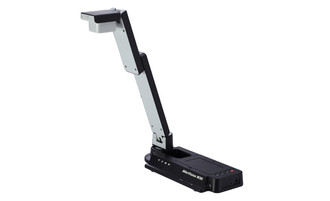
- With a small footprint and a clever folding arm, the W30’s compact design means it is easy to store, use and move around the classroom
- W30’s dual input capability creates a new class dynamic by allowing for real-time, side-by-side presentation of the image from W30’s camera and a second device, like a PC, a tablet / iPad / smartphone or a 2nd Visualiser
- Preset modes mean the correct camera resolution can be selected, whether you are capturing close up, graphic, detailed or motion images.
- Presentation tools (spotlight & visor features), picture-in-picture and split screen are ideal for step-by-step presentations as well as making comparisons
- Images can be quickly and easily captured and stored to either an SD card or USB pen drive.
- A user-friendly on-screen display puts every feature just a few clicks away
- Users can take advantage of the all-new A+ Suite software collection featuring A+ Plug-In for PowerPoint and AVerVision 4 software.