Technical details
| Host interface |
PCIe |
| Video capture resolution (max) |
1920 x 1080 pixels |
| Internal |
N |
| Capturing from |
Game console |
System requirements
| Minimum processor |
Intel Core2 Duo 2.4GHz / AMD Athlon 64X2 Dual Core 2.8GHz |
| Minimum RAM |
512 MB |
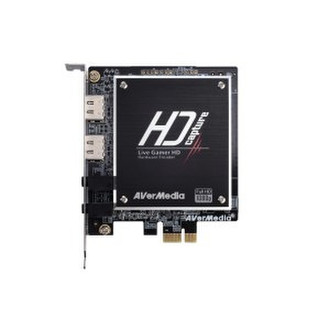
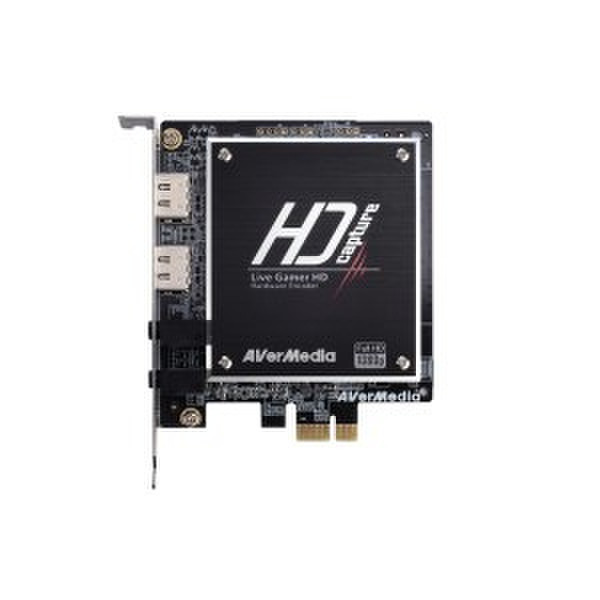
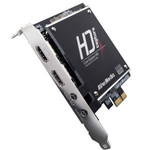
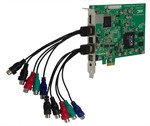
PCI-Express, HDMI/DVI, 3.5mm Audio, 1080p (30fps), H.264, Record Button
Capture & Share Your PC Game Footages in up to 1080p
- Capture 1080p@60 HD Gameplay
- Recoding by H.264 Hardware Encoder
- Super Low CPU Consumption
- Graphics Card Resolution Support
- Pass-thru Video While Recording
- Dedicated Record Button Included
- Exclusive Functions of RECentral:
1.Record Commentary with Gameplay
2.Stream Your Live Gameplay on TwitchTV
<b>H.264 Hardware Compression</b>
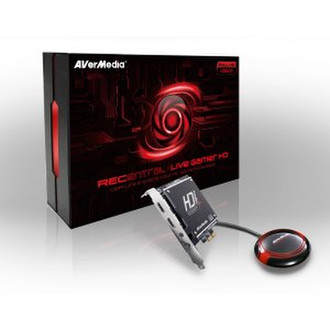
The Live Gamer HD is your best mate for tracking every in-game activity. It can capture your local PC gameplay without draining system resources. Now you don’t need to set up another PC just for recording game footages. With the Live Gamer HD, your game machine is also the gameplay library.
<b>HDMI & DVI Connectors</b>
With the special gaming oriented hardware design, the Live Gamer HD can work with a wide range of graphics card. The pass-thru function brings you a zero-delay video capture while gaming in real-time. Plus, it supports various graphics card resolution up to 1080p at 60 fps to guarantee a perfect recording.
<b>PCI-Express Interface</b>
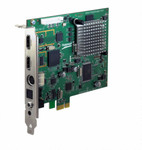
The fabulous combat is fleeting. The Live Gamer HD adopts the high speed PCI-Express interface to offer a smooth and fast data transmission.
<b>Dedicated Record Button</b>
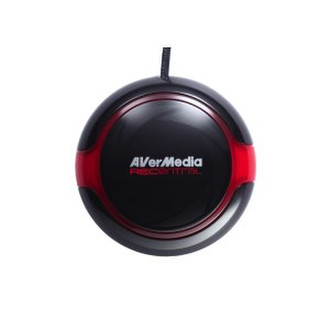
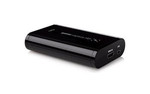
No more hotkey conflict! The accompanying Hot Button helps you fire up the Live Gamer HD timely and preserve the most exciting in-game moments precisely.
<b>Intuitive Configurations for Everyone</b>
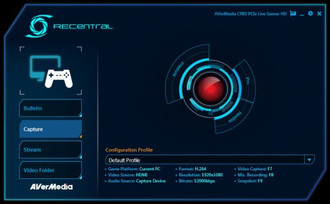
No matter what knowledge background you have, the RECentral can guide you to finish the initial configurations for different game platforms. It even provides auto-configuration for newbies.
<b>Profile Selection & Overview</b>
Set up and forget it. Besides the painless configuration, RECentral can keep multiple recording profiles and lets you select from the drop box when needed. What’s more, you can even import those profiles after migrating to another PC.
<b>Record Voice Commentary with Gameplay</b>
Sometimes gameplays cannot explain themselves. The RECentral allows you to record your voice commentary along with the in-game footages to make your walkthrough video more impressive. Even better, you can record your voice whenever you want to regardless of the gameplay recording.
<b>Stream Your Live Gameplay over the Internet</b>
The RECentral stops your steps of searching for a compatible streaming software. It can help you broadcast your live gameplay on mainstream streaming platforms and receive applause from the whole world.