Ports & interfaces
| Headphone outputs |
1 |
| Microphone in |
Y |
| DC-in jack |
Y |
| Bluetooth |
N |
Power
| External power adapter |
Y |
| Power source type |
AC |
| Built-in charger |
Y |
Audio
| Frequency range |
20 - 20000 Hz |
Performance
| Apple docking compatibility |
iPod |
| Treble adjustment |
Y |
| Bass reflex |
Y |
| Equalizer |
N |
Packaging content
| Handheld remote control |
N |
Additionally
| Ethernet LAN connection |
N |
| AC adapter bundled |
Y |
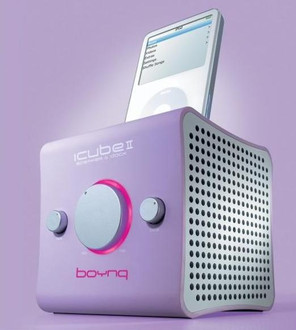
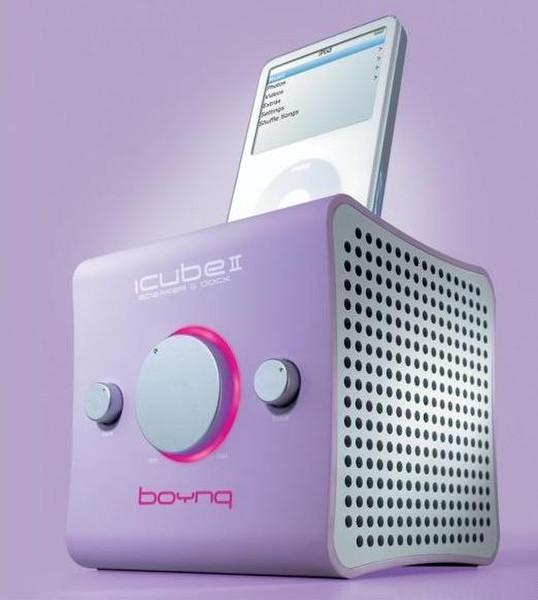
ICUBE II PINK - iPod stereo speaker + iPod docking station, 2x5W, 4Ohms, 20 - 20000Hz, pink
Congratulations on purchasing your new high-quality ‘Made for iPod’ stereo speaker, with integrated iPod docking station better known as the “iCube IITM” by boynq.
Product Features:
- Made for iPod stereo speaker.
- Docking station for recharging the iPod.
- Docking station for data synchronization via USB or FireWire cable.
- Enhanced 2 x 5W RMS full range drivers for optimal clarity.
- Including 6 different size inserts to ft all sizes of iPod.
- 3.5mm Stereo line in feature for iPod shuffe and numerous other portable audio devices such as MP3 players, MiniDisc and CD players (Line-in cable included).
- line out for connection to home stereo, (cinch cables included).
- AC-power adaptor included (100~240V).
- Treble and bass control for optimal sound control.
Packaging contains:
- iCube II Speaker.
- 6 inserts (1 already inserted in the iCube II).
- Audio cable (30cm) for Line-in usage (3,5mm jack).
- Line-out cable (1m) 3,5mm-double cinch.
- Instruction manual.
System requirements:
- A computer platform with a USB 2.0 host connector port or a FW connector port.
- PC with operating system Windows 2000 SP, Windows XP, Mac OS X 10.1.5.
Operating
Recharging: the iPod will recharge on the AC adapter , and automatically when the USB or
FireWire docking cable is attached to the iCube II.
Synchronization: Data Synchronization between the iPod and the computer is possible
when the iPod is connected to the iCube II. To enable data communications simply
connect the original iPod sync cable to the dock connector on the back of the iCube II
and to the computer.
Line-In: With the Line-In facility you can connect audio devices such as MP3 players,
MiniDisc and CD players. If the Line-in feature is used, it will not be possible to play
music from your iPod via the speakers. The Line-in feature overrides the iPod sound
connection. If the Line-in feature is used, it is advised to place the closed protective
insert on top of the iCube II to protect the iPod connector from any possible damage.
Line-out: Simply connect the supplied line-out cable to the line-out connection on the
iCube II and to a Line-in connection on your Home Stereo.